
Trust Center and audit6 min readUpdated May 2026Evidence > Evidence detail
Access needed
AdminCompliance managerControl ownerReviewer
Why sign-off matters
Automated evidence can show what a system reported, but a human reviewer may still need to confirm scope, relevance, risk acceptance, legal interpretation, or management approval.
Use sign-off for high-risk controls, legal decisions, vendor exceptions, breach decisions, access reviews, retention exceptions, and public Trust Center claims.
Approve evidence
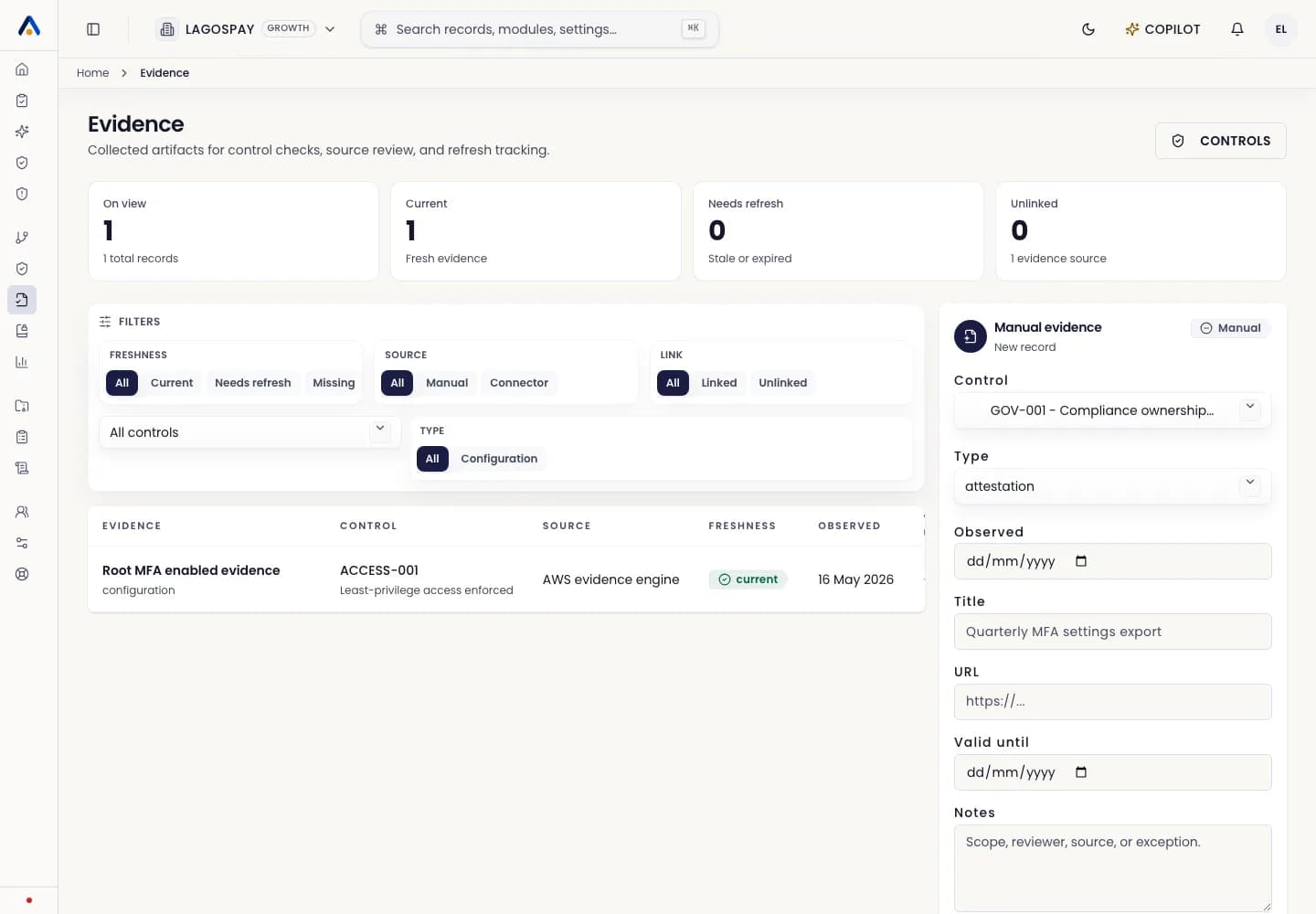
- 1Open Evidence and select the evidence object.
- 2Review source, collected date, valid-until date, raw payload hash, mapped control, and remediation status.
- 3Confirm the evidence supports the control requirement.
- 4Approve, reject, or request changes.
- 5Add reviewer notes if context is needed for an auditor.
What auditors should see
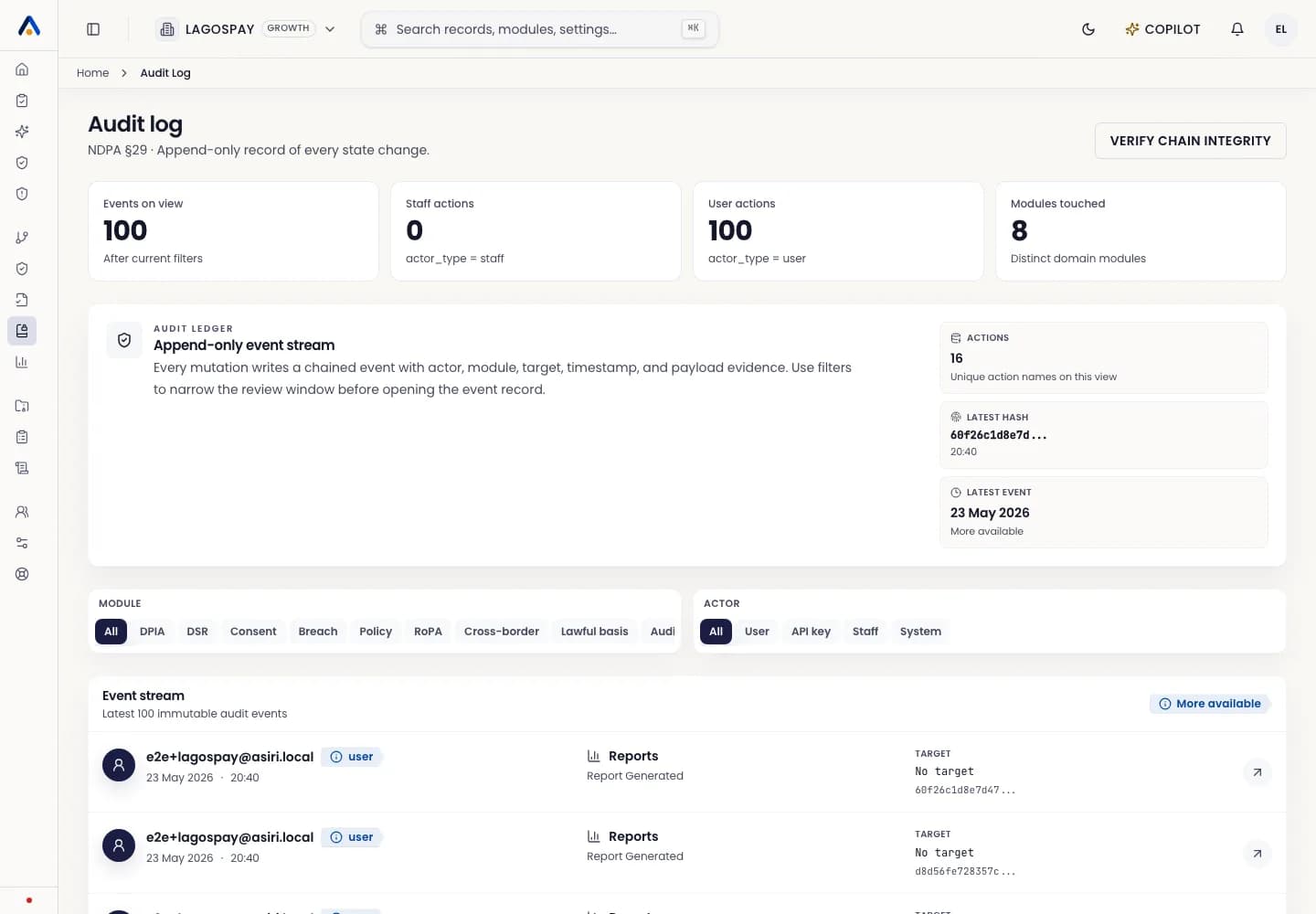
Auditors should see the evidence object, source system, collection timestamp, hash, reviewer, approval decision, notes, and any related remediation task.