
Integrations and evidence7 min readUpdated May 2026Integrations > AWS
Access needed
AdminIntegration managerAWS administrator
What the connector does
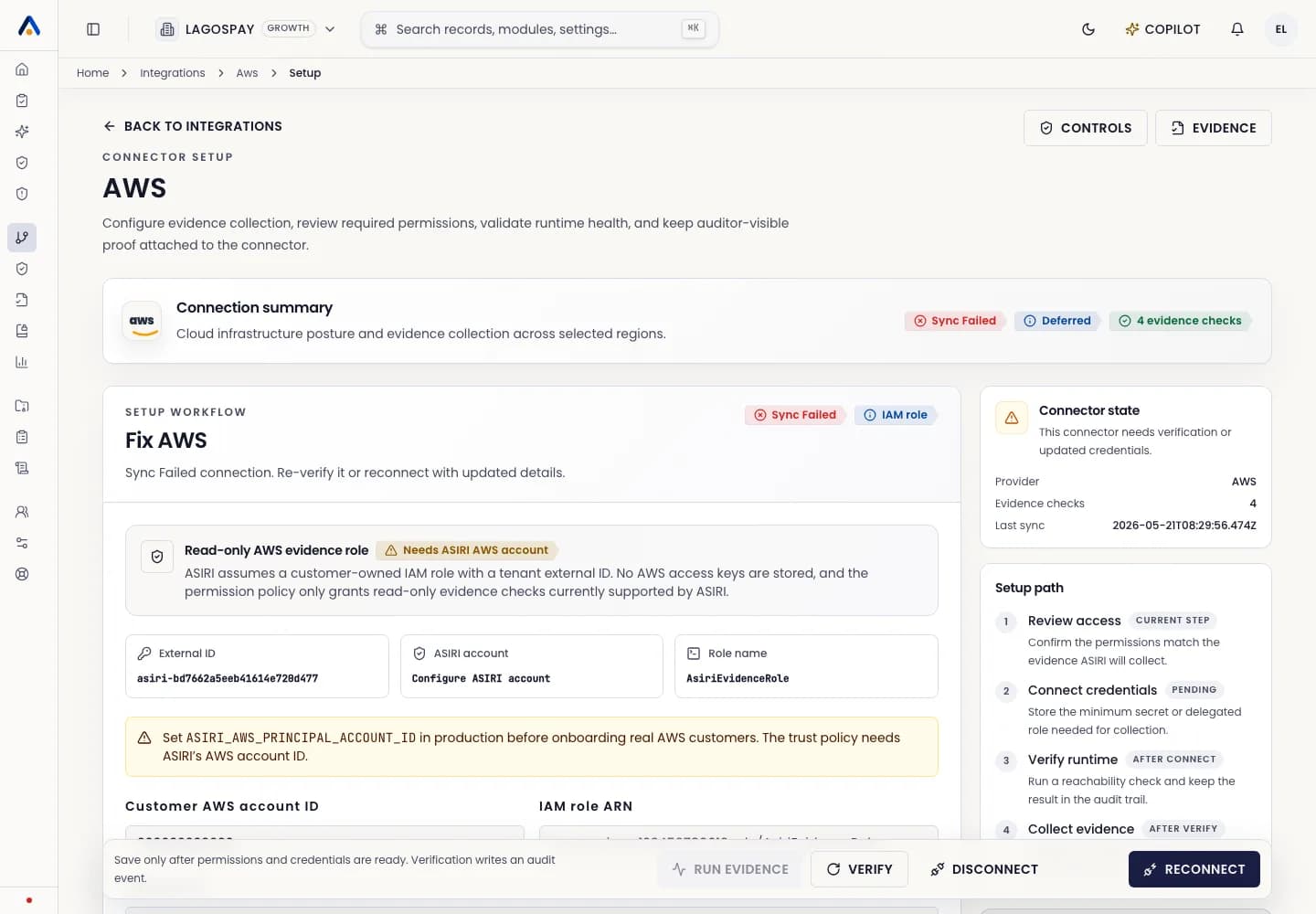
The AWS evidence connector is designed for read-only evidence collection. ASIRI does not require customer-owned access keys in the application.
The recommended setup uses a customer-owned IAM role, an external ID, selected regions, and a limited permission policy scoped to supported evidence checks.
Before you start
- 1Confirm you are an ASIRI admin or integration manager.
- 2Ask your AWS administrator to review the trust policy and permission policy shown in ASIRI.
- 3Confirm the AWS account ID and regions that are in compliance scope.
- 4Confirm ASIRI production has its principal AWS account ID configured before onboarding real customers.
Connect AWS
- 1Open Integrations.
- 2Select AWS.
- 3Copy the external ID and trust policy from ASIRI.
- 4Create the read-only evidence role in the customer AWS account.
- 5Paste the customer AWS account ID, IAM role ARN, external ID, and regions into ASIRI.
- 6Select Connect, then run the first sync.
Evidence collected
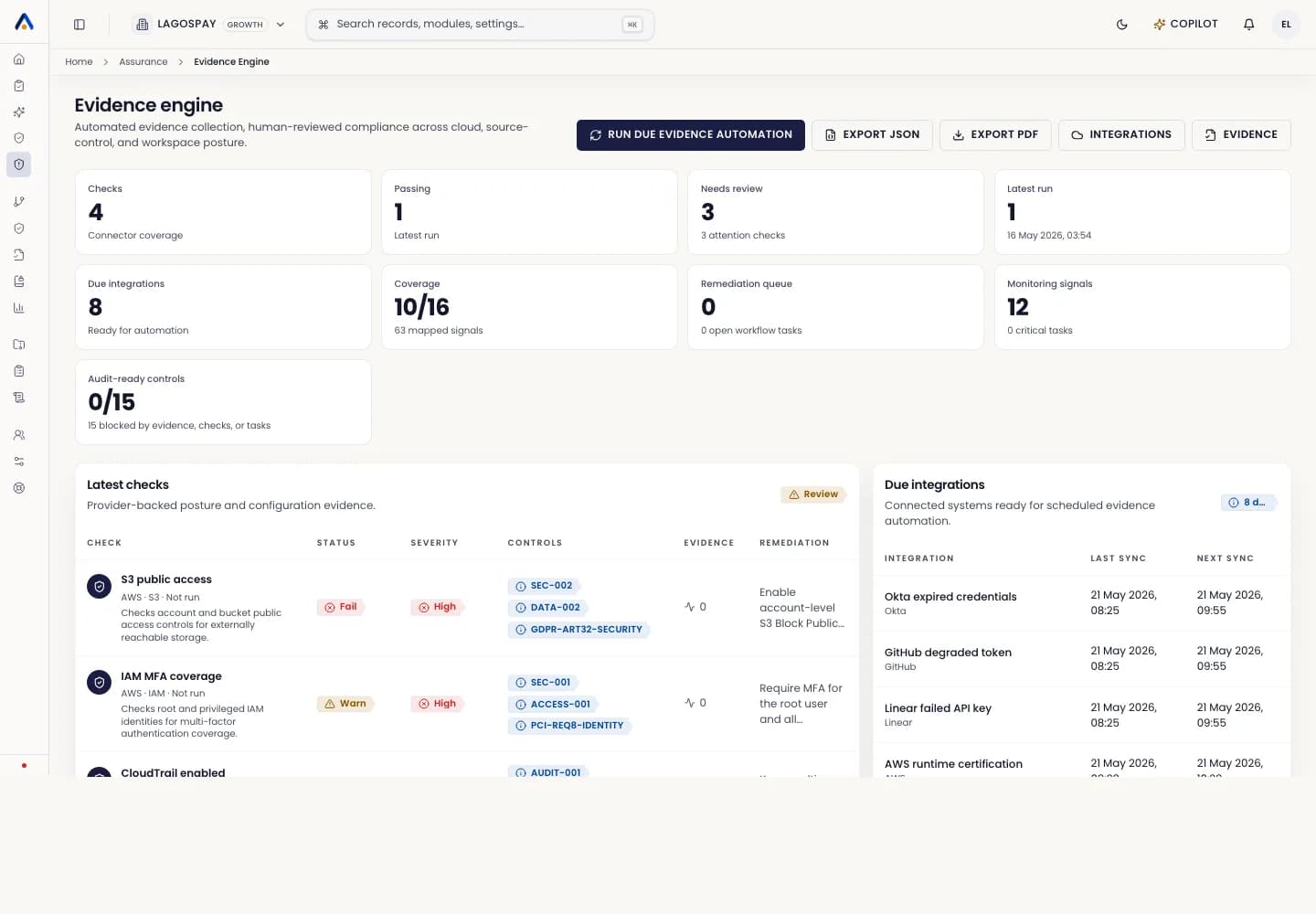
AWS evidence can support controls around public storage exposure, IAM posture, CloudTrail logging, security monitoring, backup posture, and infrastructure change review.
Each connector run should show connection status, credential health, last successful sync, failed sync reason, evidence collected, mapped controls, and auditor-visible proof.