
Integrations and evidence6 min readUpdated May 2026Integrations > Google Workspace
Access needed
AdminIntegration managerGoogle Workspace administrator
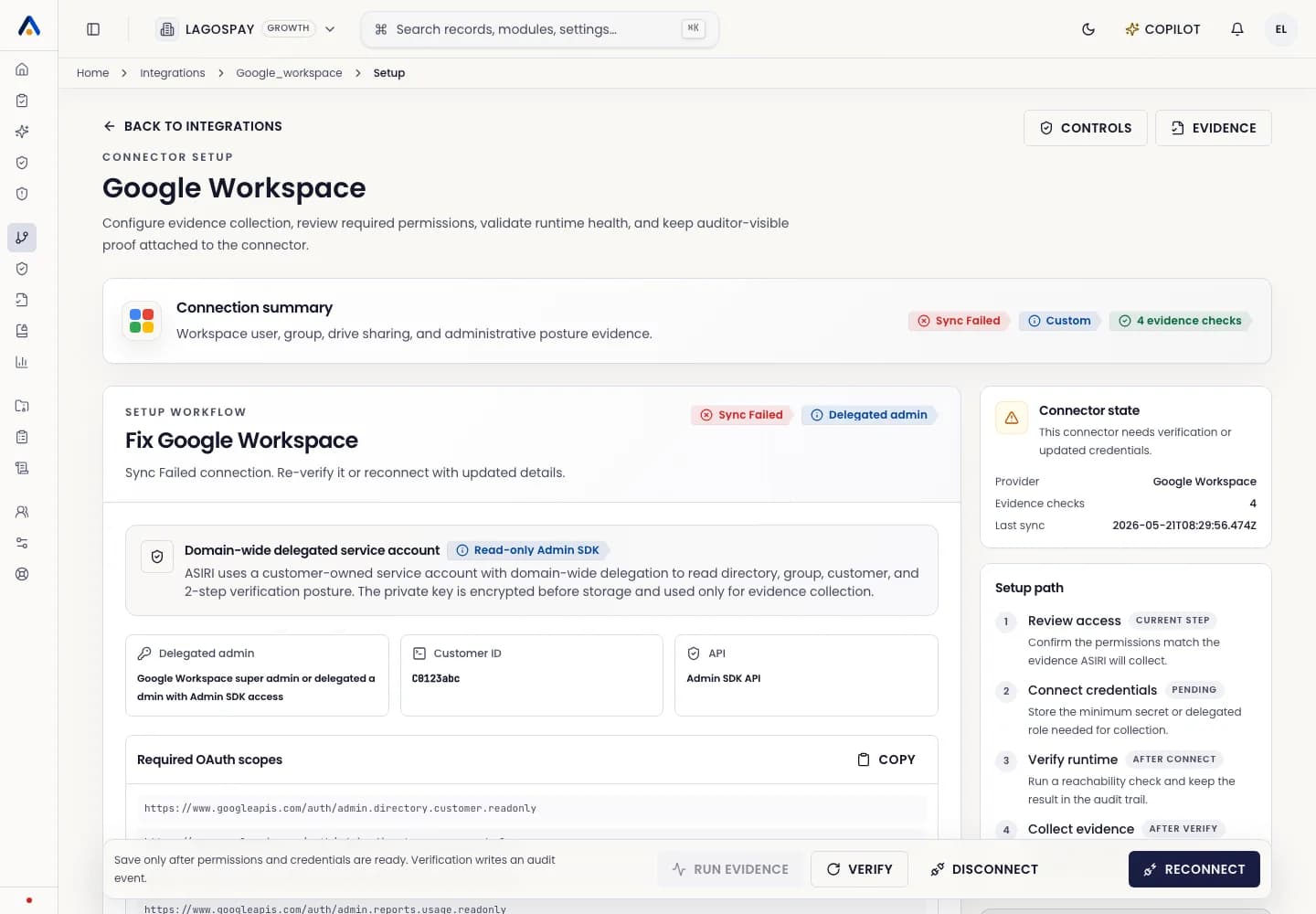
What Google Workspace evidence supports
Google Workspace evidence helps prove identity lifecycle, group membership, administrative posture, file-sharing exposure, and access review readiness.
Use this connector when employee identities, collaboration files, or shared drives are part of your compliance scope.
Prepare Google Workspace
- 1Confirm the customer has a Google Workspace administrator available.
- 2Review the scopes shown in ASIRI before granting access.
- 3Confirm whether user, group, Drive, and admin settings are all in scope.
- 4Decide who owns quarterly access review follow-up tasks.
Connect and verify
- 1Open Integrations.
- 2Select Google Workspace.
- 3Follow the guided setup for the selected authentication method.
- 4Verify the connection.
- 5Run the first sync and review collected evidence.
- 6Map unresolved evidence gaps to owners.