
Integrations and evidence6 min readUpdated May 2026Integrations > Jira or Linear
Access needed
AdminIntegration managerJira administratorLinear administrator
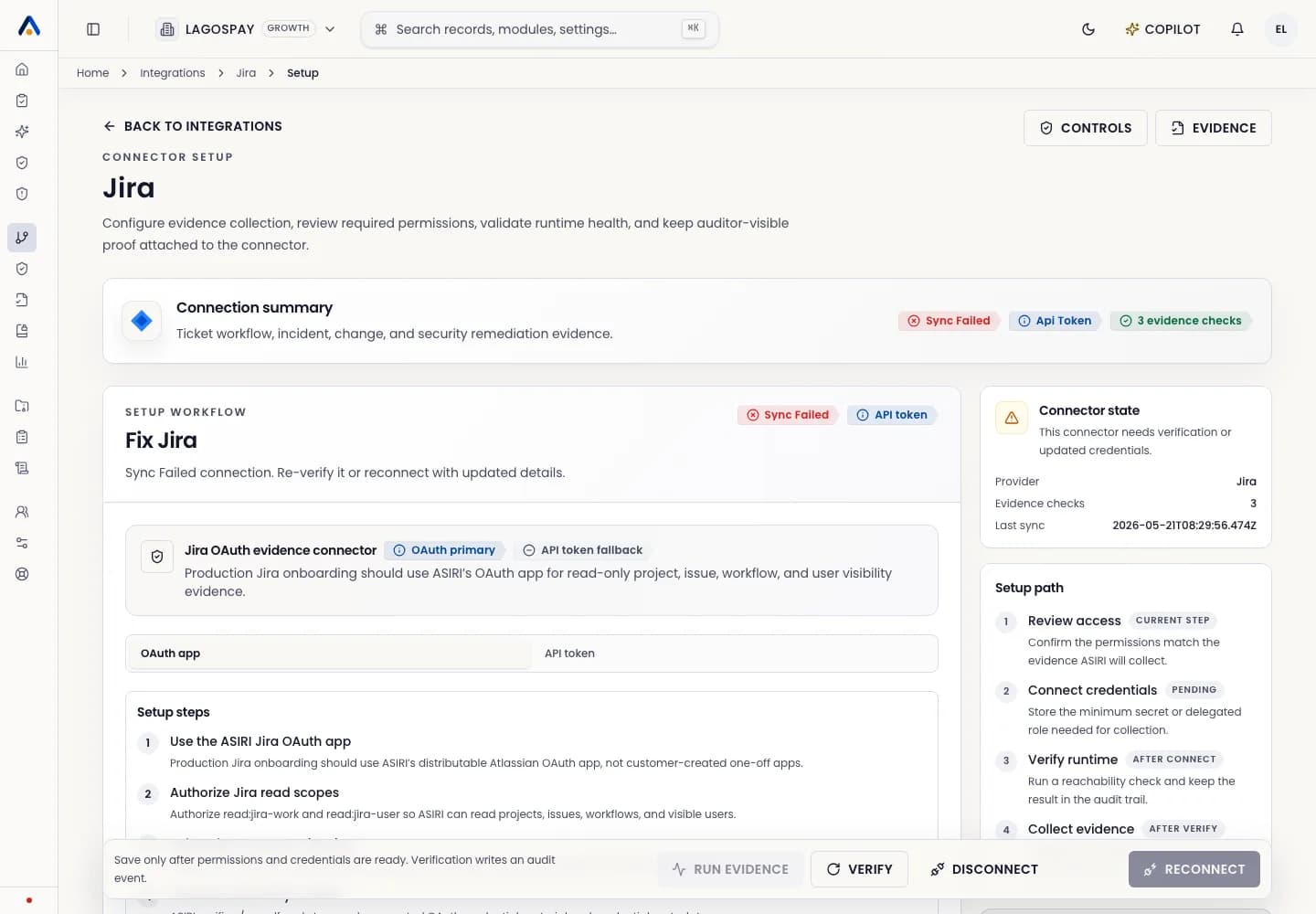
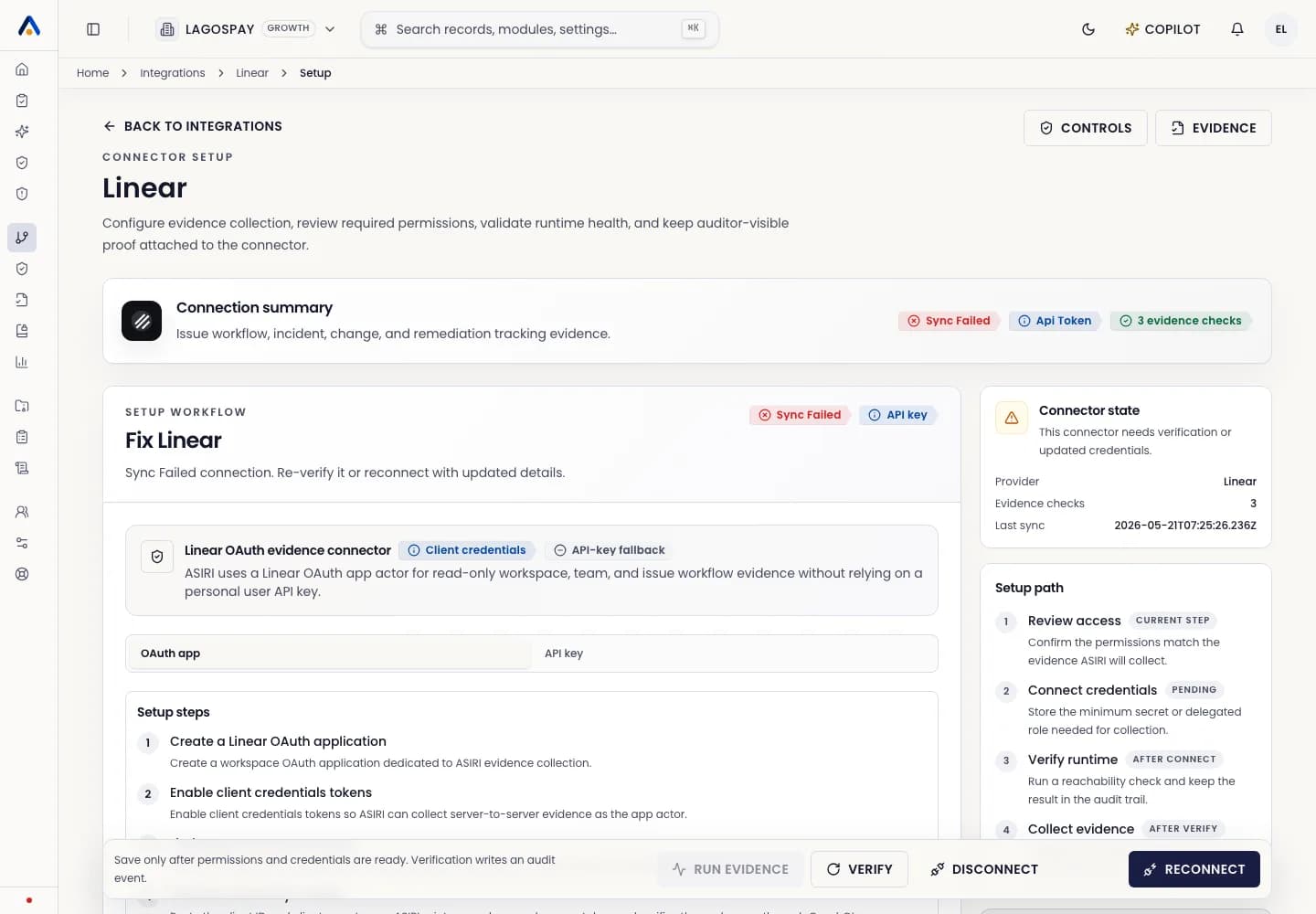
When to connect ticketing
Connect Jira or Linear when teams use tickets to resolve control failures, incident tasks, access review follow-ups, policy exceptions, vendor risk actions, or infrastructure remediation.
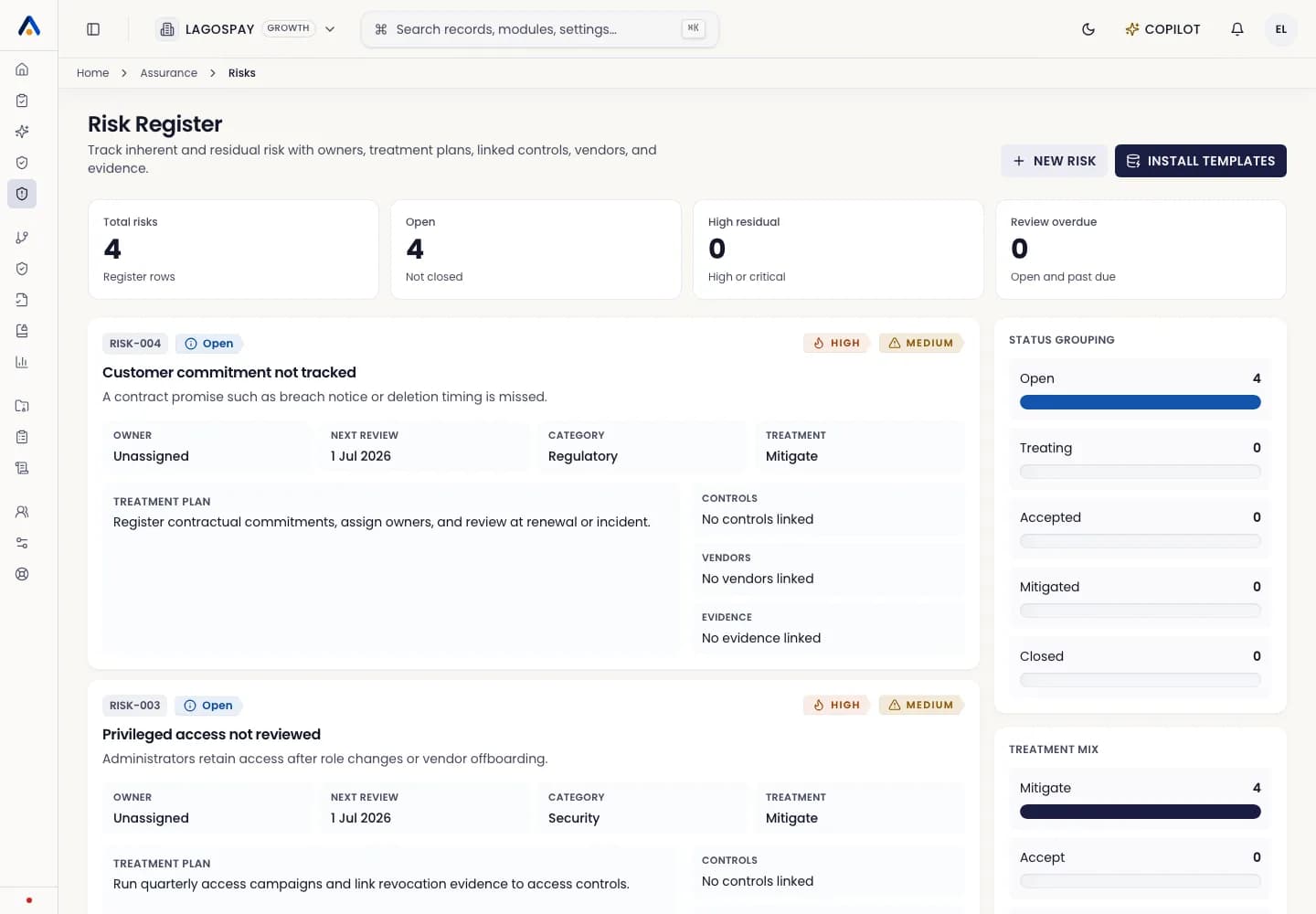
Ticketing evidence helps prove that gaps did not only appear on a dashboard. They were assigned, worked, reviewed, and closed.
Prepare the workspace
- 1Choose the Jira project or Linear team that owns compliance remediation work.
- 2Confirm issue labels or custom fields used for security, privacy, risk, and audit work.
- 3Create a service credential or OAuth connection according to your internal policy.
- 4Decide who owns overdue remediation escalation.
Verify evidence
- 1Run the first connector sync.
- 2Confirm ASIRI can see issue title, owner, status, due date, labels, and linked control or evidence object.
- 3Open a failed control and confirm a remediation task can be created or linked.
- 4Close the test task in Jira or Linear and confirm ASIRI updates the remediation state after the next sync.