
Integrations and evidence7 min readUpdated May 2026Integrations > Okta
Access needed
AdminIntegration managerOkta administrator
Evidence Okta can support
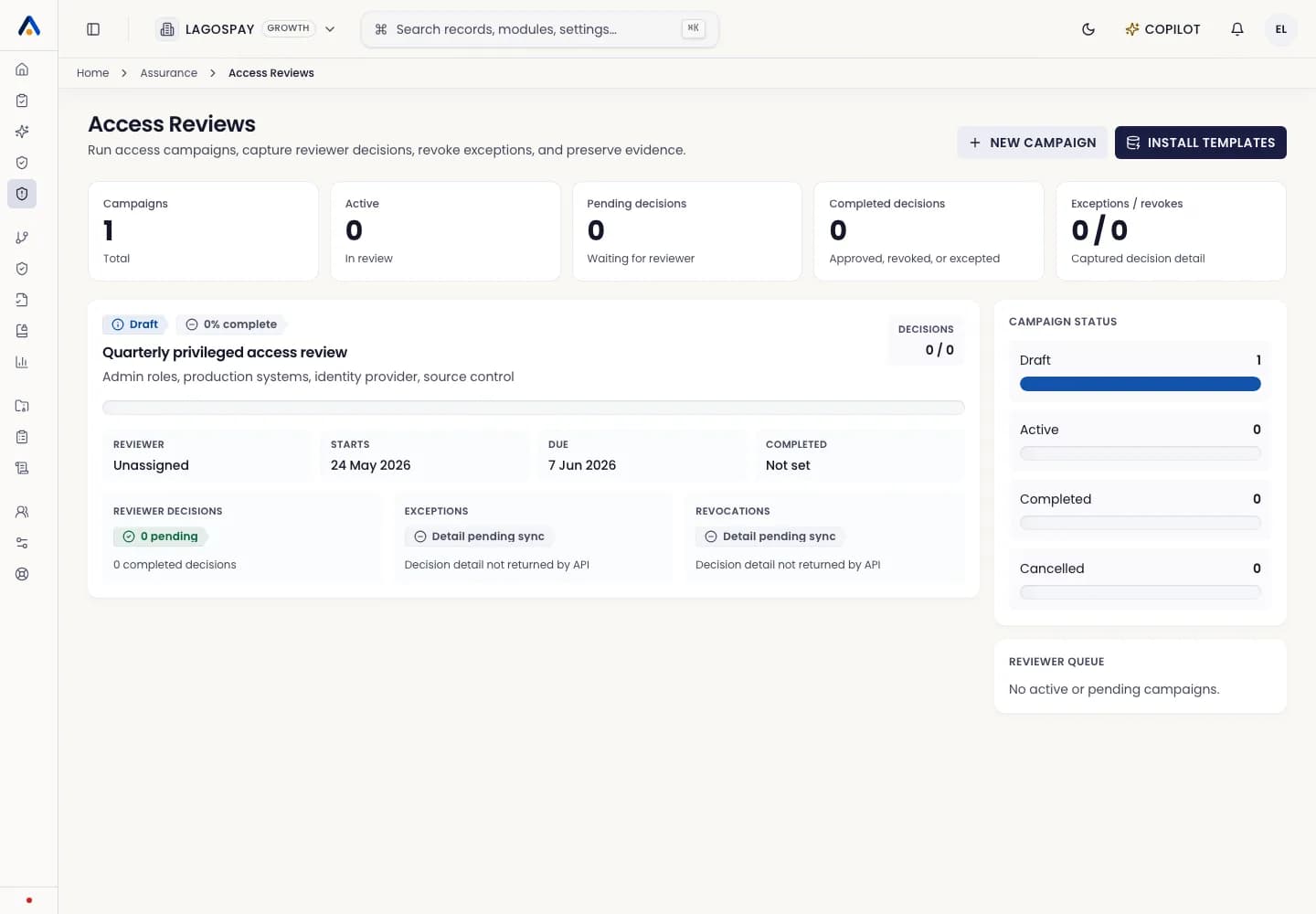
Okta evidence supports controls for MFA enforcement, privileged access review, user lifecycle, group membership, application assignment, and access removal after offboarding.
Use Okta when identity is the system of record for employee and administrator access.
Prepare Okta
- 1Create or identify an approved Okta administrator for the setup.
- 2Review the API scopes requested by ASIRI and keep them read-only where possible.
- 3Confirm which Okta domain, groups, and applications are in compliance scope.
- 4Create a service account or integration credential according to your internal policy.
Connect and verify
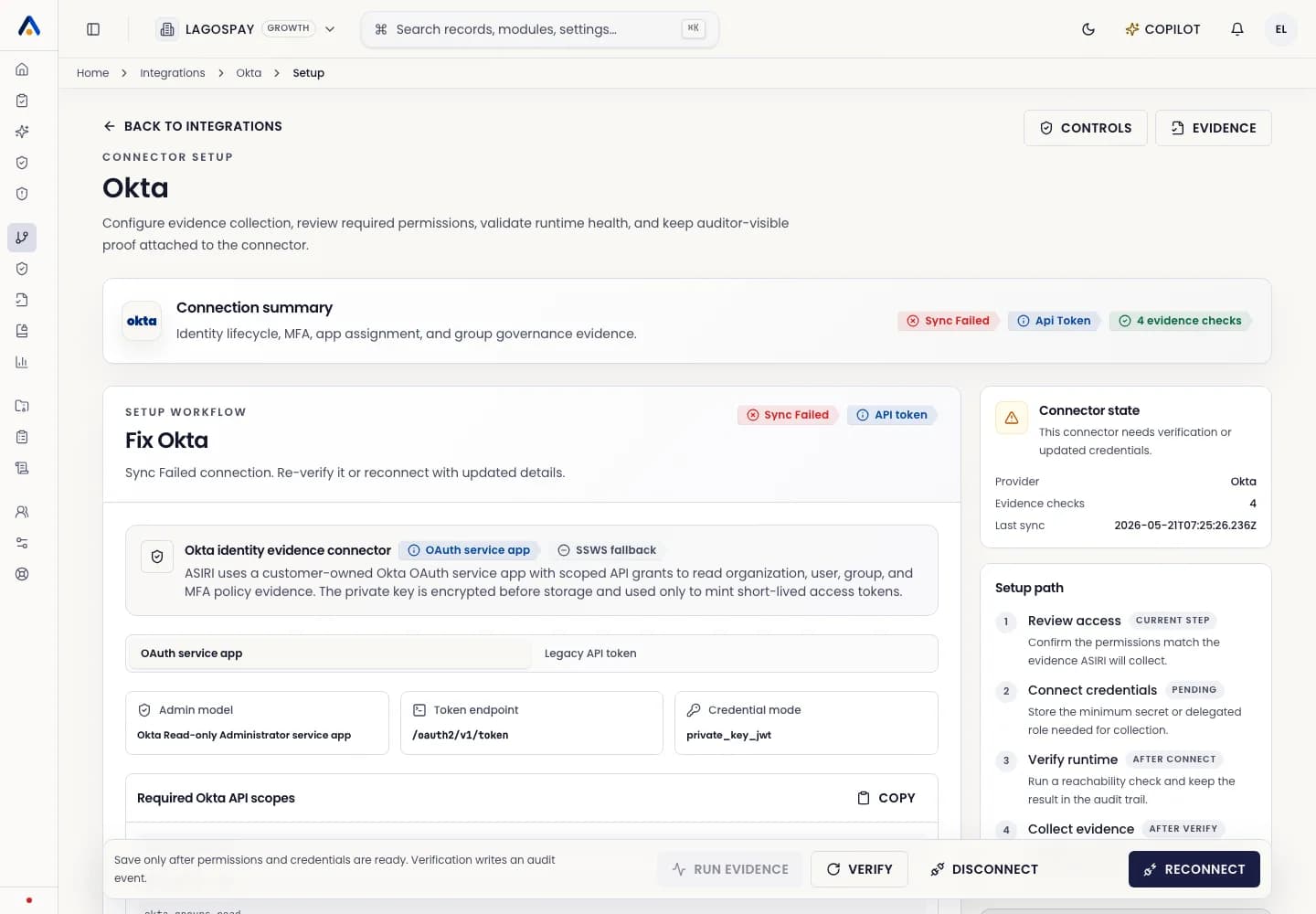
- 1Open Integrations and select Okta.
- 2Enter the Okta domain and credential details requested by ASIRI.
- 3Select Connect.
- 4Run the first sync.
- 5Review collected users, groups, MFA posture, app assignments, and admin roles in Evidence Engine.
Operate the connector
Review Okta evidence before quarterly access reviews. Failed checks should create remediation tasks for the access owner, not remain as passive dashboard gaps.