
Integrations and evidence6 min readUpdated May 2026Integrations > RDS
Access needed
AdminIntegration managerDatabase administratorAWS administrator
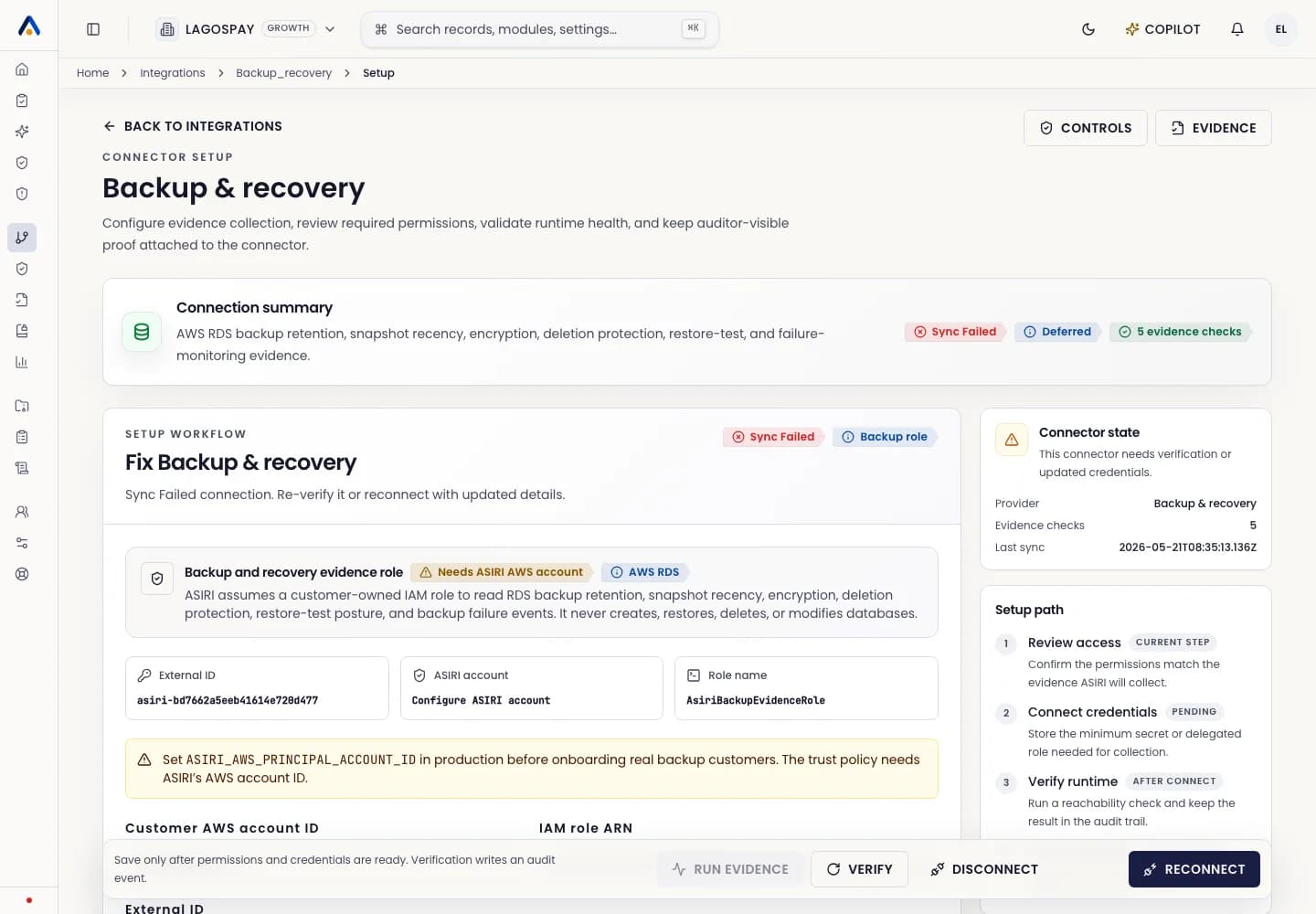
What RDS evidence proves
RDS evidence can support controls for encryption at rest, backup configuration, restore-test readiness, public exposure, privileged access, database inventory, and retention posture.
Use RDS evidence when production personal data is stored in managed databases and the database layer is in audit scope.
Prepare access
- 1Confirm the AWS account and regions that host in-scope databases.
- 2Use the AWS evidence role or a scoped read-only database evidence role according to your architecture.
- 3Confirm ASIRI is not given write access to customer databases.
- 4Document any excluded non-production databases before the first audit export.
Review results
- 1Run the RDS or AWS infrastructure sync.
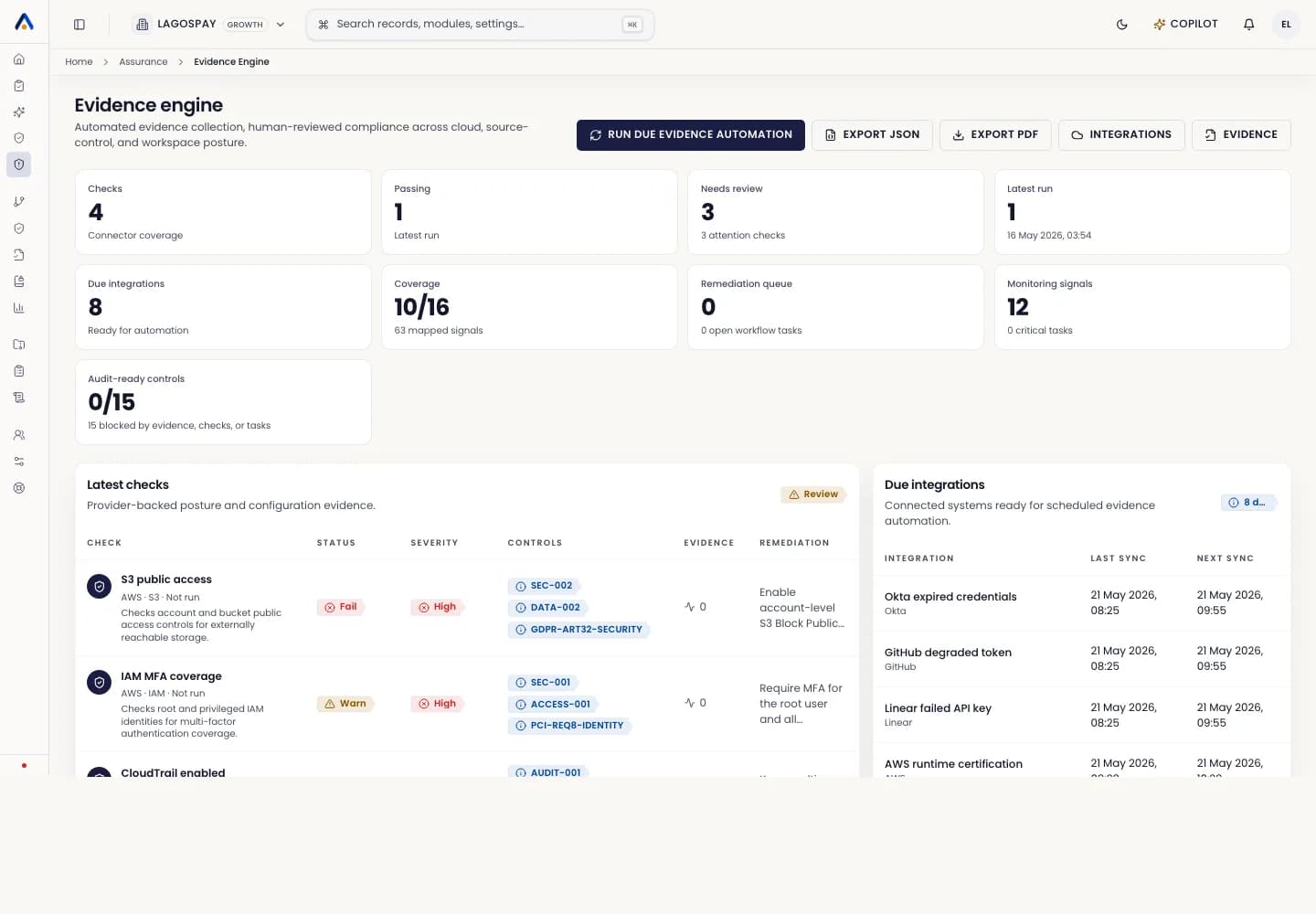
- 2Open Evidence Engine and filter for database evidence.
- 3Review backup, encryption, exposure, and restore-readiness checks.
- 4Assign owners for failed or missing checks.
- 5Attach restore-test evidence when automated signals are not enough.