
Integrations and evidence6 min readUpdated May 2026Evidence Engine > Failed check
Access needed
AdminCompliance managerControl owner
When to create a task
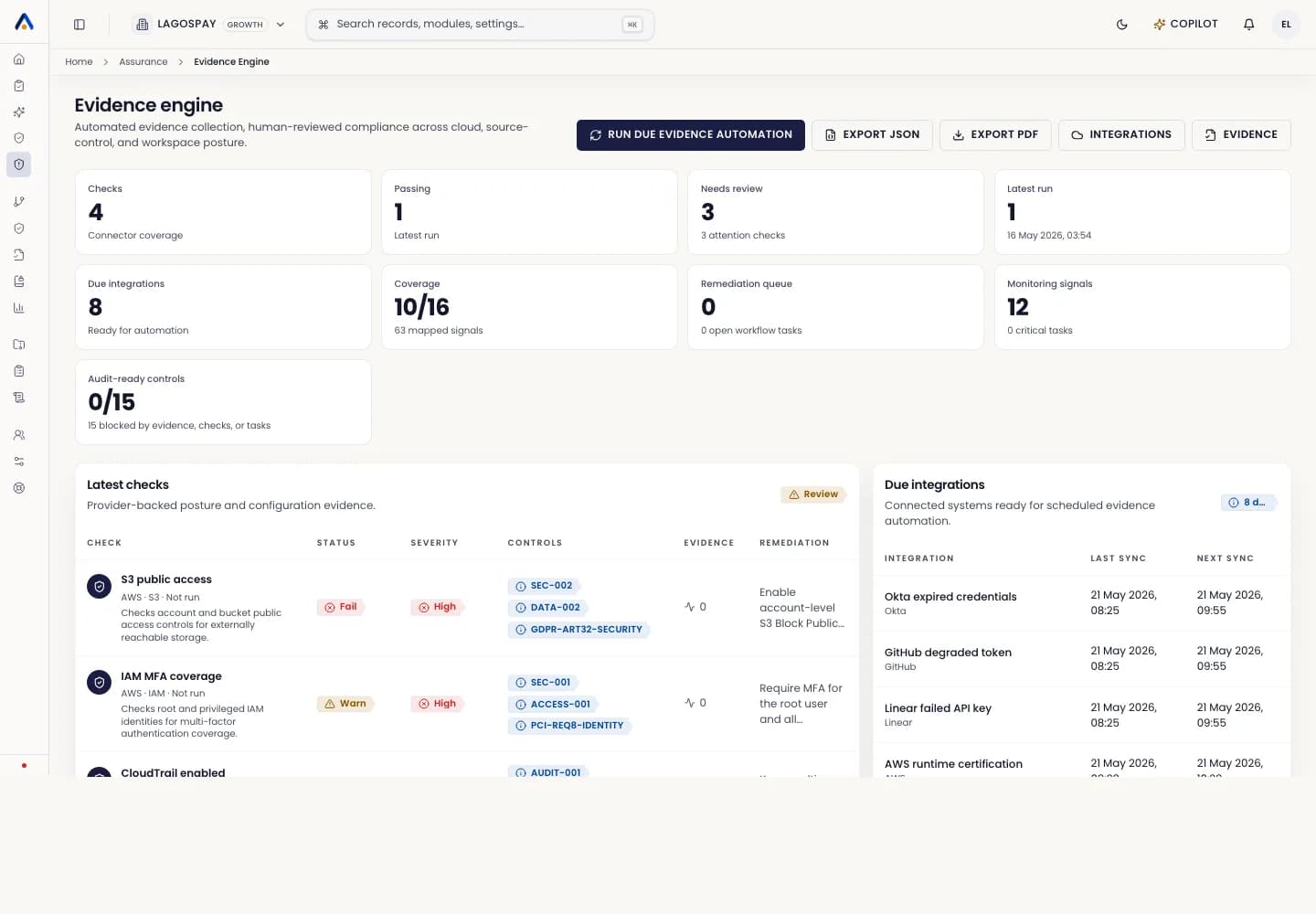
Create a remediation task when a failed check requires human action, policy change, access review, configuration fix, vendor follow-up, or management approval.
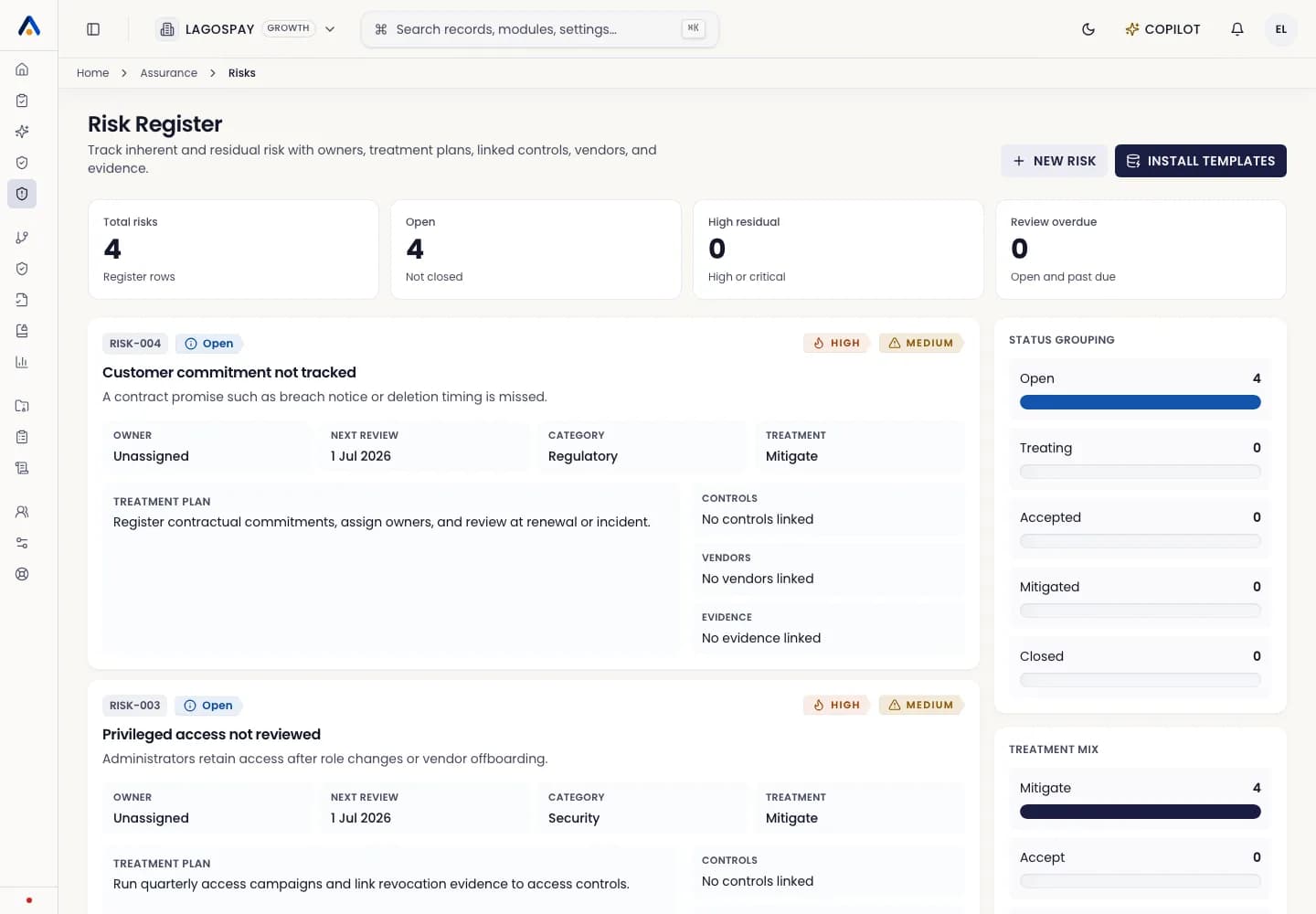
Do not leave failed checks as passive findings. Auditors will expect ownership, due date, remediation evidence, and closure history.
Create the task
- 1Open Evidence Engine and filter for failed or expired checks.
- 2Open the affected check or control.
- 3Review the severity, framework mapping, and remediation guidance.
- 4Assign an owner and due date.
- 5Link a Jira or Linear issue if your team uses ticketing.
- 6Save the task and confirm the audit trail records the assignment.
Close the task
- 1Attach the remediation evidence or wait for the connector to collect it.
- 2Confirm the check now passes or the manual evidence was approved.
- 3Add reviewer notes when the fix needs explanation.
- 4Close the task only after owner or reviewer sign-off.