
Trust Center and audit5 min readUpdated May 2026Settings > Members
Access needed
OwnerAdmin
Before inviting an auditor
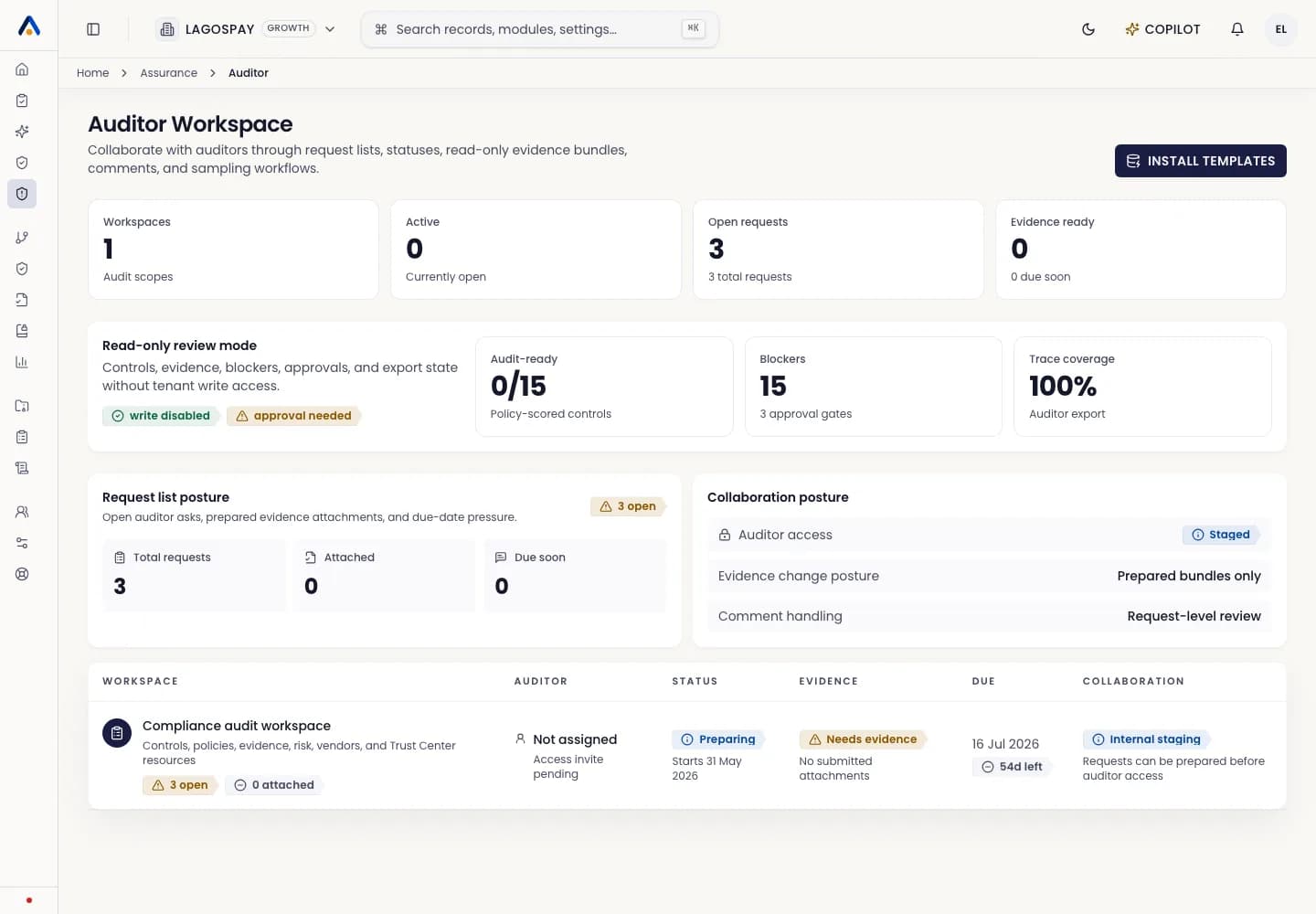
- 1Confirm the audit scope and time window.
- 2Resolve critical evidence gaps or document why they remain open.
- 3Generate the relevant audit pack.
- 4Confirm the auditor should have read-only access only.
Send the invite
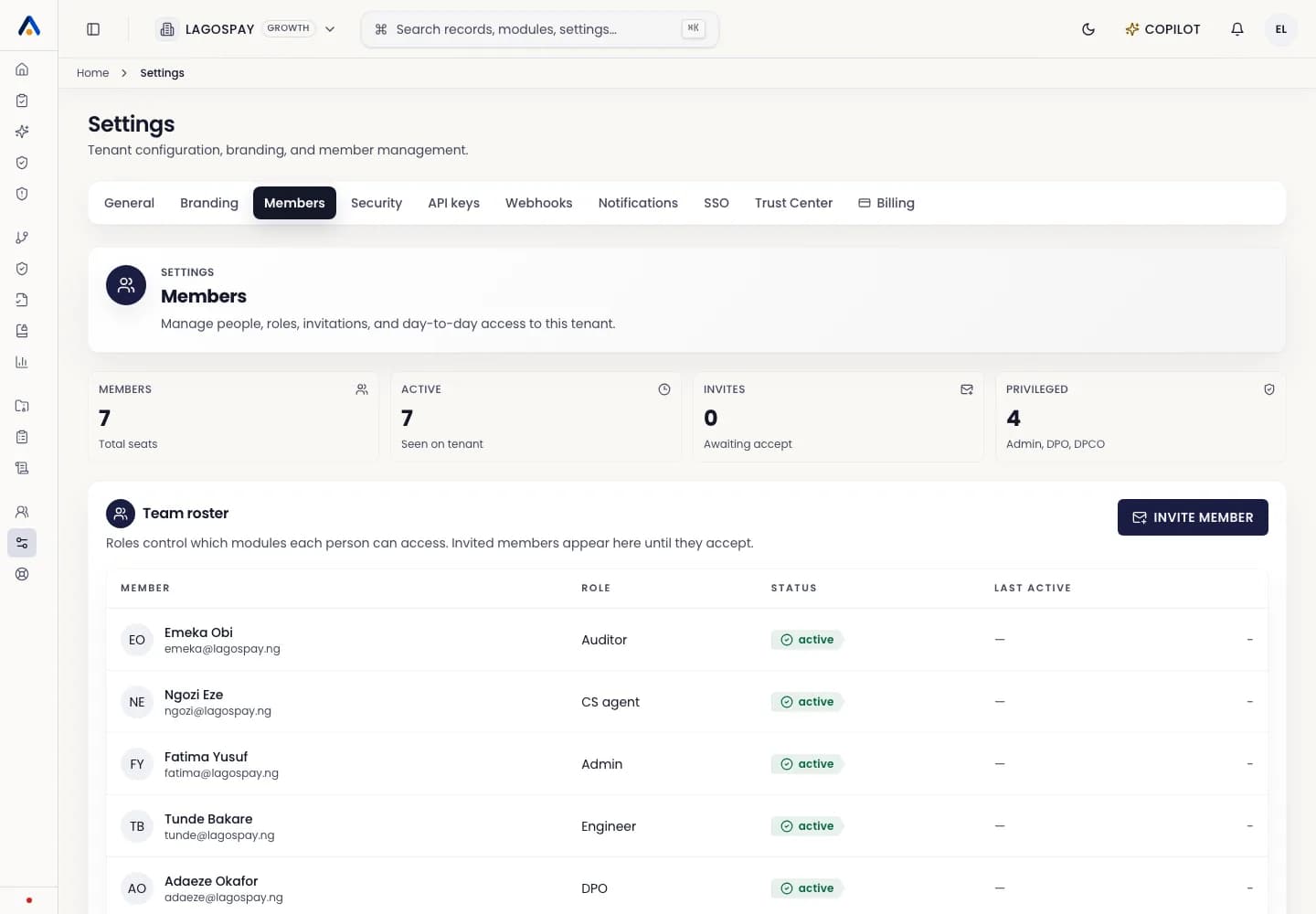
- 1Open Settings > Members.
- 2Select Invite member.
- 3Enter the auditor work email.
- 4Choose Auditor or read-only reviewer role.
- 5Send the invitation.
- 6Confirm the role cannot edit tenant records, settings, billing, connectors, or exports outside its scope.
After the engagement
Remove or expire auditor access after the review window. Keep historical audit events showing when access was granted and removed.