
Workspace administration7 min readUpdated May 2026Settings
Access needed
OwnerAdmin
Use the settings areas
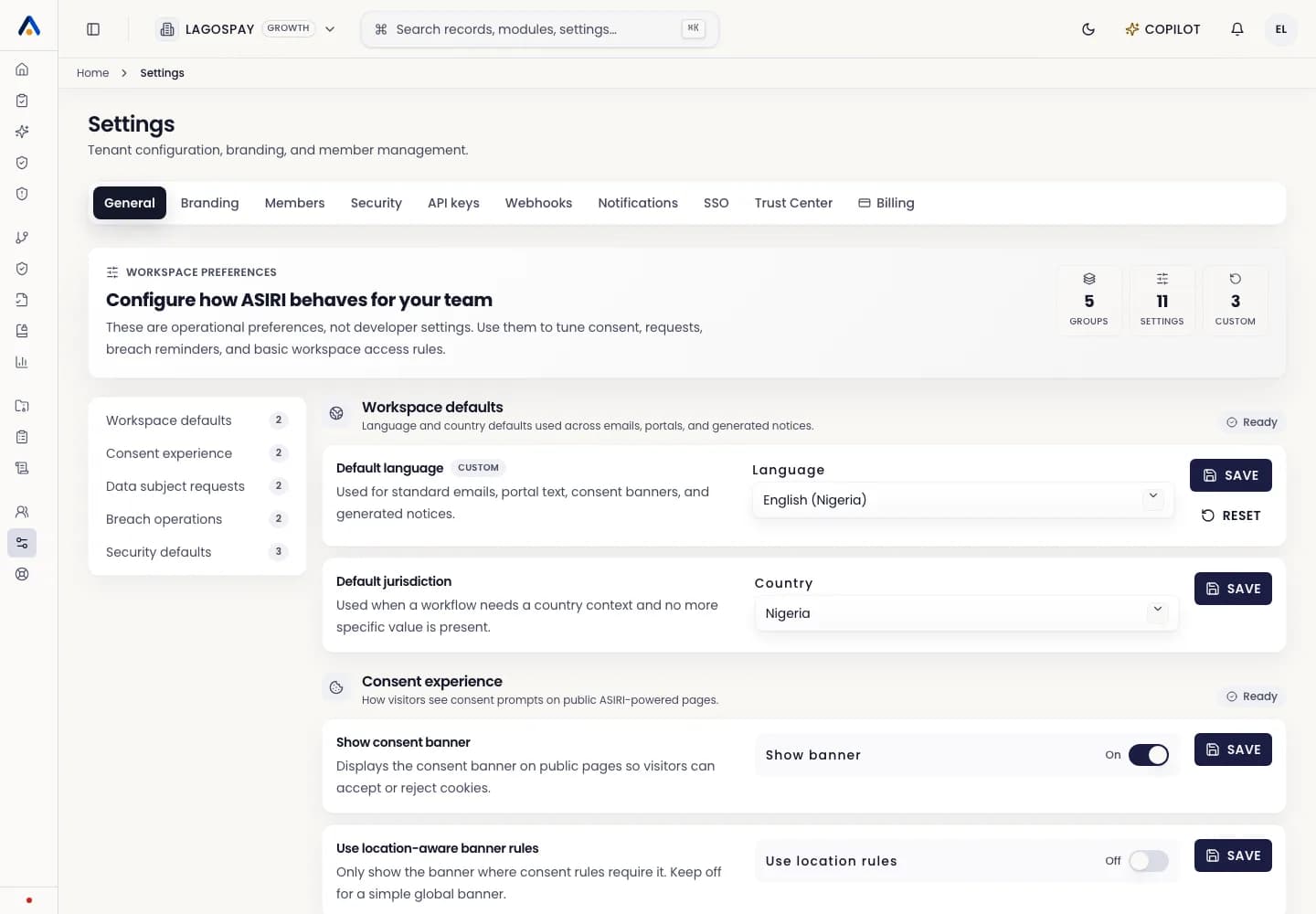
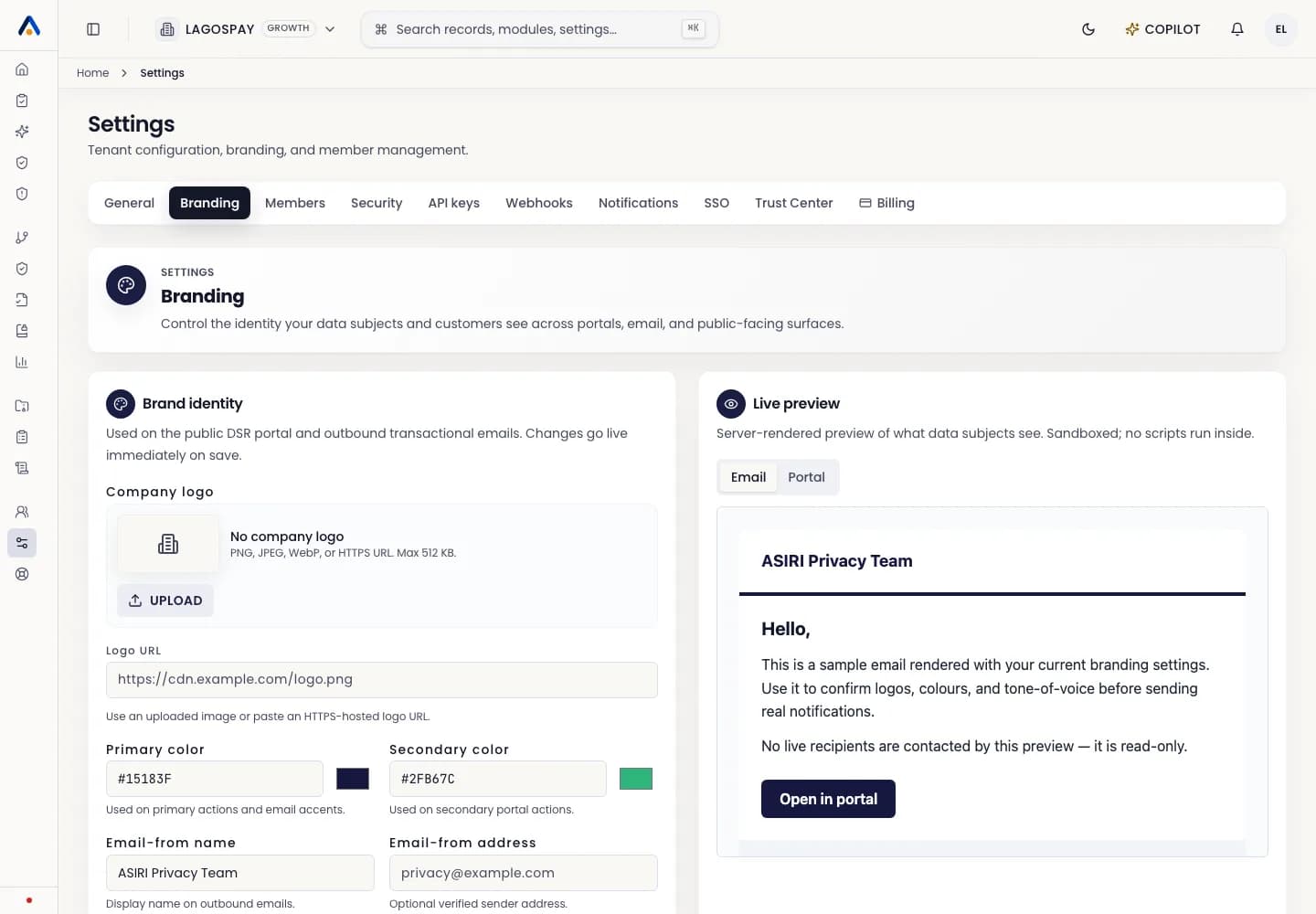
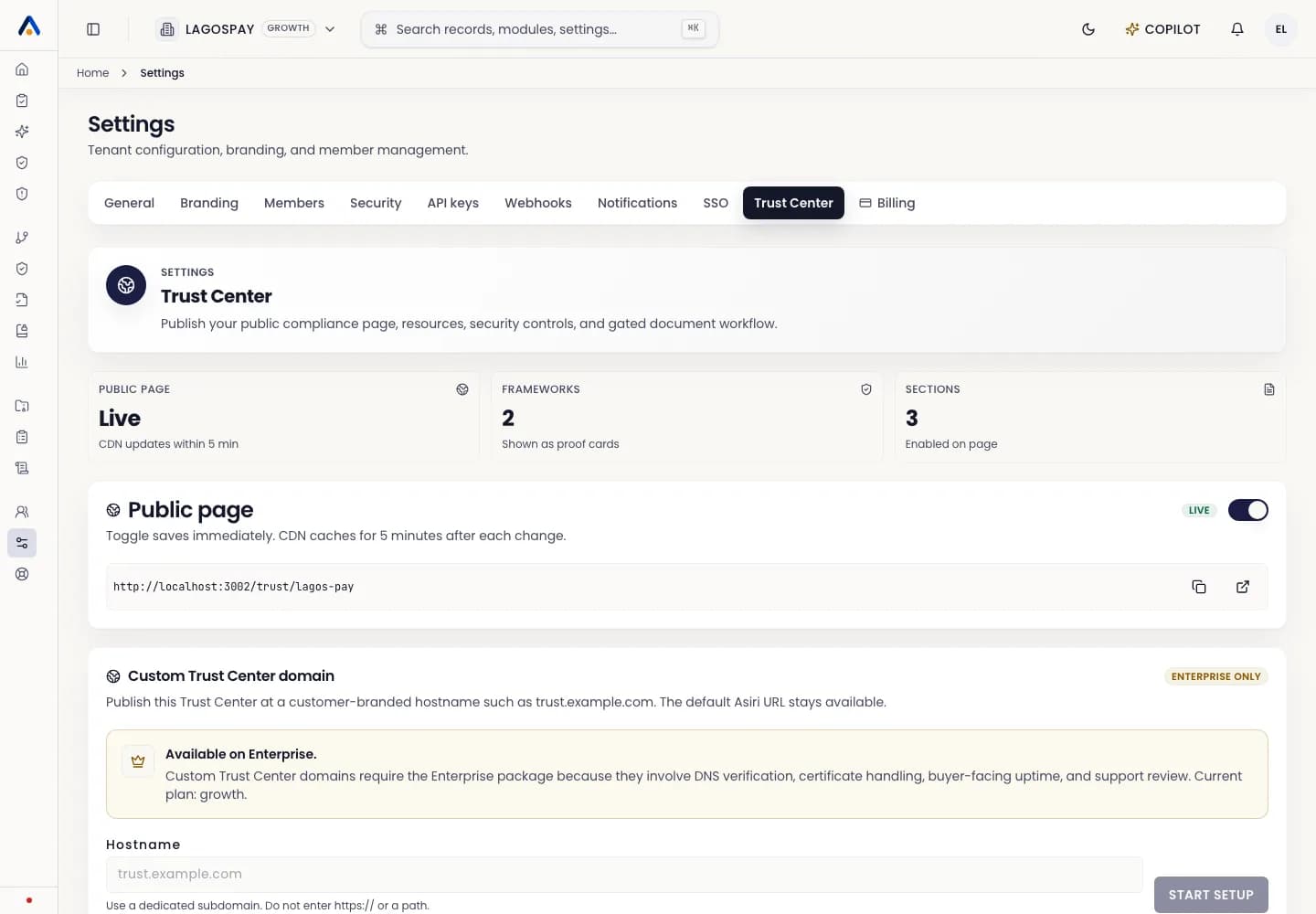
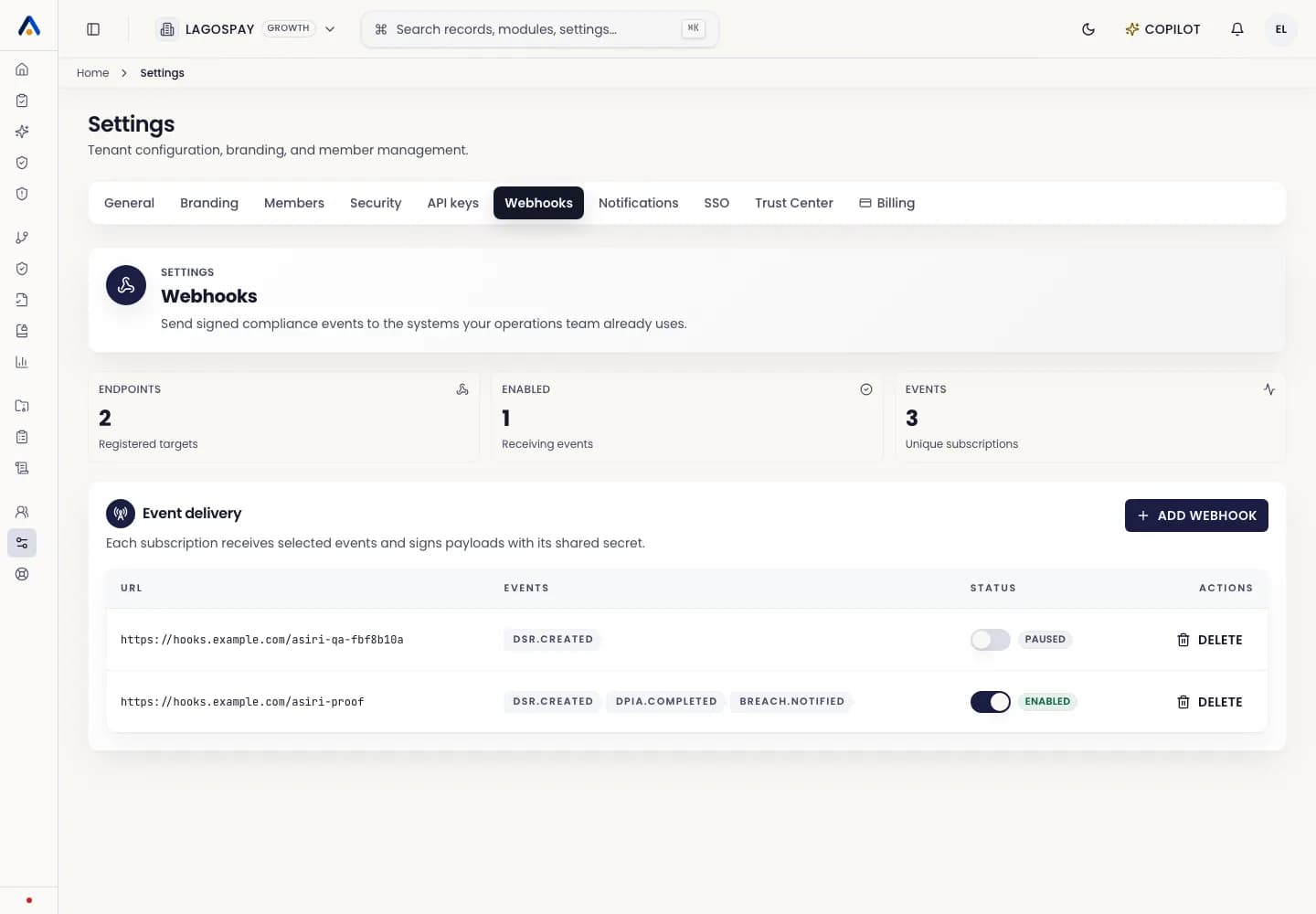
Settings is organized by the kind of decision the user is making: company profile, branding, members, security, Trust Center, notifications, API keys, webhooks, billing, and rate limits.
Non-technical users should not need to read raw JSON to complete standard tenant administration.
Recommended setup order
- 1Complete General settings with organization identity, sector, support contacts, and registration details.
- 2Configure Branding so invitations, exports, and Trust Center surfaces use the correct identity.
- 3Invite members and assign least-privilege roles.
- 4Configure Trust Center resources and access-request rules.
- 5Review Security settings, SSO, API keys, and webhooks with a technical owner.
- 6Confirm billing and plan limits before onboarding production users.
When to involve a technical owner
Use a technical owner for SSO, API keys, webhooks, connector credentials, DNS, custom Trust Center domains, and security headers. Keep business-facing settings readable for DPOs, operators, legal teams, and founders.