ASIRI

Monitor connector run health

Use connector health to find broken credentials, failed syncs, missed runs, retry states, and reconnect actions.

Help center
Integrations and evidence4 min readUpdated May 2026Integrations > Connector detail
Access needed
AdminIntegration manager
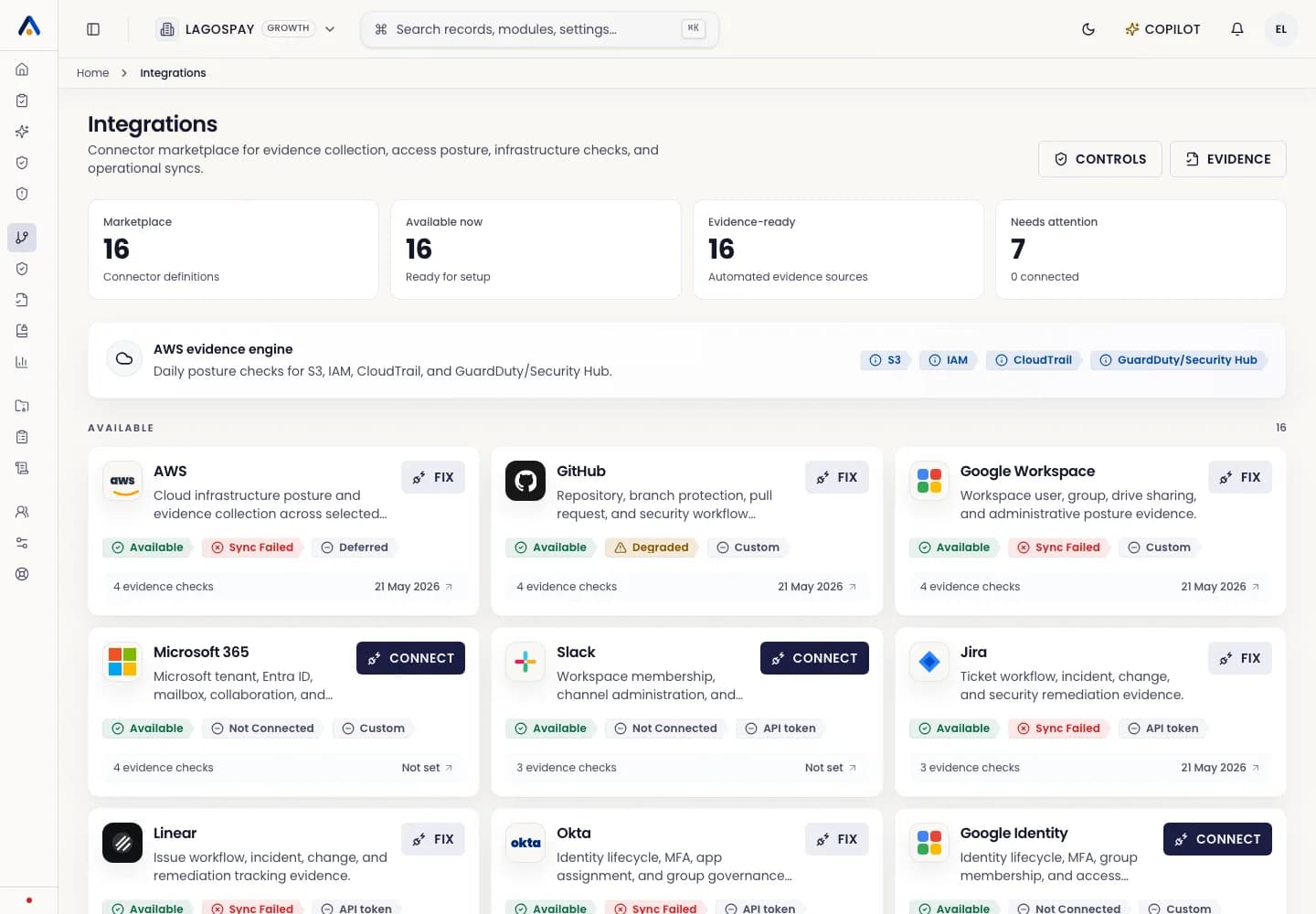
ASIRI integrations marketplace with connector status cards
Connector cards should tell operators whether the source is connected, what evidence it collects, and what needs attention.
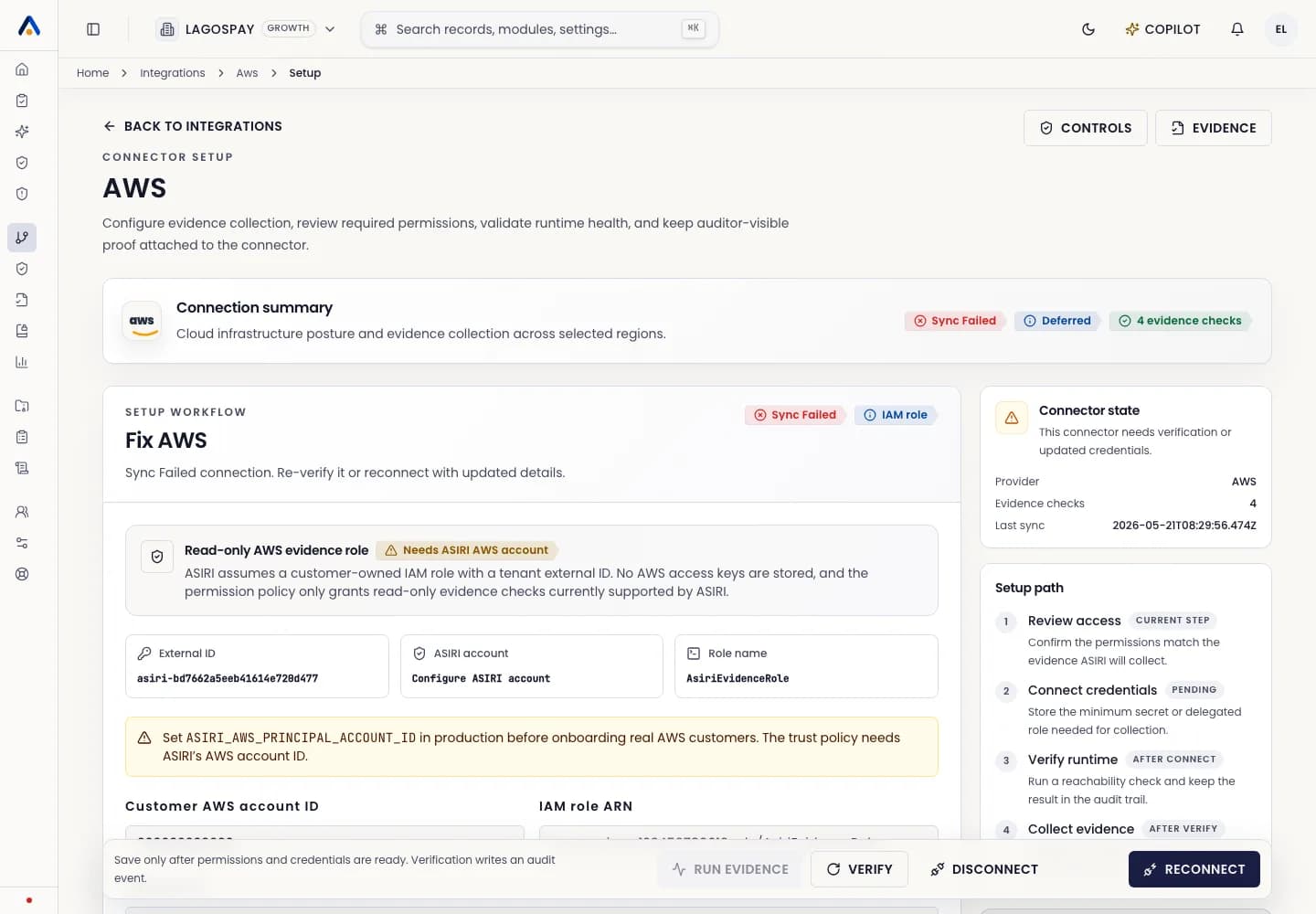
ASIRI connector setup page with connection state, credential health, and guidance
Connector setup pages show required permissions, credential guidance, connection state, and the actions needed to connect or reconnect.
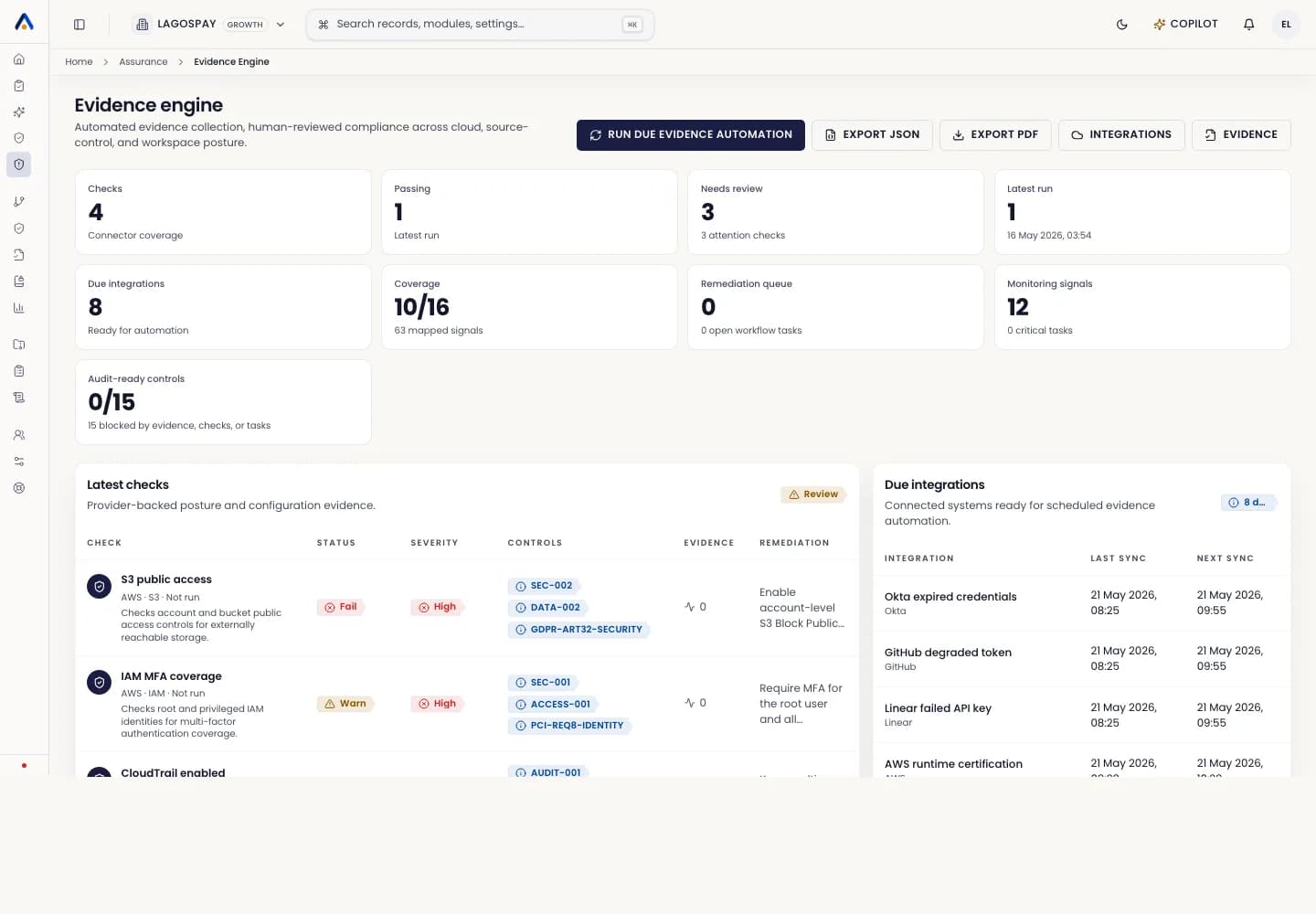
ASIRI evidence engine connector run health table
Use connector runs to investigate last successful sync, failed sync reason, retry state, and affected control coverage.

Health fields to review

Each connector should show connection status, permissions required, last successful sync, last failed sync, next scheduled run, failure reason, credential health, retry state, and mapped evidence.

Respond to a failed connector

  1. 1Open Integrations.
  2. 2Find the connector marked Needs attention.
  3. 3Open the connector detail or setup page.
  4. 4Review the failure reason and credential health.
  5. 5Select Run now after a temporary failure, or Reconnect when credentials changed.
  6. 6Confirm new evidence appears and control coverage updates.