
Trust Center and audit6 min readUpdated May 2026Settings > Trust Center > Sub-processors
Access needed
AdminTrust Center managerLegal reviewer
What belongs in the list
A sub-processor is a vendor that processes personal data on behalf of the organization. Publish vendors that customers reasonably need to know about for privacy, security, procurement, or DPA review.
Do not publish internal-only notes, secrets, unsupported claims, or vendors that legal has not reviewed.
Prepare a sub-processor
- 1Create or update the vendor record.
- 2Confirm service description, processing purpose, data categories, hosting region, and transfer basis.
- 3Attach DPA, security summary, or vendor assurance evidence where available.
- 4Set public visibility only after legal or DPO review.
Publish and maintain
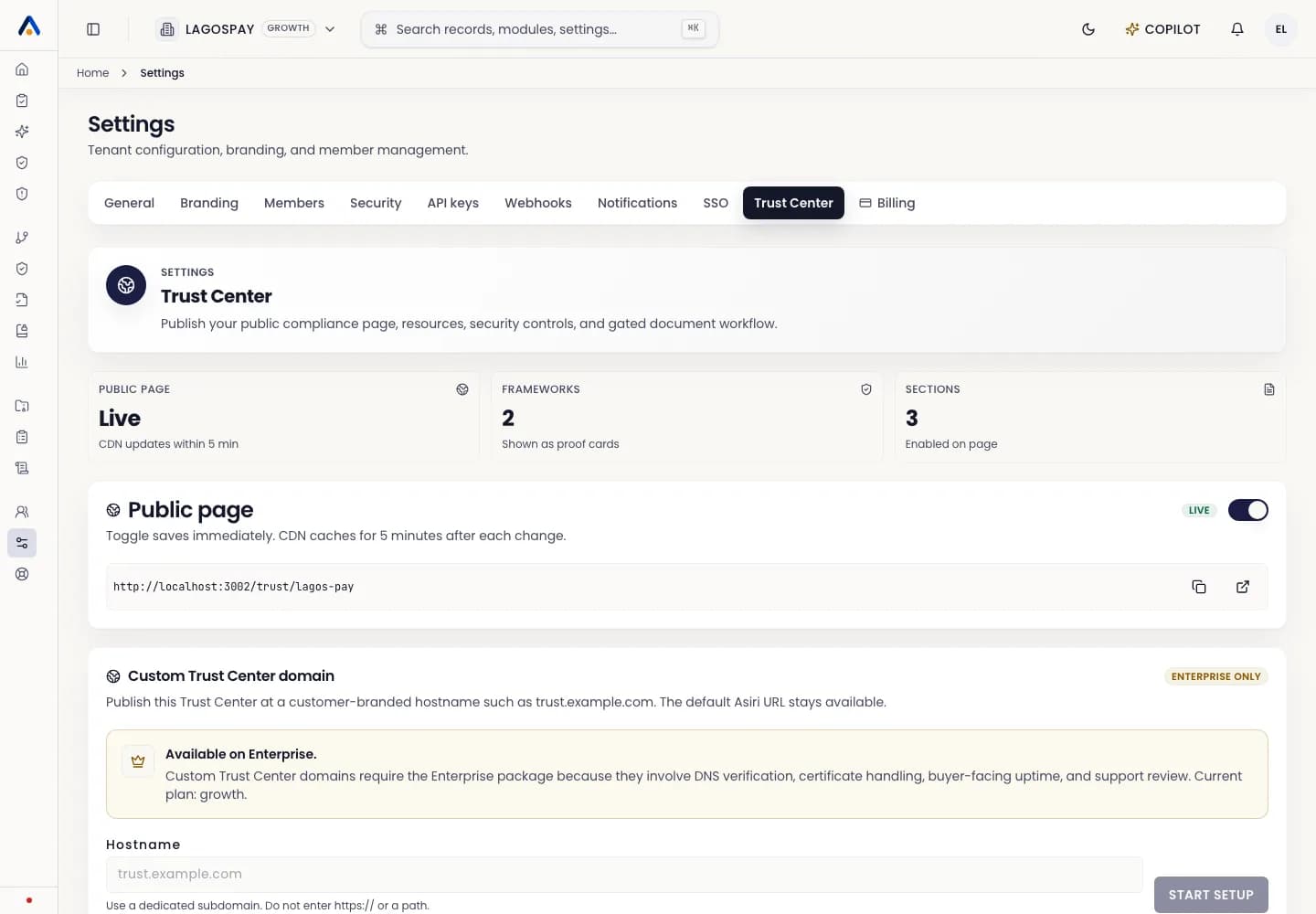
- 1Open Settings > Trust Center.
- 2Go to the sub-processor or published resources section.
- 3Select the approved vendor records to publish.
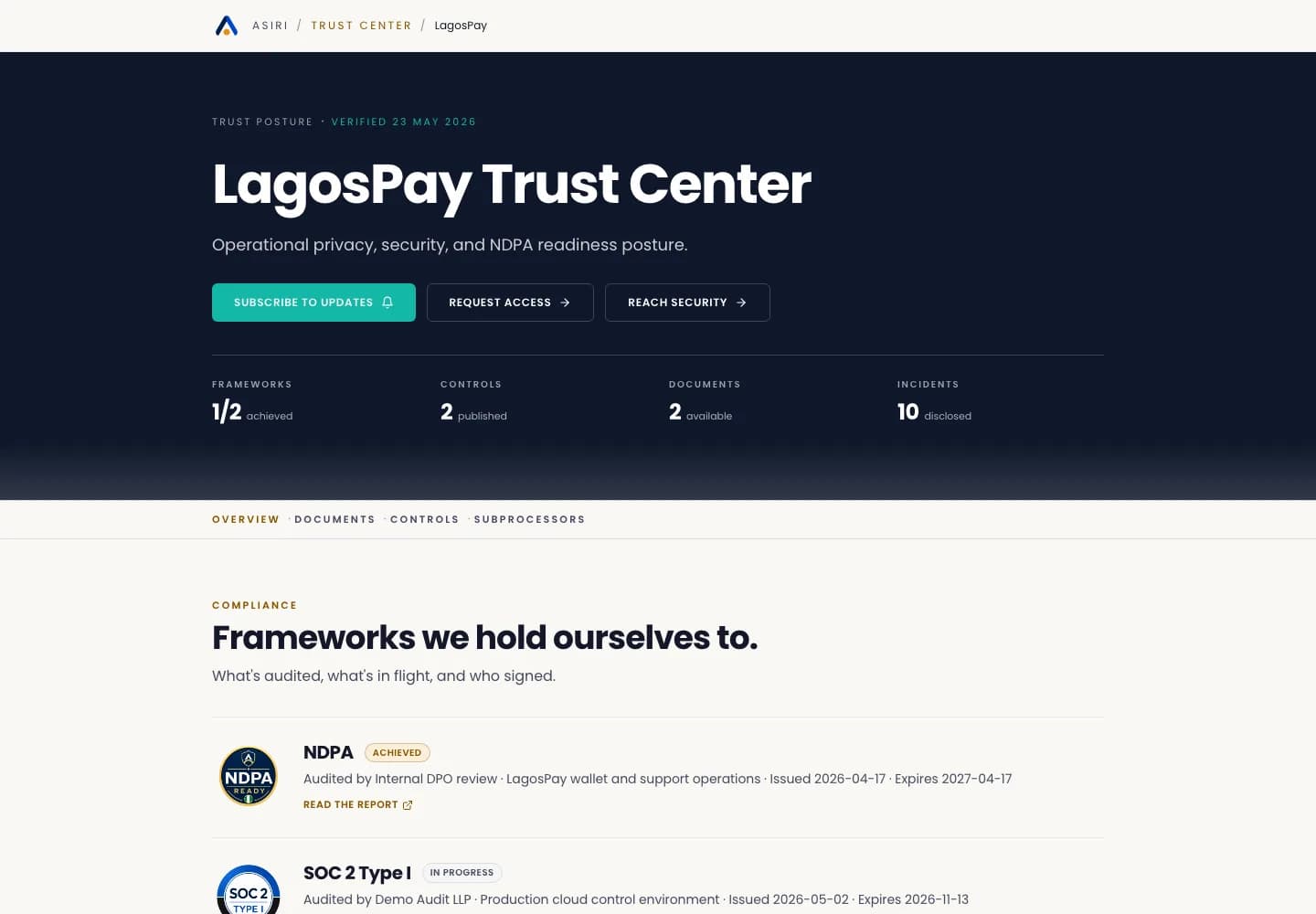
- 4Preview the public Trust Center.
- 5Review the list quarterly and after vendor changes.