
Integrations and evidence5 min readUpdated May 2026Evidence Engine > Automation coverage
Access needed
AdminCompliance managerAuditor read-only
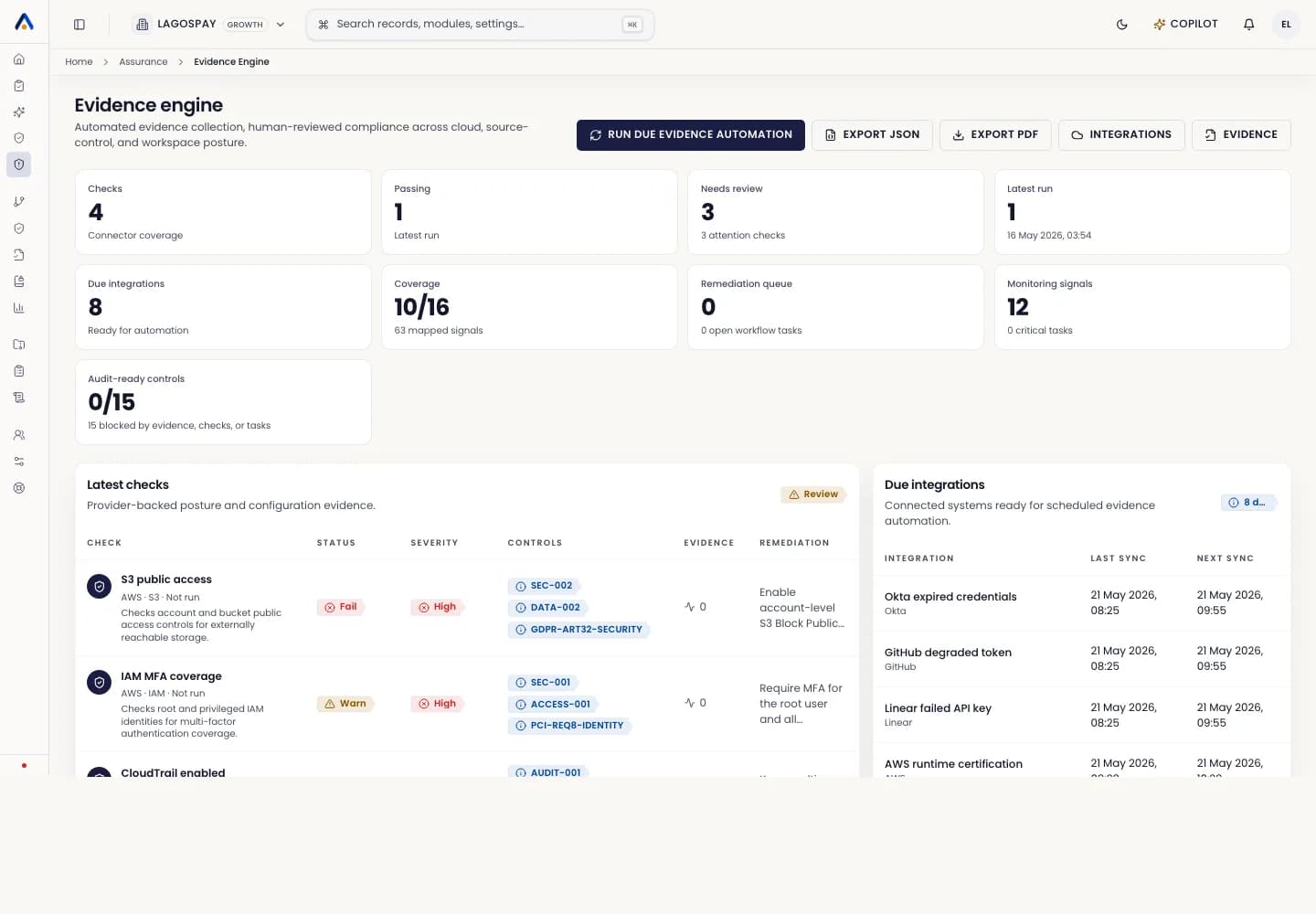
Freshness states
Evidence is current when it is within its configured validity window, mapped to the right control, and not blocked by an open remediation.
Evidence becomes stale when it is approaching its review window, expired when it is outside the allowed validity window, and missing when no acceptable evidence exists for the mapped control.
How readiness is calculated
- 1Confirm the evidence exists.
- 2Confirm the connector check is passing or the manual evidence was approved.
- 3Confirm the evidence is still current.
- 4Confirm no remediation task is open.
- 5Confirm the owner or reviewer has signed off where required.
What to do with gaps
Use the control coverage view to find the owner, latest evidence, blocker, remediation guidance, and audit-readiness state for each control.
Do not export an audit pack as final while critical controls show missing, expired, or unapproved evidence.