
Integrations and evidence7 min readUpdated May 2026Controls > Coverage
Access needed
AdminCompliance managerControl ownerAuditor read-only
What to review
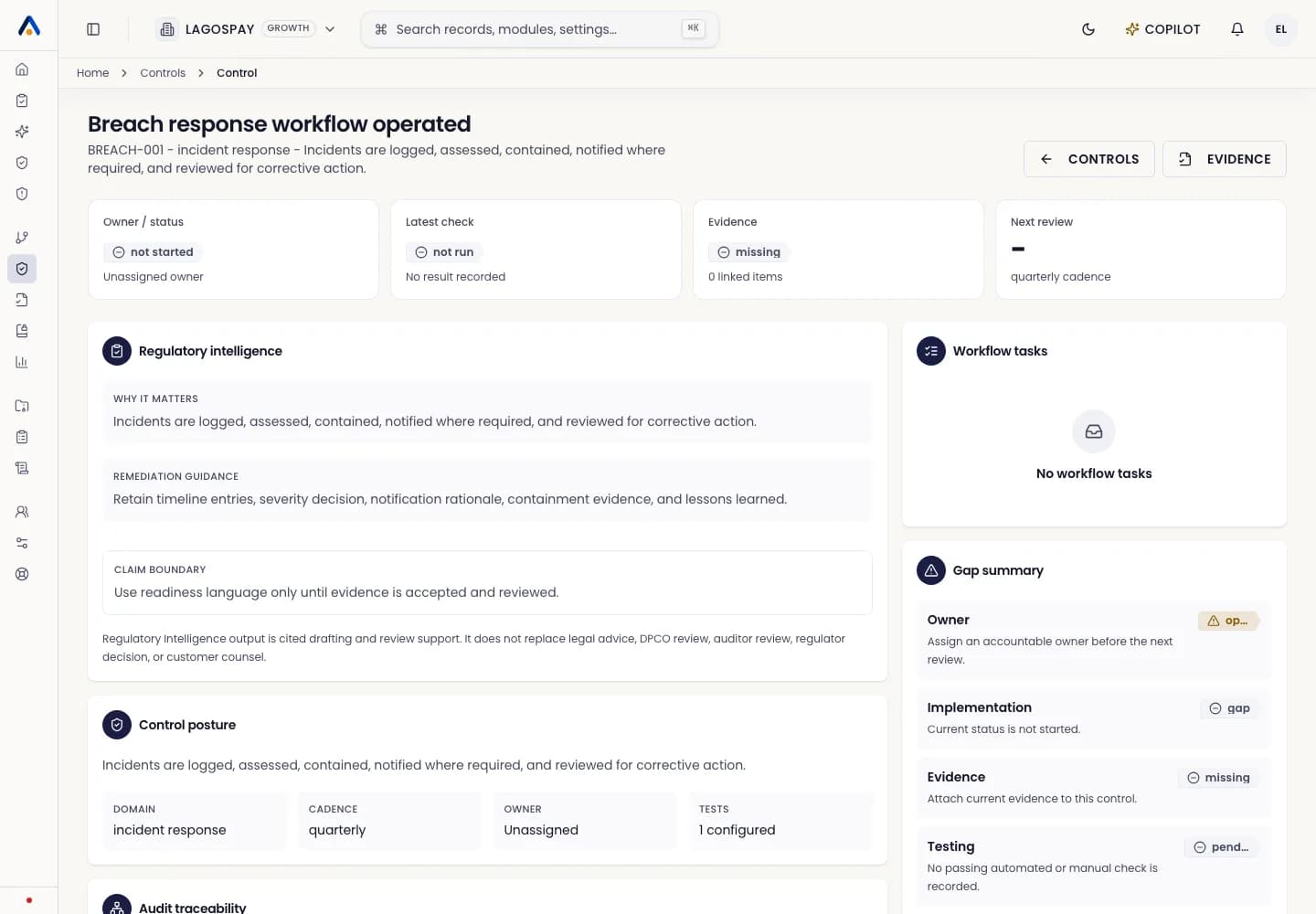
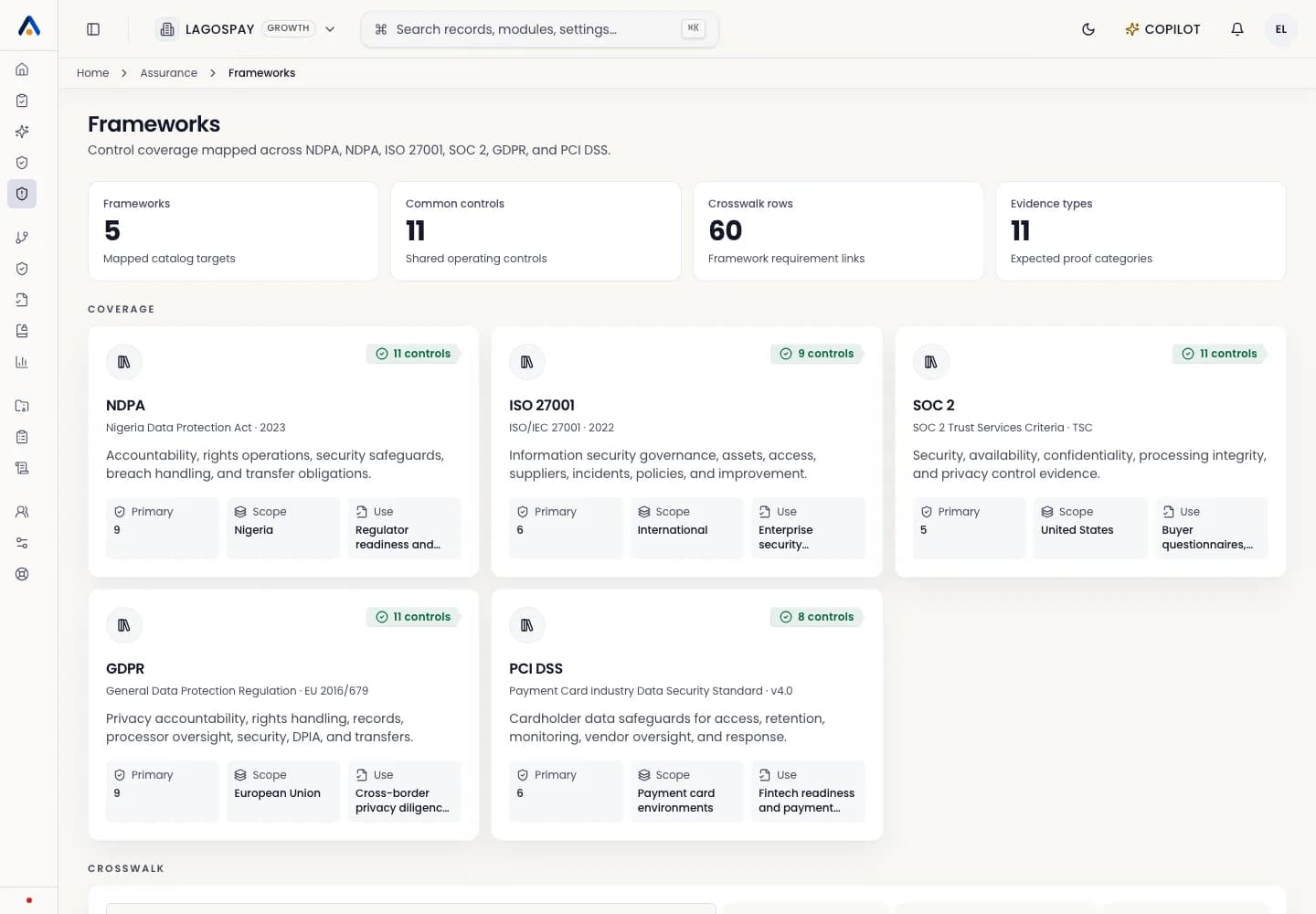
The coverage view should answer five audit questions: what control is being tested, what evidence supports it, who owns it, what is blocking readiness, and whether a reviewer has signed off.
Use this view before management reviews, procurement security reviews, and auditor walkthroughs.
Read a control row
- 1Open Controls and select a control or coverage view.
- 2Review the mapped framework requirements.
- 3Confirm the latest evidence object is current and linked to the right source.
- 4Check whether the automated check is passing.
- 5Review open remediation tasks, overdue items, and owner approval state.
- 6Mark the control audit-ready only after evidence, check, remediation, and sign-off requirements are all satisfied.
Use coverage for audit prep
Before exporting an audit pack, filter for missing, expired, stale, failed, unassigned, or unapproved controls. Resolve those gaps or document the claim boundary before sharing evidence externally.