
Integrations and evidence6 min readUpdated May 2026Evidence > API submissions
Access needed
OwnerAdminControl ownerAuditor workspace manager
Why review is required
Automated submission proves that a system sent data. It does not automatically prove that the evidence is sufficient, accurate, current, or mapped to the right control.
The review step preserves ASIRI’s human approval layer for legal, security, privacy, and audit-sensitive decisions.
Review a submission
- 1Open Evidence > API submissions.
- 2Filter for Needs review.
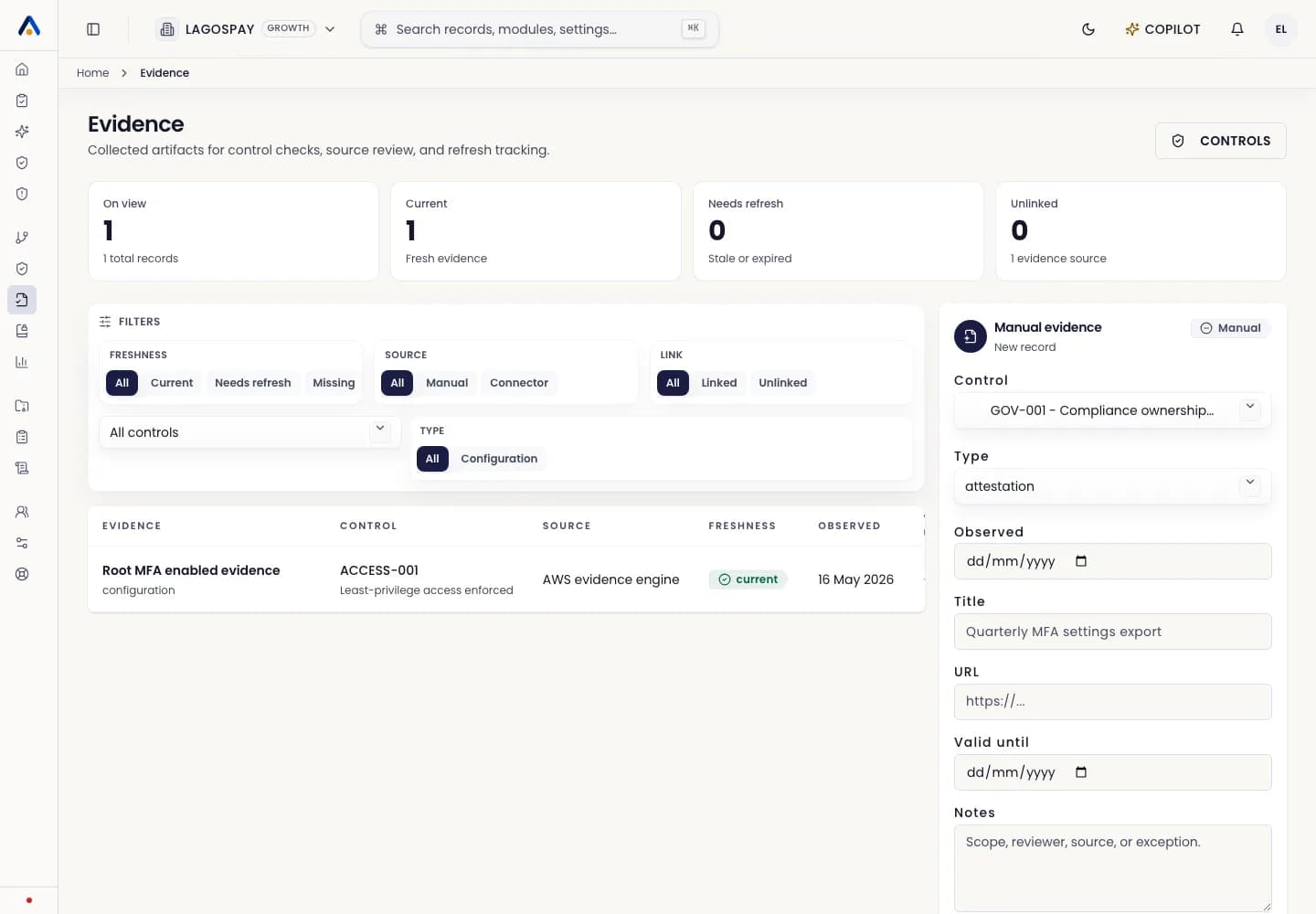
- 3Open the submitted evidence and inspect source, collection time, classification, personal-data flag, payload hash, and redacted fields.
- 4Confirm the evidence maps to the correct control or remediation task.
- 5Approve the evidence if it is accurate and useful, reject it if it is incorrect, or leave it pending with a note when more context is needed.
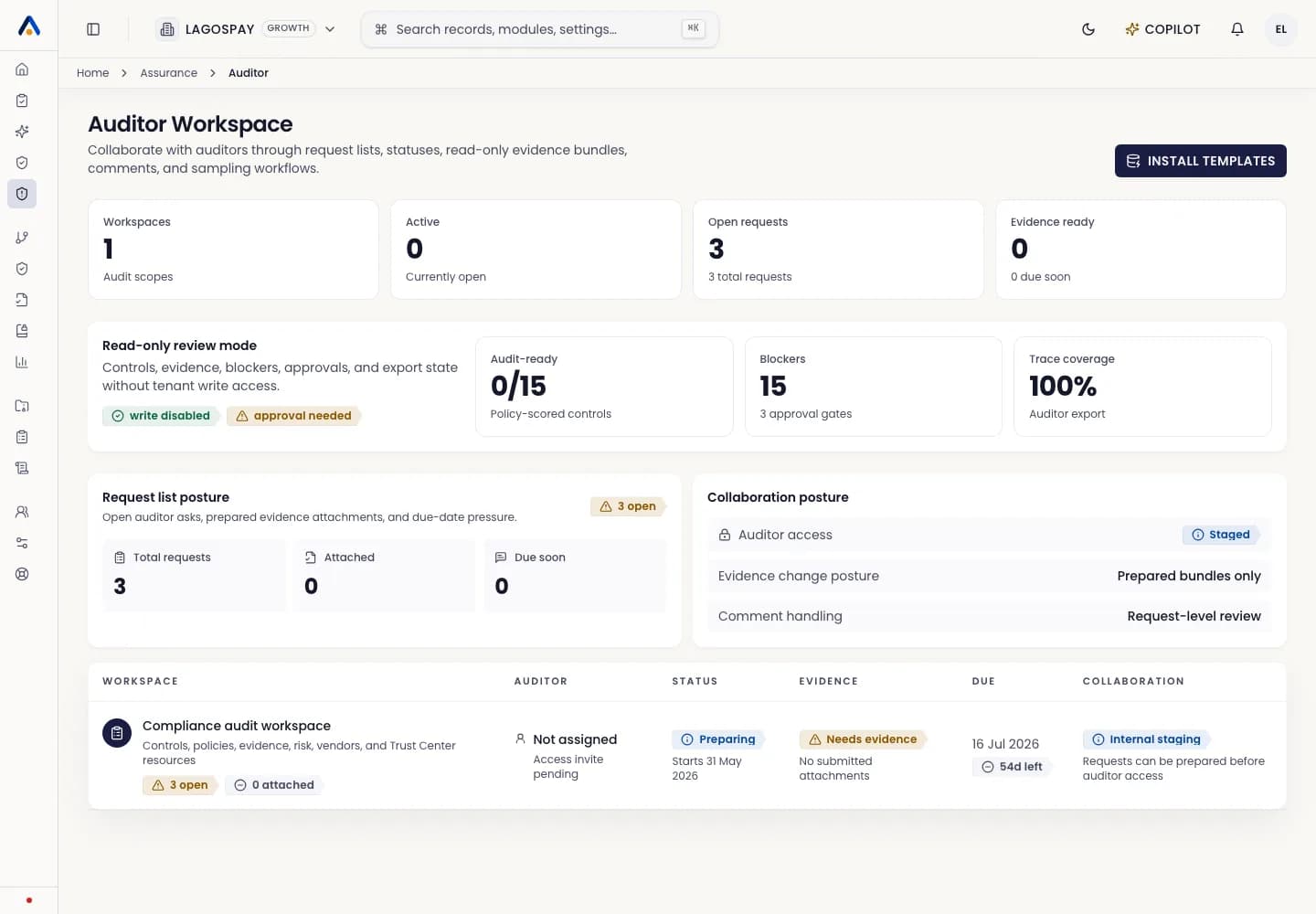
- 6Export the audit pack only after critical evidence has owner approval where required.
What auditors see
Audit exports distinguish manual uploads, connector evidence, and API-submitted evidence. API evidence includes submission ID, API key prefix, payload hash, redaction metadata, classification, personal-data flag, review status, and any export warning.