
Integrations and evidence6 min readUpdated May 2026Developer Center > API keys and Settings > API keys
Access needed
OwnerAdminSecurity admin
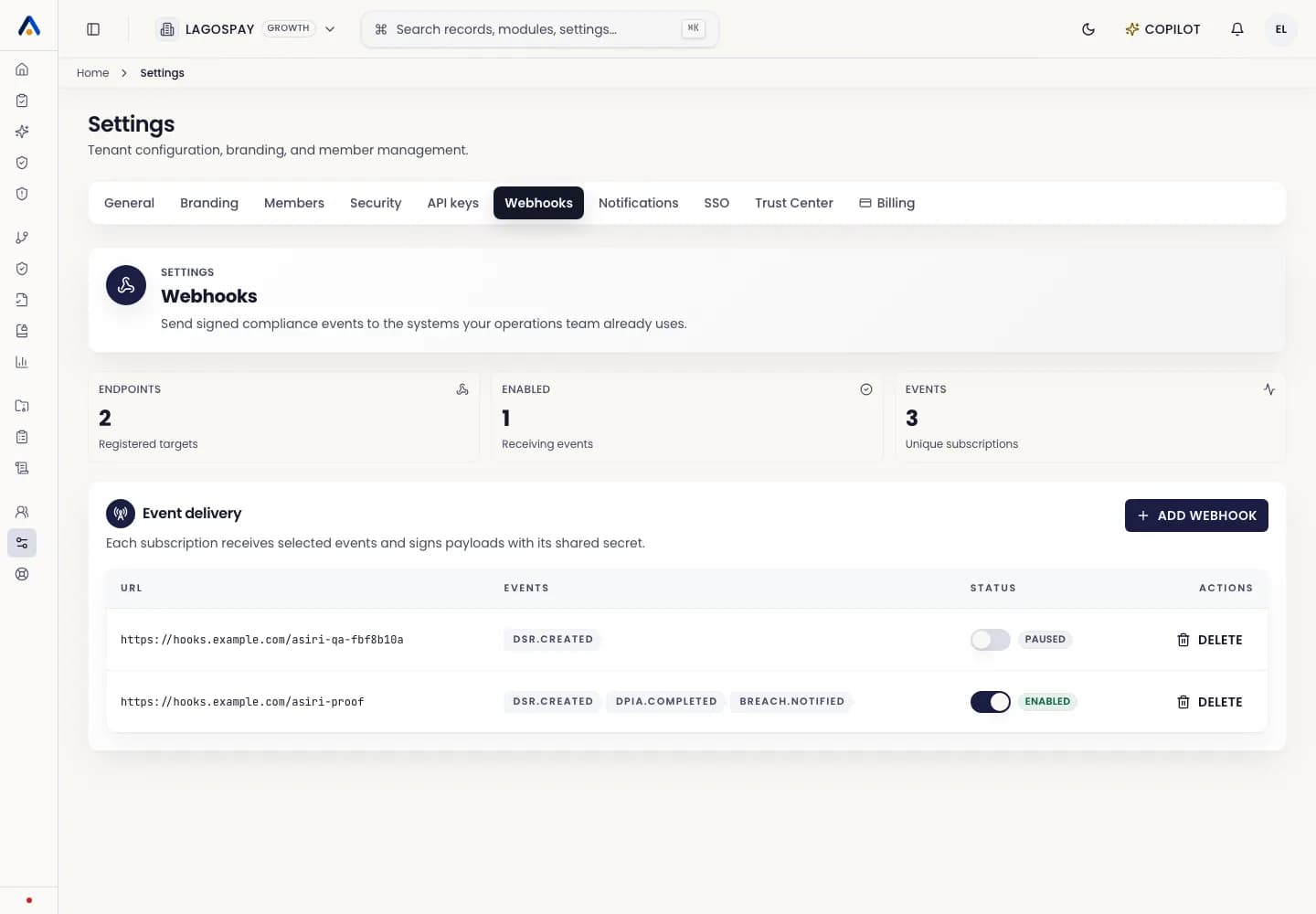
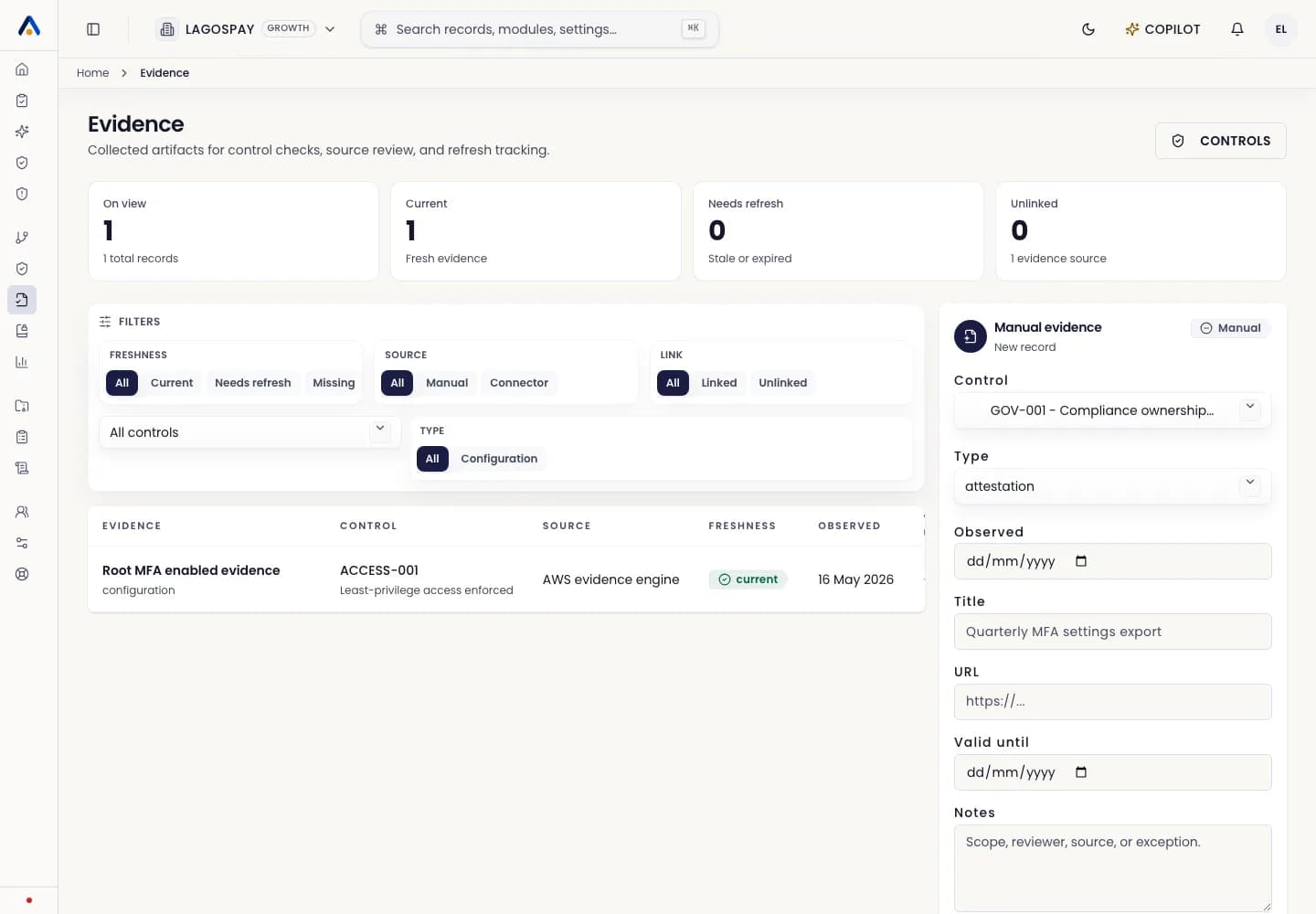
Choose one key per system
Create a separate API key for each external system. For example, use one key for your website consent banner, one key for your internal evidence exporter, and one key for vendor sync.
Separate keys make rotation and revocation safer. If one system is retired, you can revoke that key without breaking unrelated workflows.
Create the key
- 1Open Developer Center > API keys or Settings > API keys.
- 2Select Create API key.
- 3Name the key after the system that will use it, such as website-consent-production or github-evidence-exporter.
- 4Select only the scopes the system needs: evidence:write, consent:write, dsr:write, vendors:write, incidents:write, or trust-center:read.
- 5Copy the key once and store it in a server-side secret manager. Do not paste it into public frontend code.
- 6Record the owner, rotation date, and system purpose in your internal access register.
Production rules
API keys are bearer credentials. Treat them like production secrets. Never place them in browser JavaScript, mobile apps, screenshots, tickets, or public repositories.
Use idempotency keys on write requests so retries do not duplicate evidence, incidents, vendors, DSRs, or consent events.