
What widgets do
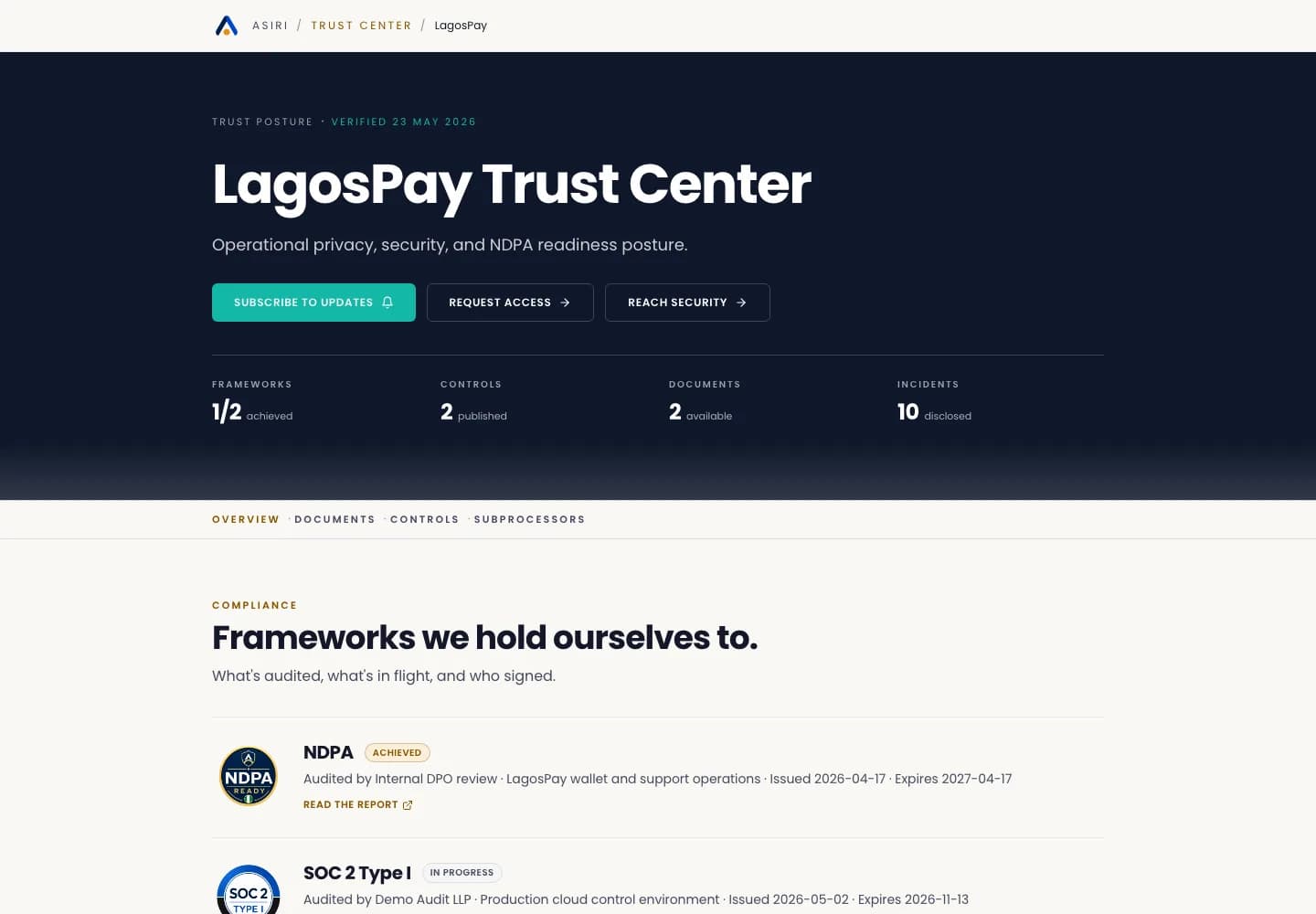
ASIRI widgets are public loaders for website surfaces. They can show a consent banner, Trust Center badge, or DSR launcher using your tenant slug and public configuration.
Widgets do not expose internal dashboard records, raw evidence, private files, or API keys.
Install a widget
- 1Open Developer Center > Embeds.
- 2Copy the snippet for Consent banner, Trust badge, or DSR portal.
- 3Paste the snippet into the website template or tag manager area where it should load.
- 4Publish the website change in staging first.
- 5Open the staging page and confirm the widget loads with the correct brand, tenant name, and public link.
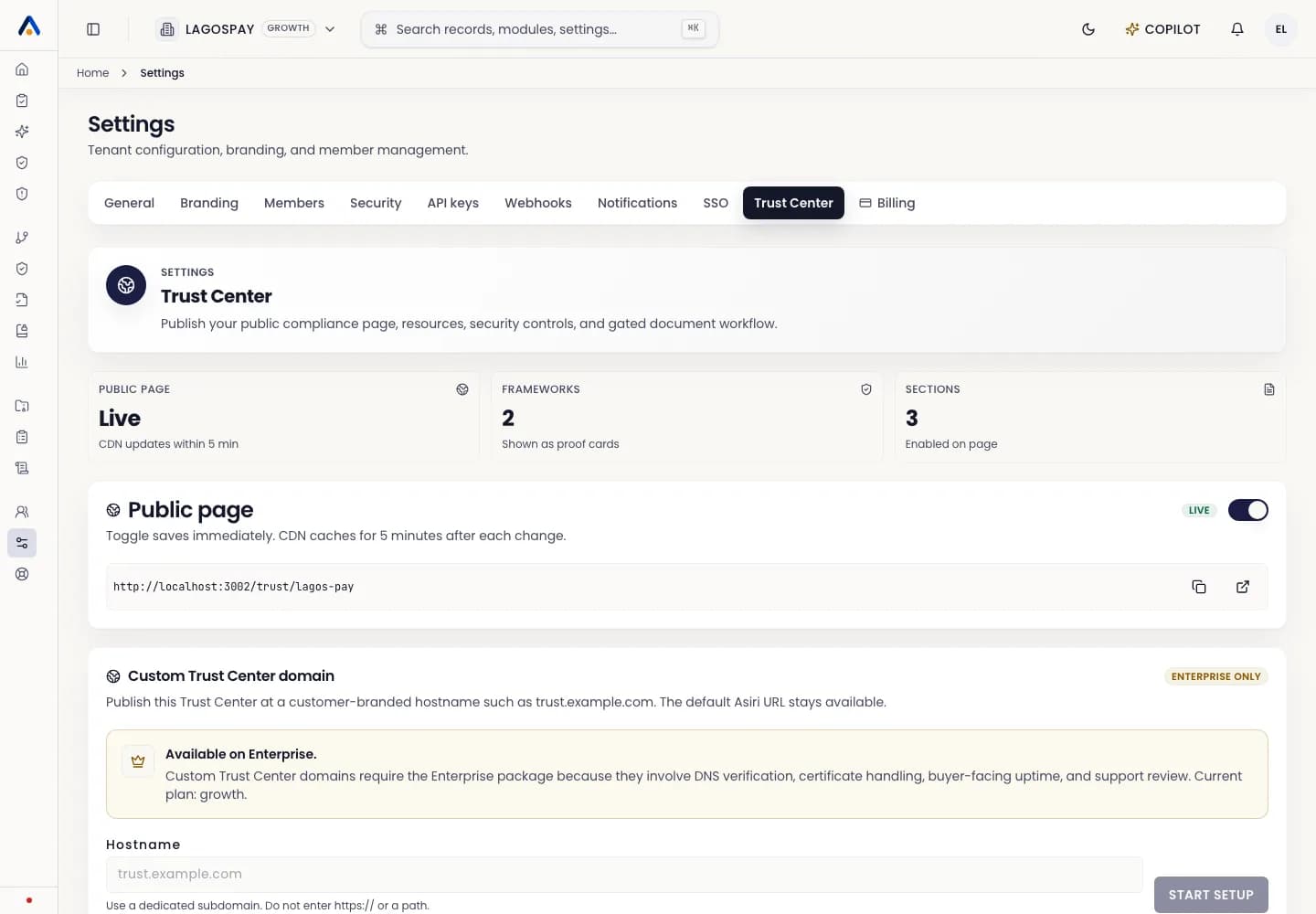
- 6Publish to production only after the Trust Center and consent settings are reviewed.
Choose a Trust badge layout
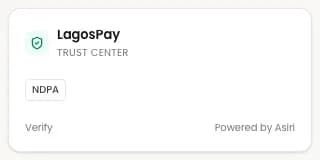
The Trust badge supports mini, compact, card, status, floating, and full layouts. Use mini in footers, compact for the premium verified badge with proof popover, card on security pages, status for live trust callouts, floating for the expandable trust drawer on long buyer pages, and full where trust proof is a primary conversion asset.
Configure the badge with data-asiri-variant, data-asiri-theme, data-asiri-accent, data-asiri-radius, data-asiri-size, data-asiri-position, data-asiri-show-frameworks, data-asiri-show-updated, and data-asiri-show-powered-by.
The badge uses Shadow DOM style isolation so host website CSS should not break the badge typography, spacing, or security signal.
Framework examples
Plain HTML, Webflow, Framer, and WordPress can paste the script into a Custom HTML or embed block.
Next.js and React teams should load the script from a client component and pass a target element ID.
Vue teams should create the target element in the component and append the script after mount.
Do not place API keys in widgets. Widgets are public loaders. Server-side evidence, consent syncs, incidents, vendors, and DSR submissions should use scoped API keys from a backend service.
When to use the API instead
Use widgets when ASIRI should present the public user interface. Use the external API when your own system already owns the interface and needs to send events, DSRs, vendors, incidents, or evidence into ASIRI.