ASIRI

Use the Trust Center to share approved documents

Publish approved resources and manage external access requests.

Help center
Trust Center and audit5 min readUpdated May 2026Settings > Trust Center
Access needed
AdminTrust Center managerLegal reviewer
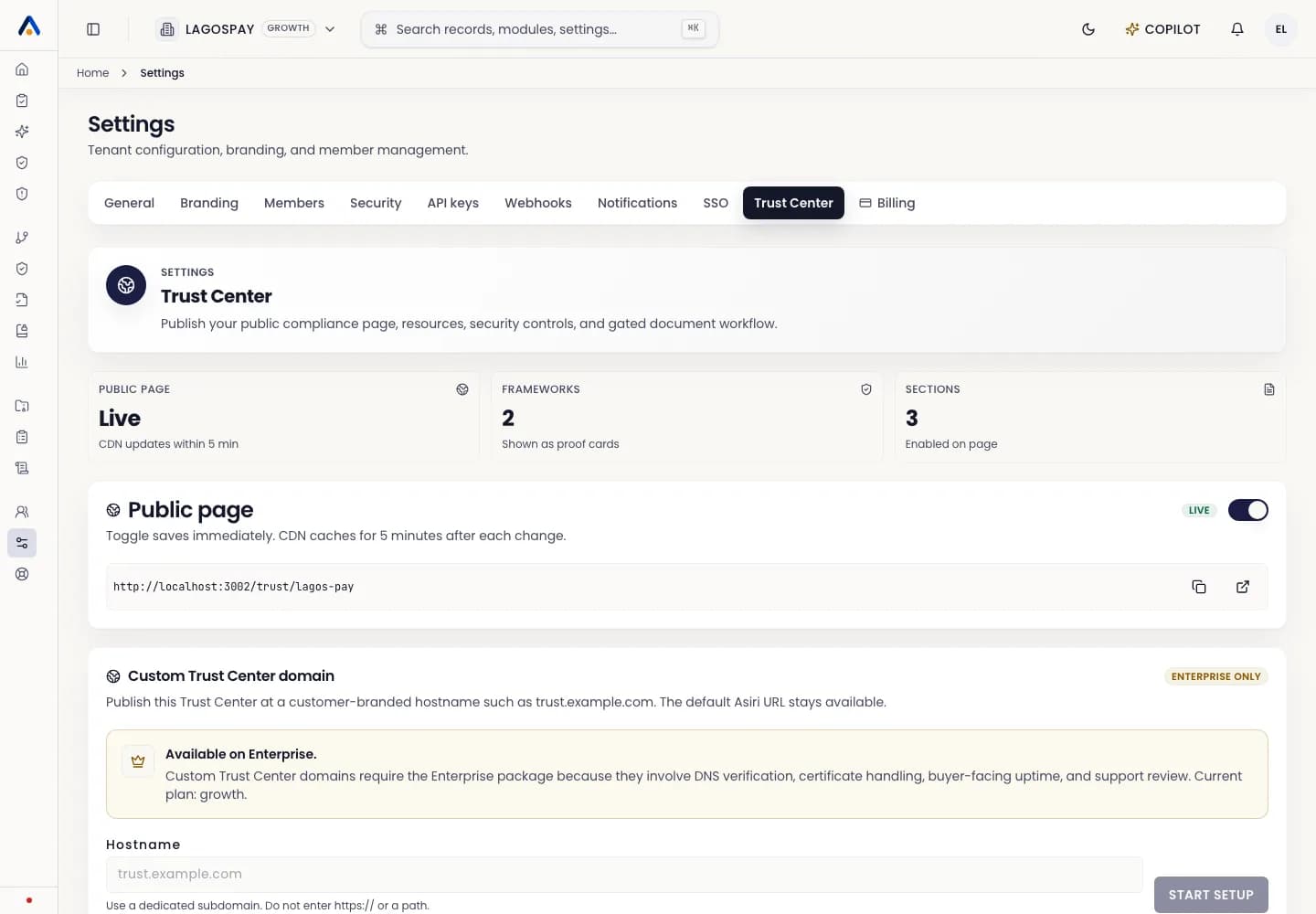
ASIRI Trust Center settings tab with published resources and access request controls
Trust Center settings control published documents, access-request behavior, public claims, sub-processors, and disclosure content.
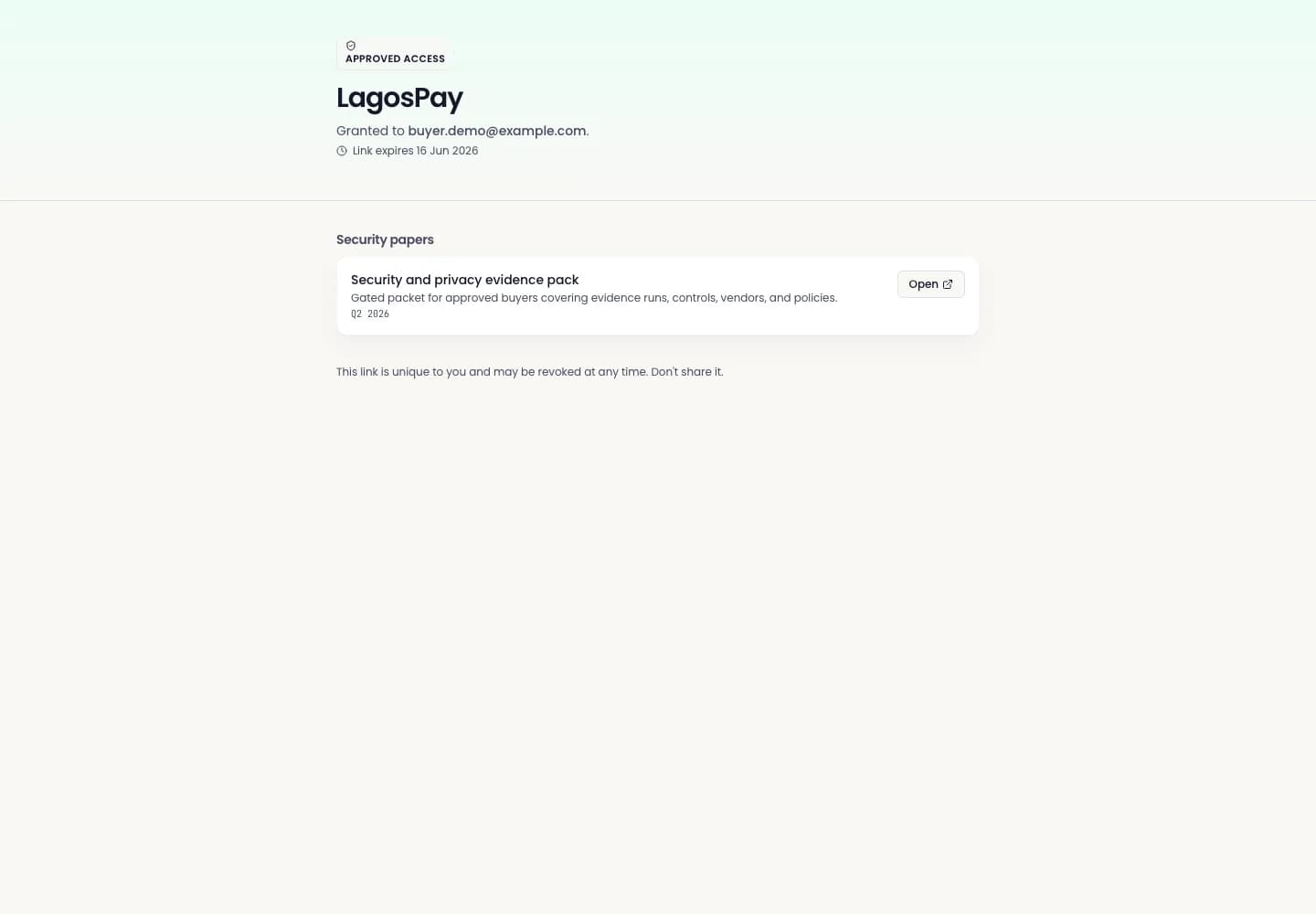
ASIRI Trust Center gated access request workflow
Use gated access for sensitive documents that require internal review before a prospect or auditor can view them.
ASIRI public Trust Center
Preview the public Trust Center before publishing so customer-facing resources and claims are accurate.

What to publish

Publish only documents that are approved for external sharing, such as security summaries, policies, certificates, or standard questionnaires.

Handle access requests

  1. 1Open Settings > Trust Center.
  2. 2Review the requester and requested resource.
  3. 3Approve access only when the business reason is valid.
  4. 4Reject requests that are incomplete or suspicious.