
Privacy workflows5 min readUpdated May 2026Consent > New banner
Access needed
AdminPrivacy operatorMarketing reviewer
After publishing
Monitor consent rates and confirm that records are being stored against the correct tenant.
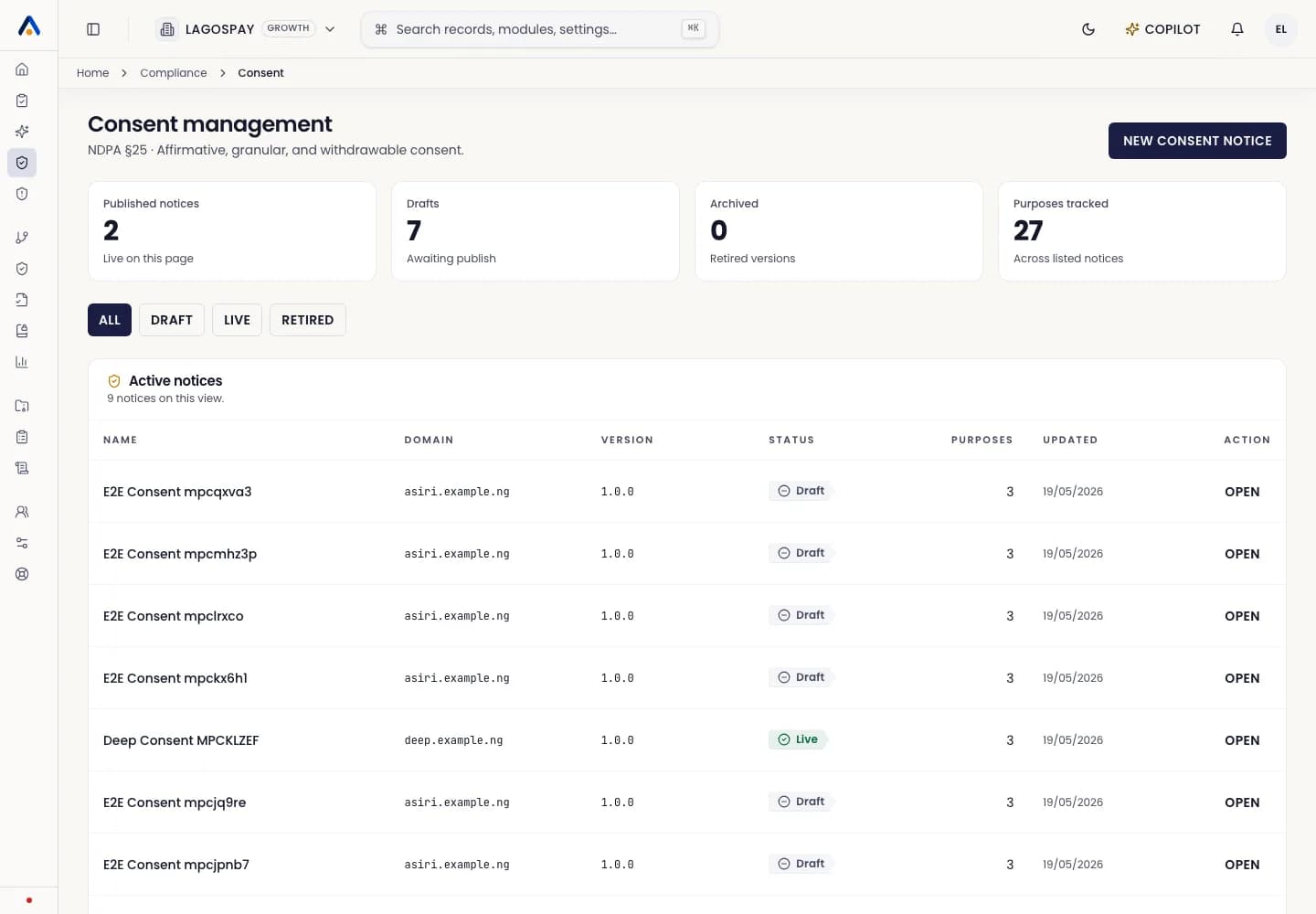
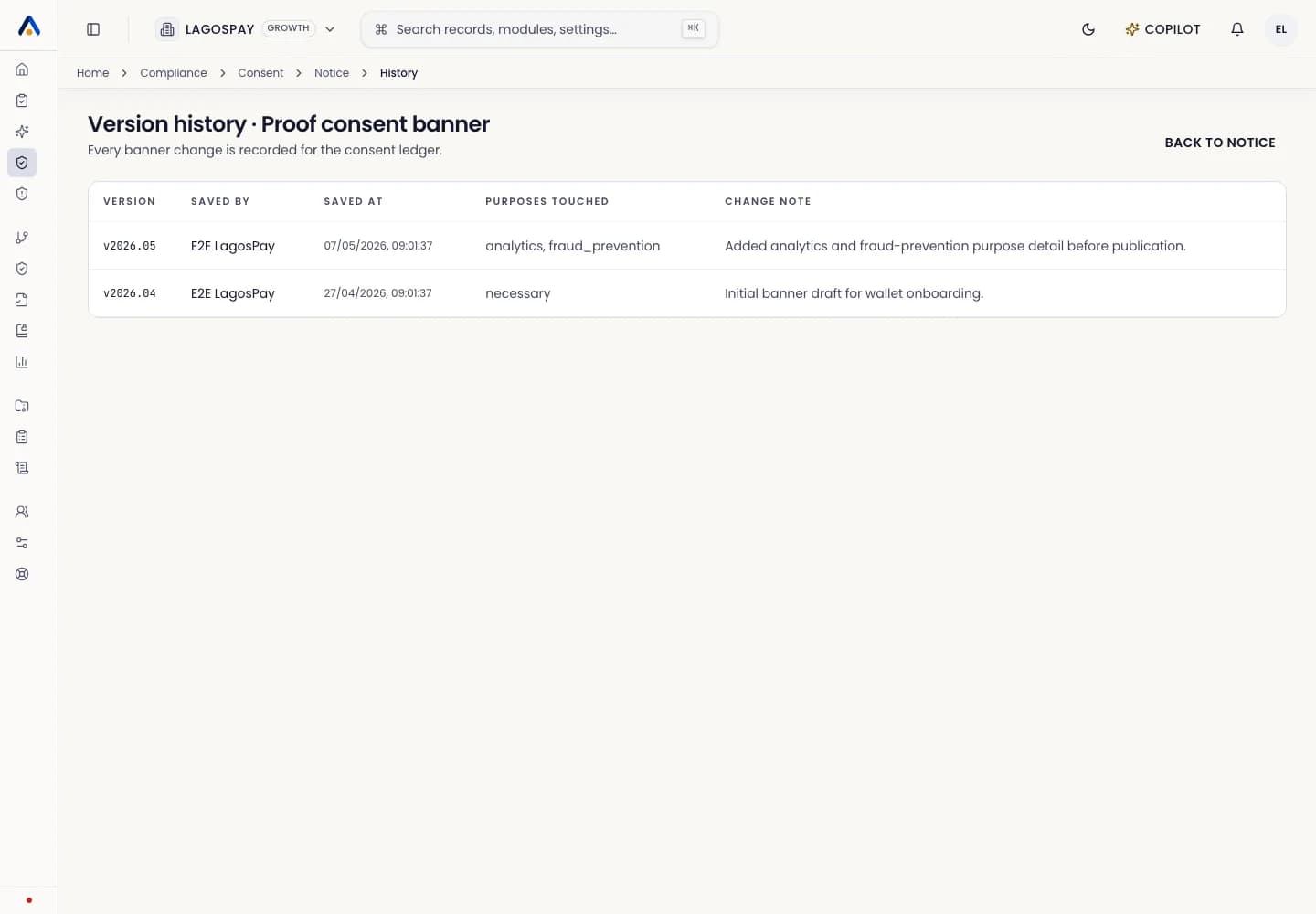
Configure purposes, banner copy, and consent records for a website or app.
Monitor consent rates and confirm that records are being stored against the correct tenant.