
Trust Center and audit4 min readUpdated May 2026Files or module upload panel
Access needed
AdminOperatorControl owner
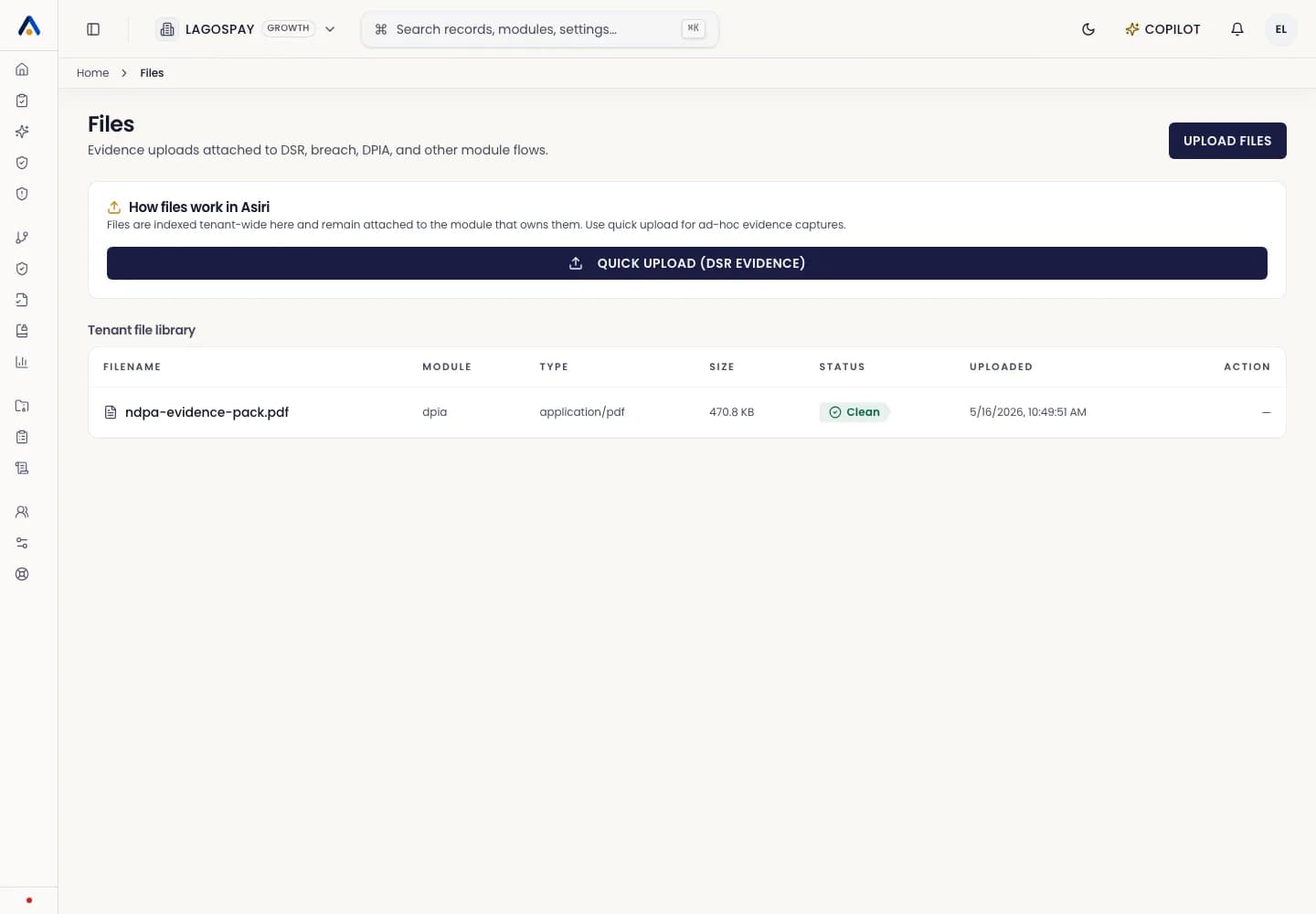
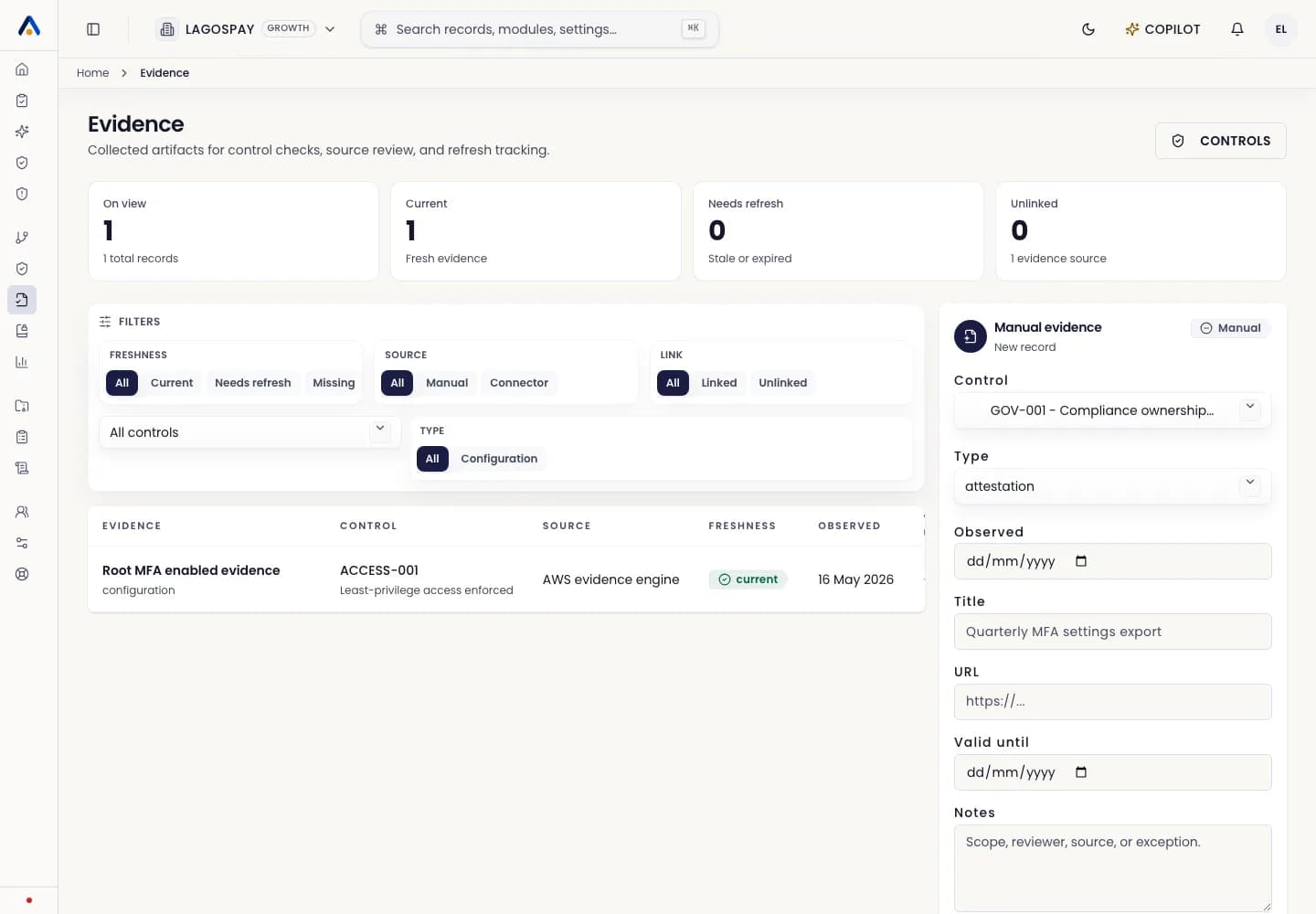
Upload safely
- 1Open the module or settings area that needs the file.
- 2Upload the file from that context.
- 3Confirm the preview or file name.
- 4Save the record before navigating away.
File hygiene
Use clear file names, avoid duplicate drafts, and remove files that should no longer be shared. Do not upload secrets or credentials into evidence fields.