
 01
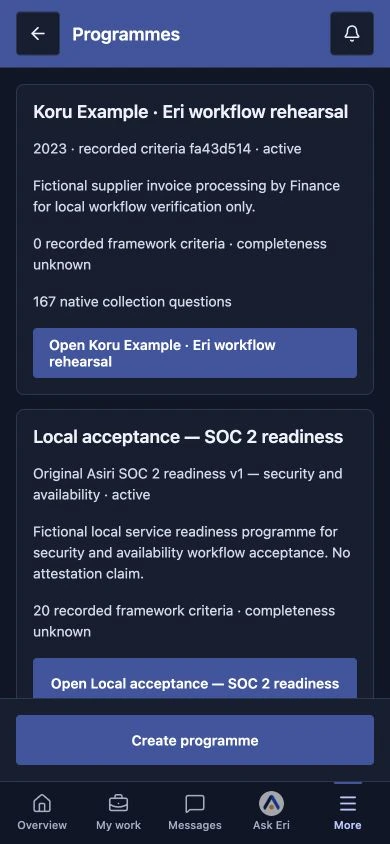
01Find the work that matters.
Keep each programme in its own scope, from privacy to information security.
Asiri for Android · Available on Google Play
Read a conversation, check a record and stay connected to your team. Your Asiri workspace travels with you.
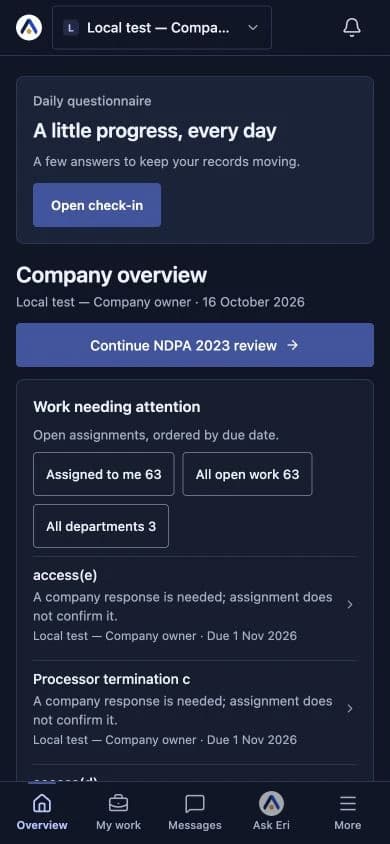
THE WORK, WITH YOU
Find the programme, understand the work and keep your team moving. The same workspace access, in a view made for your phone.
01Keep each programme in its own scope, from privacy to information security.
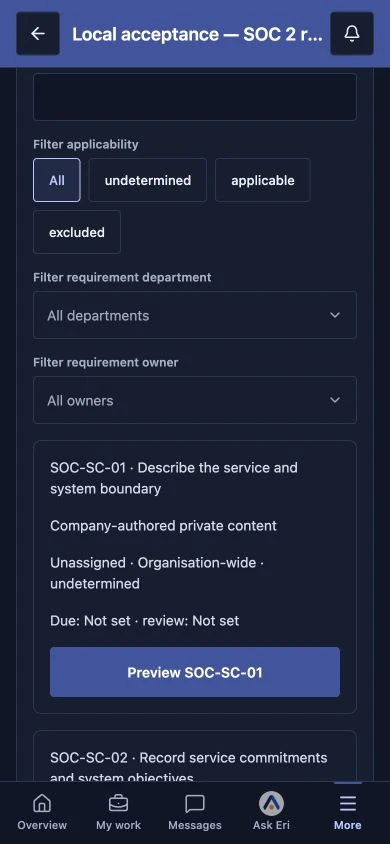 02
02Open the programme to check its requirements, reporting periods and recorded review progress.
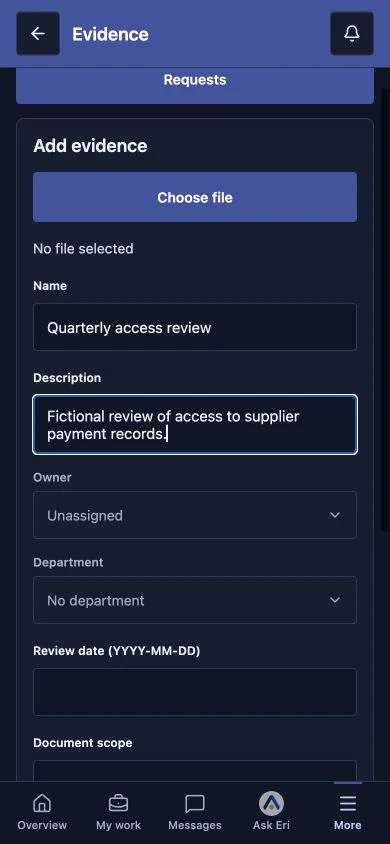 03
03Start a document draft with a name, description, owner and review date. Choose a file before saving it to your evidence library.
 04
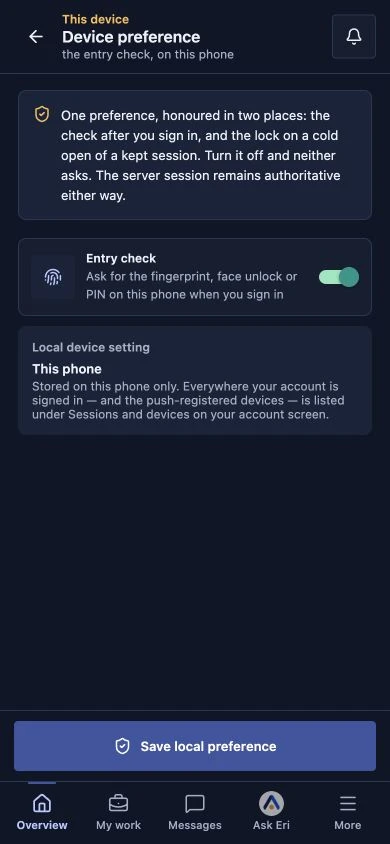
04Use the optional entry check on your phone. Workspace access and session expiry are still controlled by your account.
Keep the work moving
Choose a photo or capture an image with your phone’s camera in supported evidence and conversation flows. Camera access is requested when you use it.
Use your phone’s fingerprint, face unlock or PIN for the optional entry check. Your biometric information stays on your device.
Catch up with your team, reply to messages and keep attachments with the conversation.
Browse supported workspace records and follow the work you have access to, without returning to your desk.
Open supported images and PDFs in the app and share documents using your phone’s share controls.
Sign in with your Asiri account and choose the company or practice you belong to. Your permissions travel with you.
GET STARTED
Google Play handles installation and device compatibility.
Get it on Google PlayUse the Google Play link on this page and install Asiri. Google Play shows the device requirements and compatibility for your phone.
Enter your work email and complete your account’s sign-in method. If you use email codes, open the latest Asiri email and enter its code.
Select your company or practice. You will see the records and conversations your account is permitted to access.
Open your messages or browse your workspace records. For wider editing and reporting tasks, continue in the web or Mac app.
Use the same Asiri sign-in. Your workspace access follows your account.
Screens show the Asiri mobile client with fictional records. Device appearance may vary.