

01
Give every programme a place.
Keep privacy, information security and company-authored requirements in their own scope, with owners and review cycles.
Asiri for Mac · macOS 12 or later
Bring programme work, Eri preparation, audit review and your report editor into one desktop workspace. From the first source to the final handoff.
Version 0.2.16 · Download for Intel Mac
THE WORK, CONNECTED
Programmes bring the work together. Eri prepares from your sources. People review the results and own the report.
Keep privacy, information security and company-authored requirements in their own scope, with owners and review cycles.
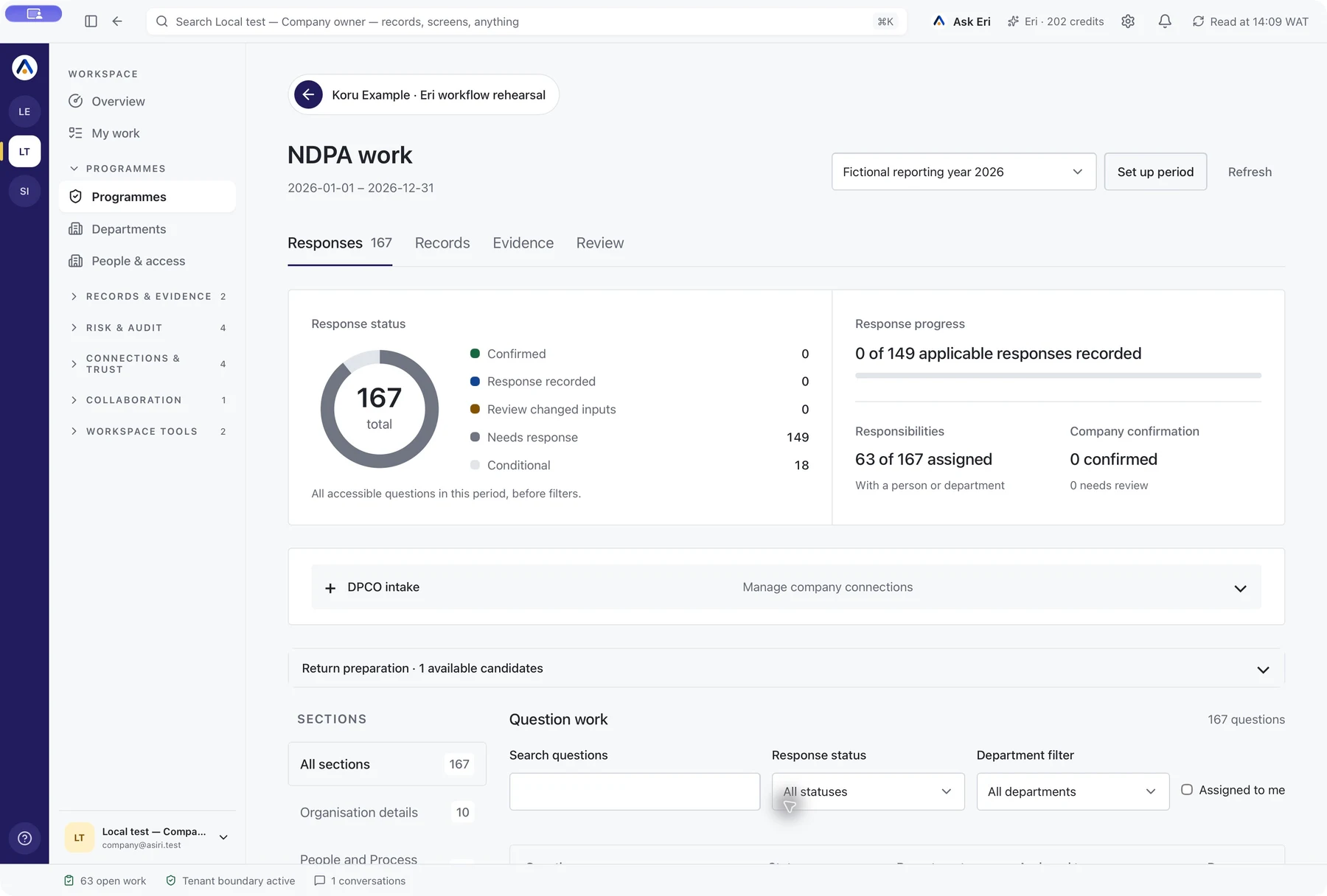
Bring the assigned questionnaire, department responsibilities and recorded due dates into the same working file.

Department coverage and proposed records stay linked to the exact statements and sources behind them.
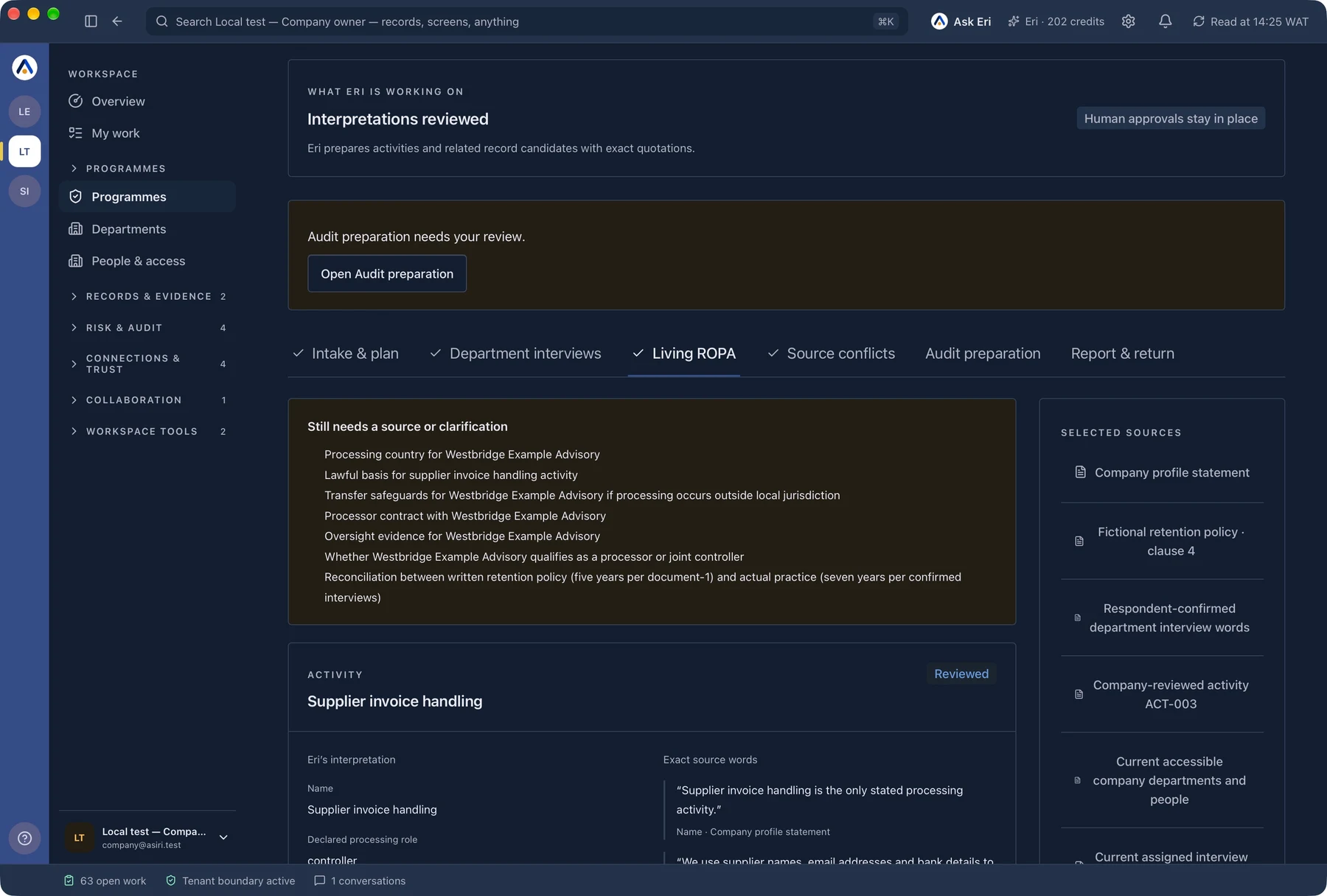
Read the proposed processing activity, its source words and what still needs clarification. People make the decision.
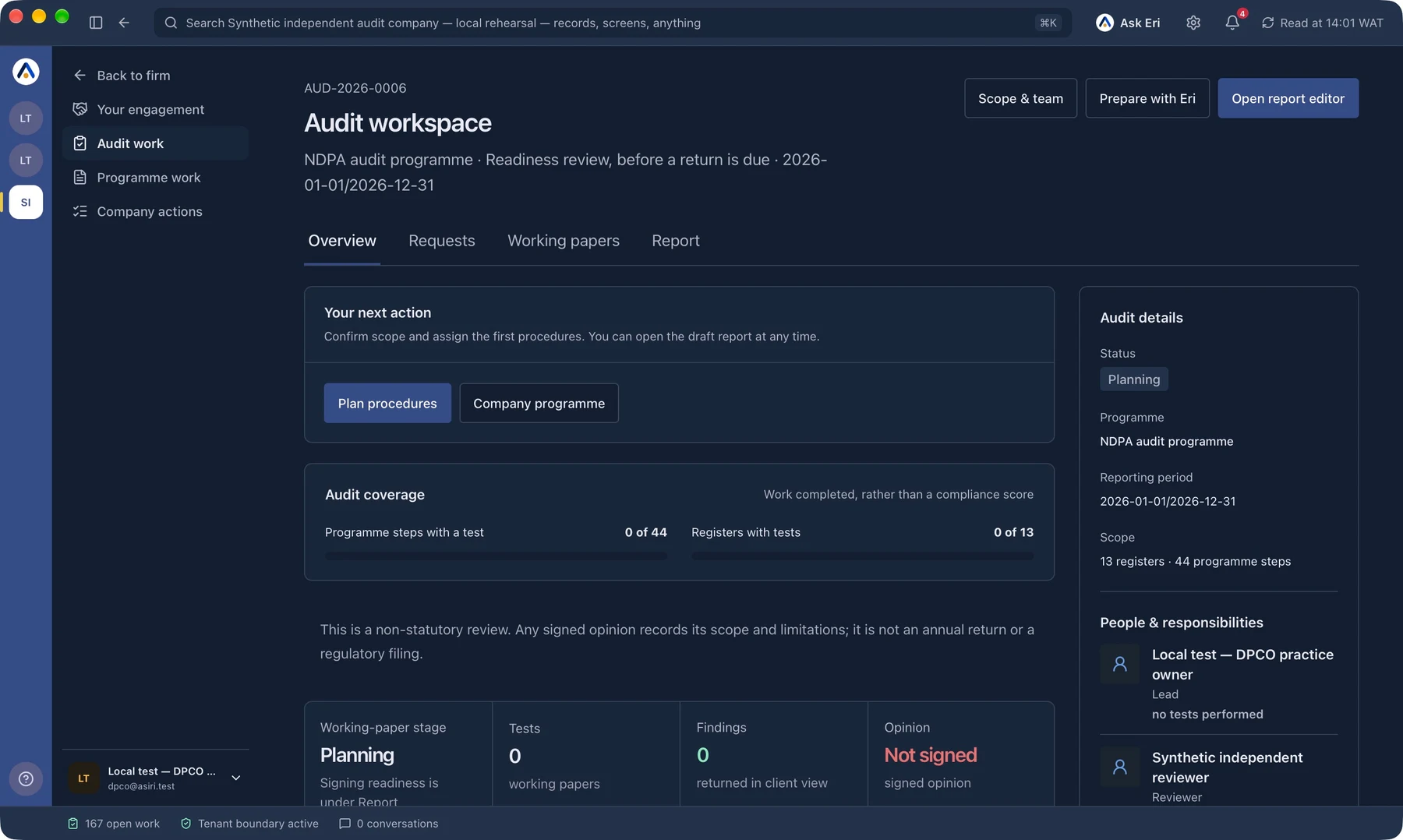
See scope, coverage, working papers and signing readiness. The auditor performs the tests and owns the opinion.
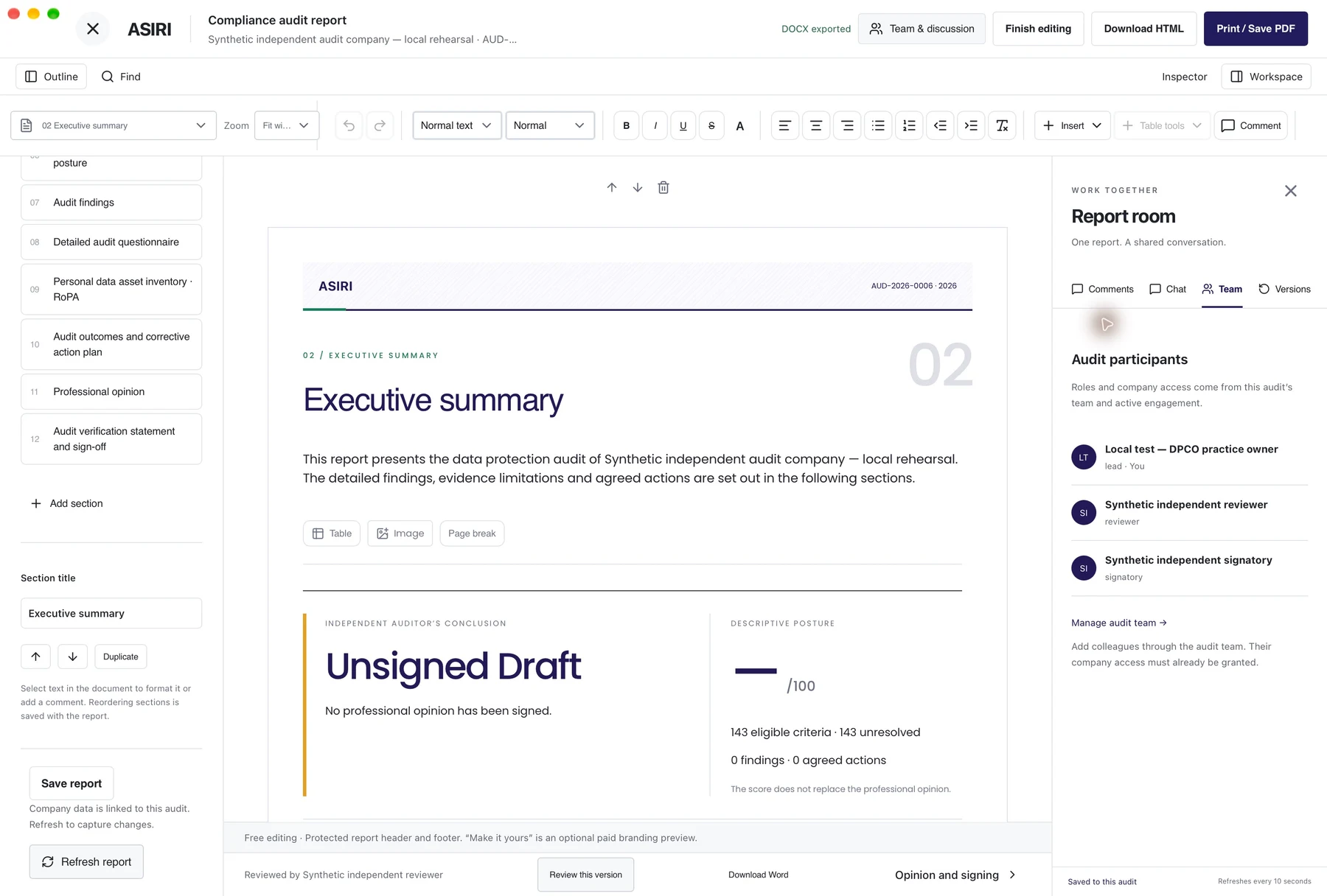
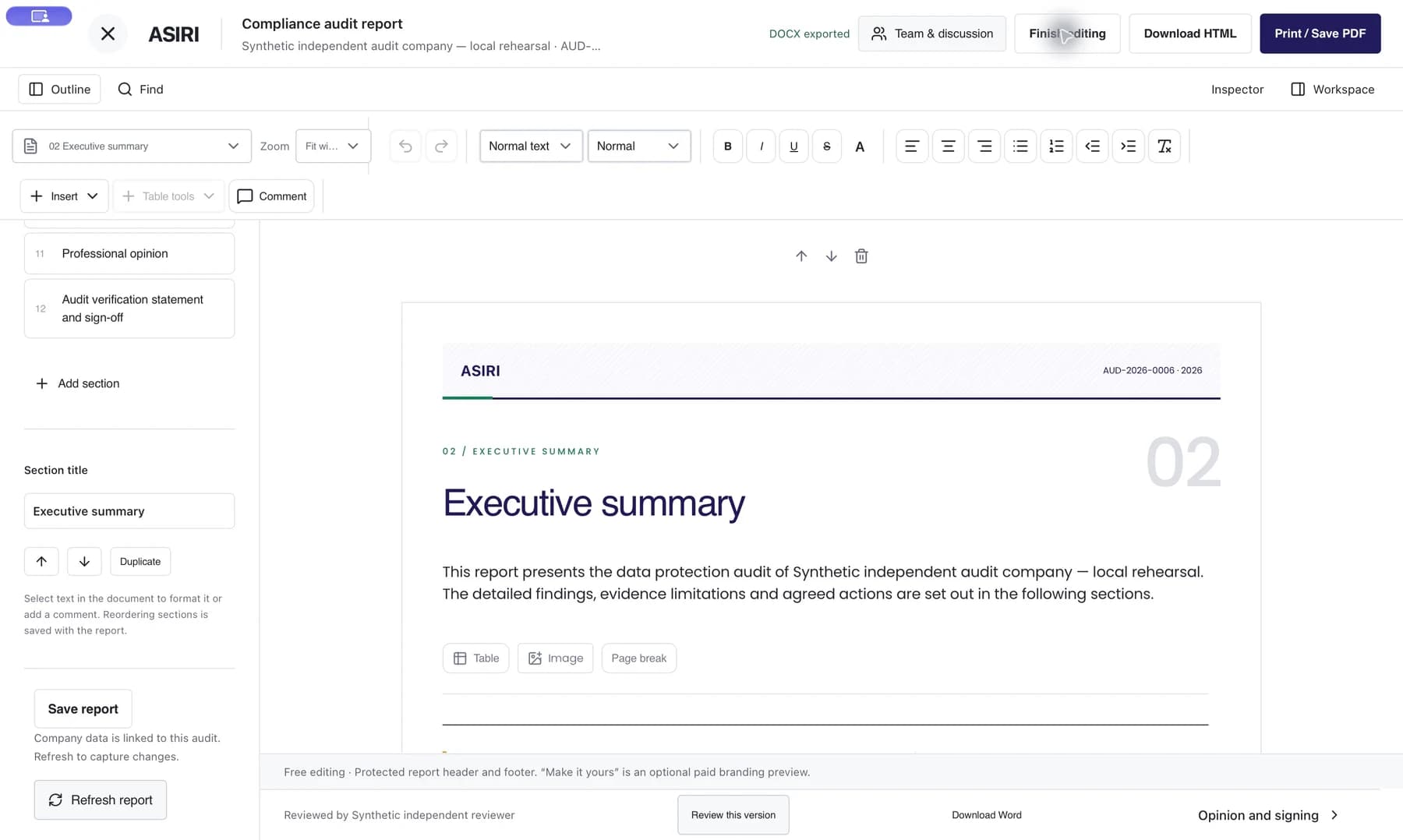
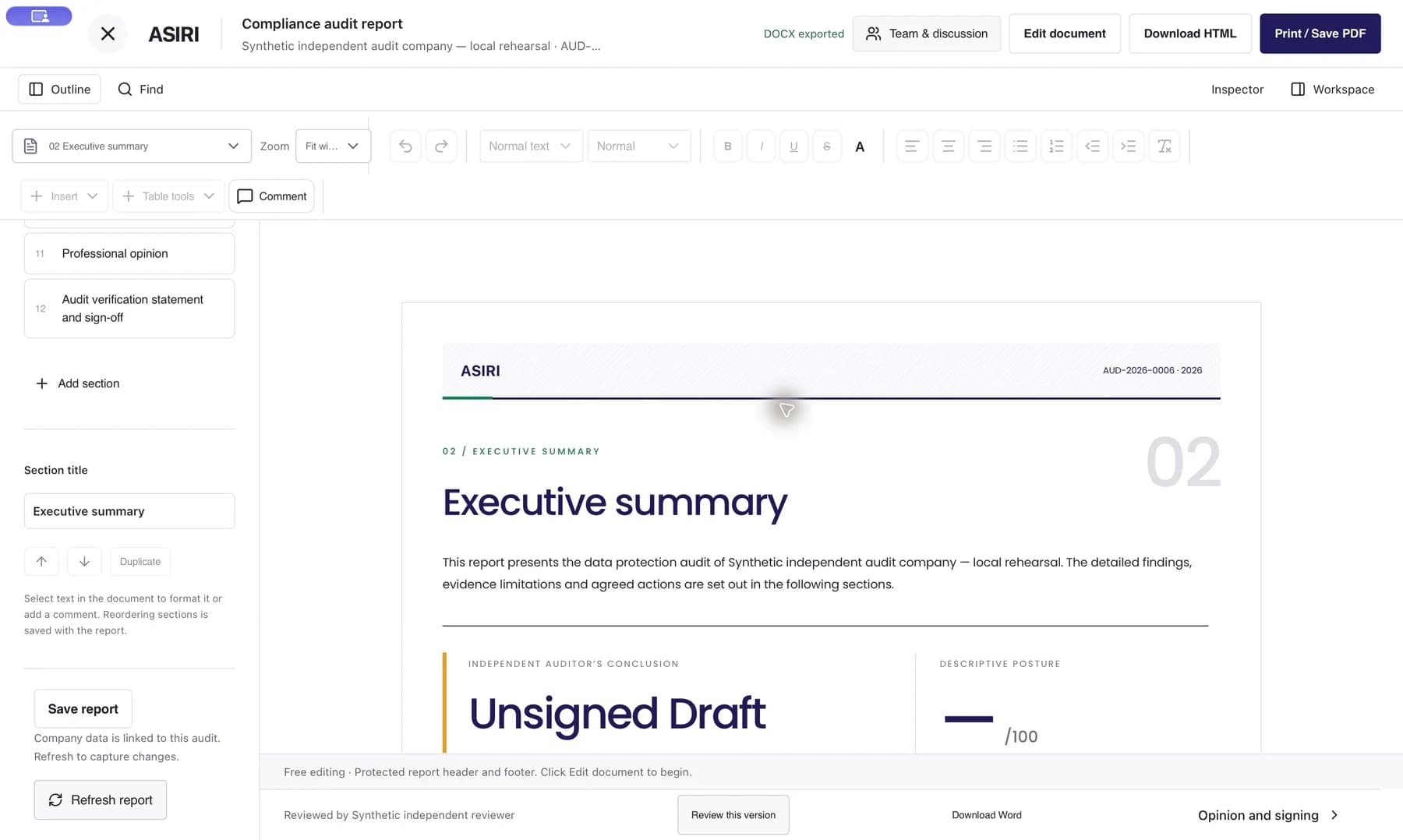
Edit the document, follow its outline and keep the lead, reviewer and signatory close to the shared work.
Made for your working day
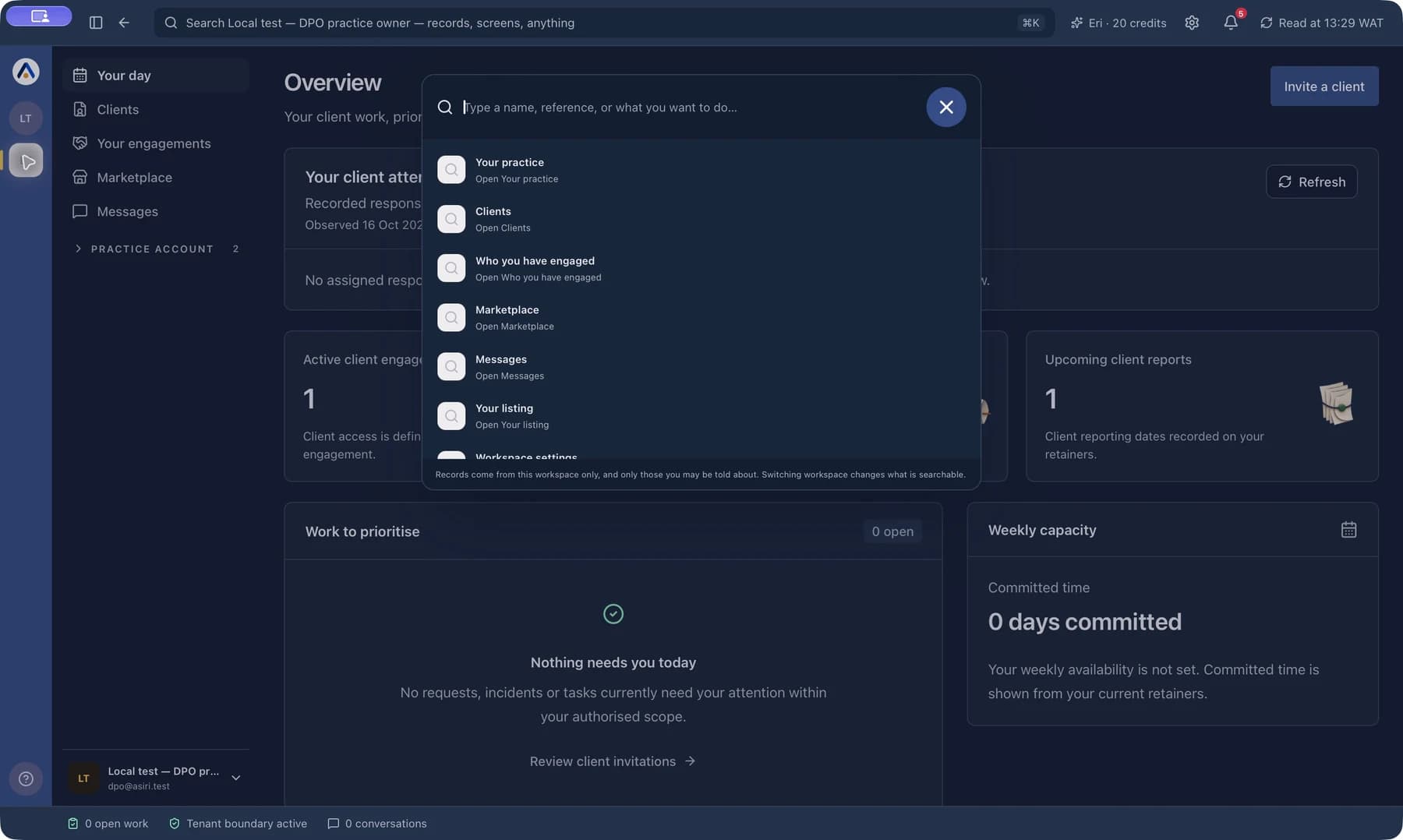
Press ⌘K to find the records and screens available in your workspace. Keep moving with familiar keyboard shortcuts.
Keep Asiri in the menu bar while you work elsewhere. Desktop alerts continue while the app is running.
Choose light, dark or system appearance, adjust interface size and reduce motion from native desktop settings.
Switch between the company and practice workspaces you belong to. Each keeps its own records and access.
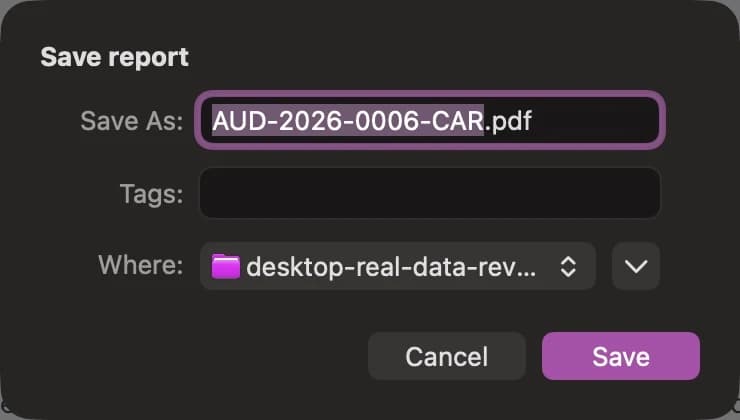
Save supported report downloads through the native file dialog, ready for your next review or handoff.
Choose your notification sound and open macOS notification settings. Your system permissions and Focus settings still apply.
NATIVE DETAILS
Find your next step. Set your own pace. Keep the workspace comfortable.

GET STARTED
For Apple silicon and Intel Macs running macOS 12 or later.
Download for Apple silicon Download for Intel MacOpen Apple menu → About This Mac. If it lists an Apple chip, choose Apple silicon. If it lists Intel, choose the Intel download.
Open the downloaded .dmg file and drag Asiri into your Applications folder. Then open Asiri from Applications.
Use your existing Asiri account and the sign-in method configured for it. Select the company or practice you want to work in.
Open Desktop settings to choose your appearance and menu-bar preferences. Allow notifications in macOS if you want desktop alerts.
Use the same Asiri sign-in. Your workspace access follows your account.
Screens captured in the Asiri development app with fictional workspace records.