
Privacy workflows6 min readUpdated May 2026RoPA > New processing activity
Access needed
AdminPrivacy operatorDPO
Start with systems
List the systems that collect, store, transmit, or analyze personal data. Examples include CRM, payments, support tools, analytics, KYC, and HR systems.
Create activities
- 1Open RoPA.
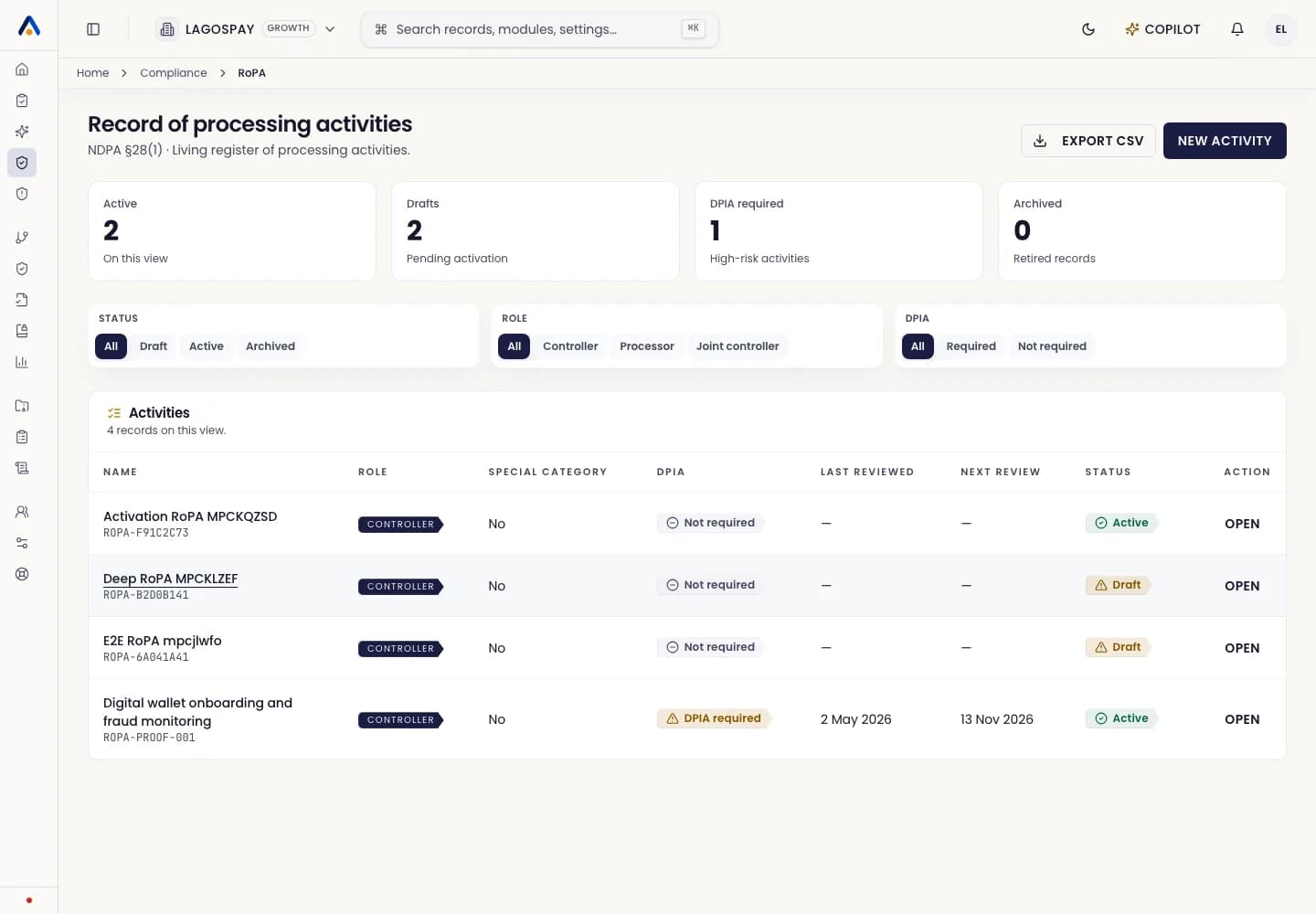
- 2Create a processing activity for each business process.
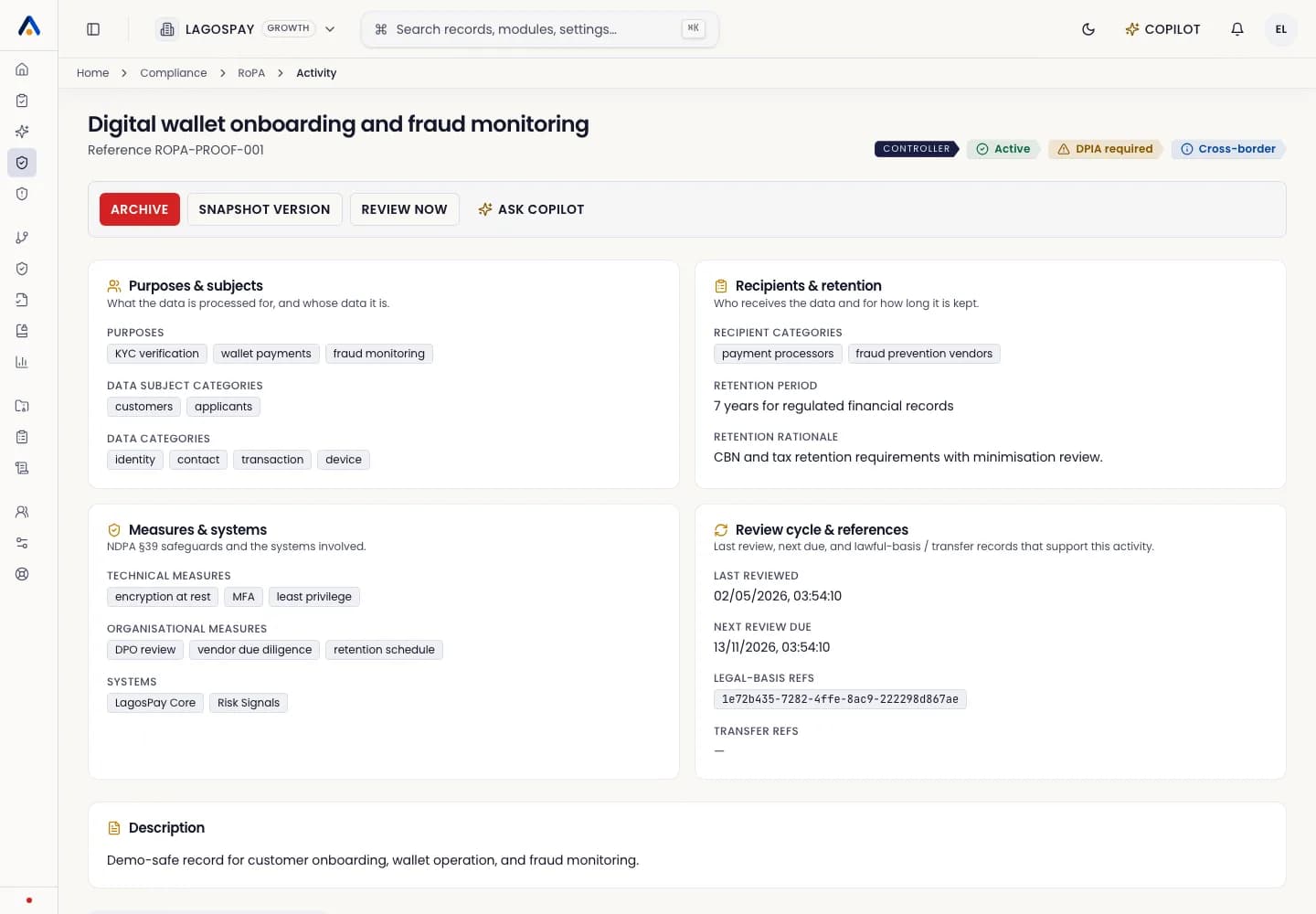
- 3Add data categories, subjects, retention, processors, and lawful basis.
- 4Assign an owner and mark review status.
Keep it current
Review the register when products, vendors, retention rules, or data flows change.