
Privacy workflows6 min readUpdated May 2026DPIA > New assessment
Access needed
AdminPrivacy operatorDPOReviewer
When to run a DPIA
Run a DPIA for high-risk processing, sensitive data, large-scale monitoring, new profiling workflows, or material changes to existing processing.
Complete the assessment
- 1Open DPIA.
- 2Create an assessment and describe the processing.
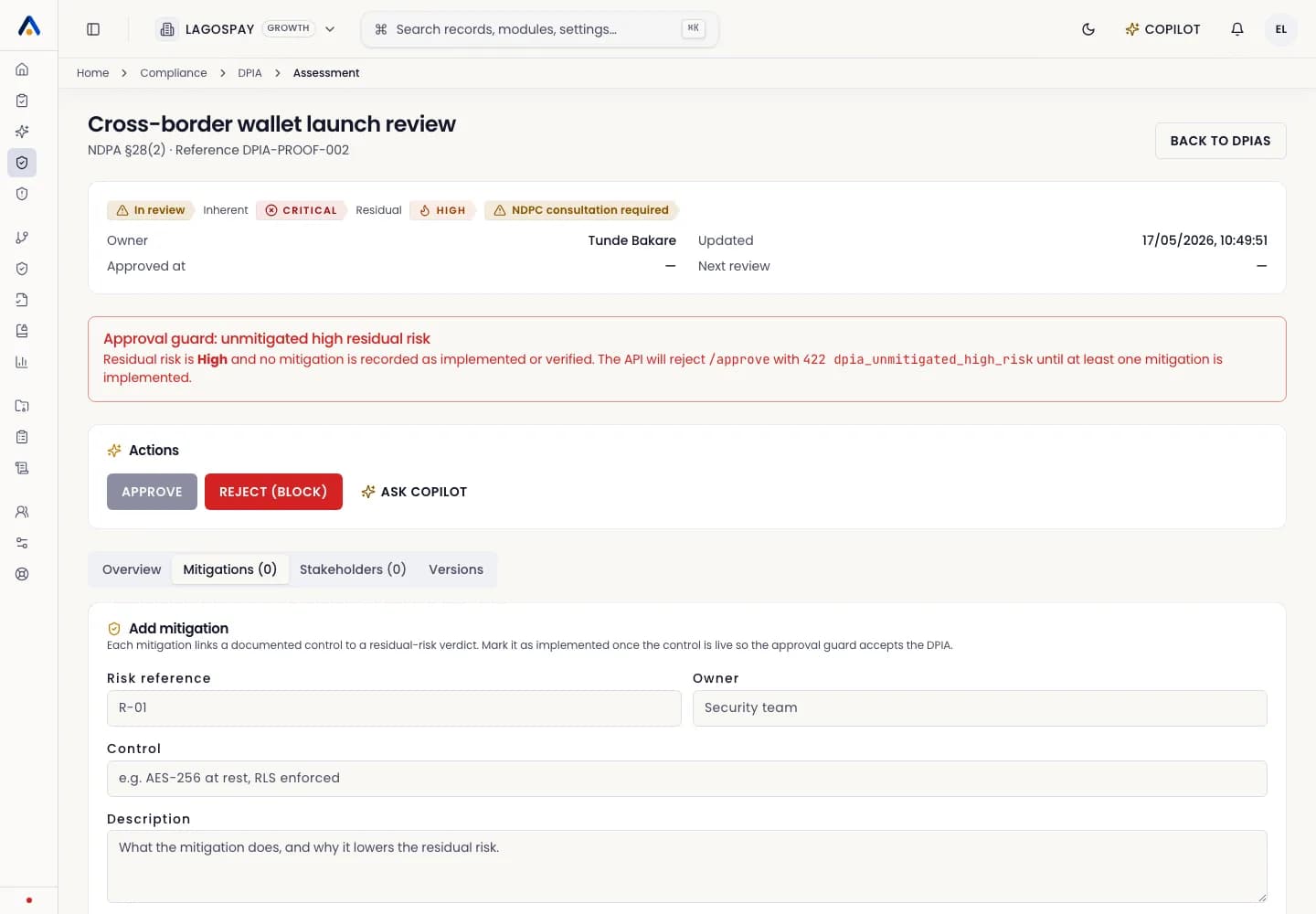
- 3Add systems, categories, subjects, risk factors, and mitigations.
- 4Assign reviewers.
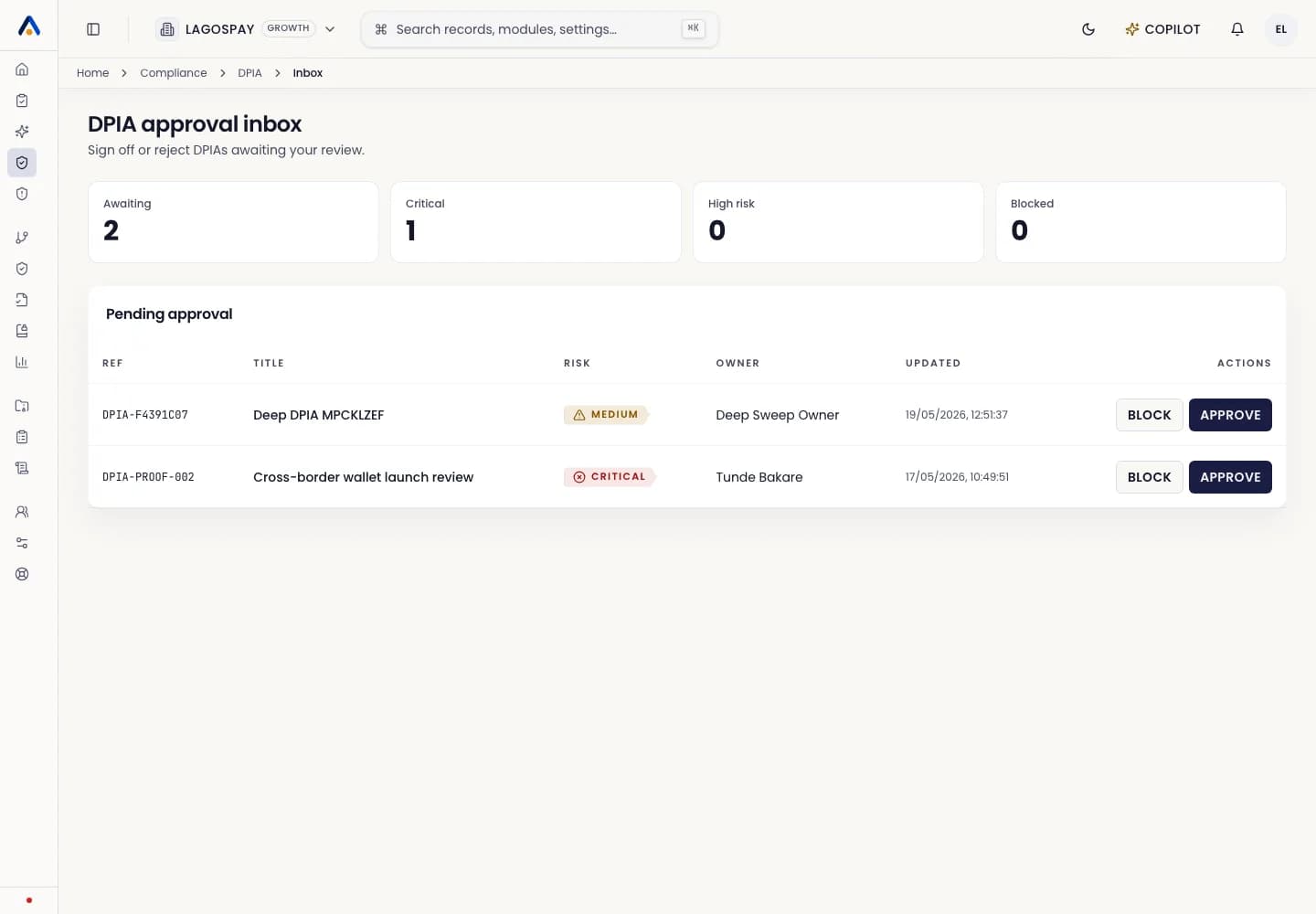
- 5Approve or return for changes.
Evidence to keep
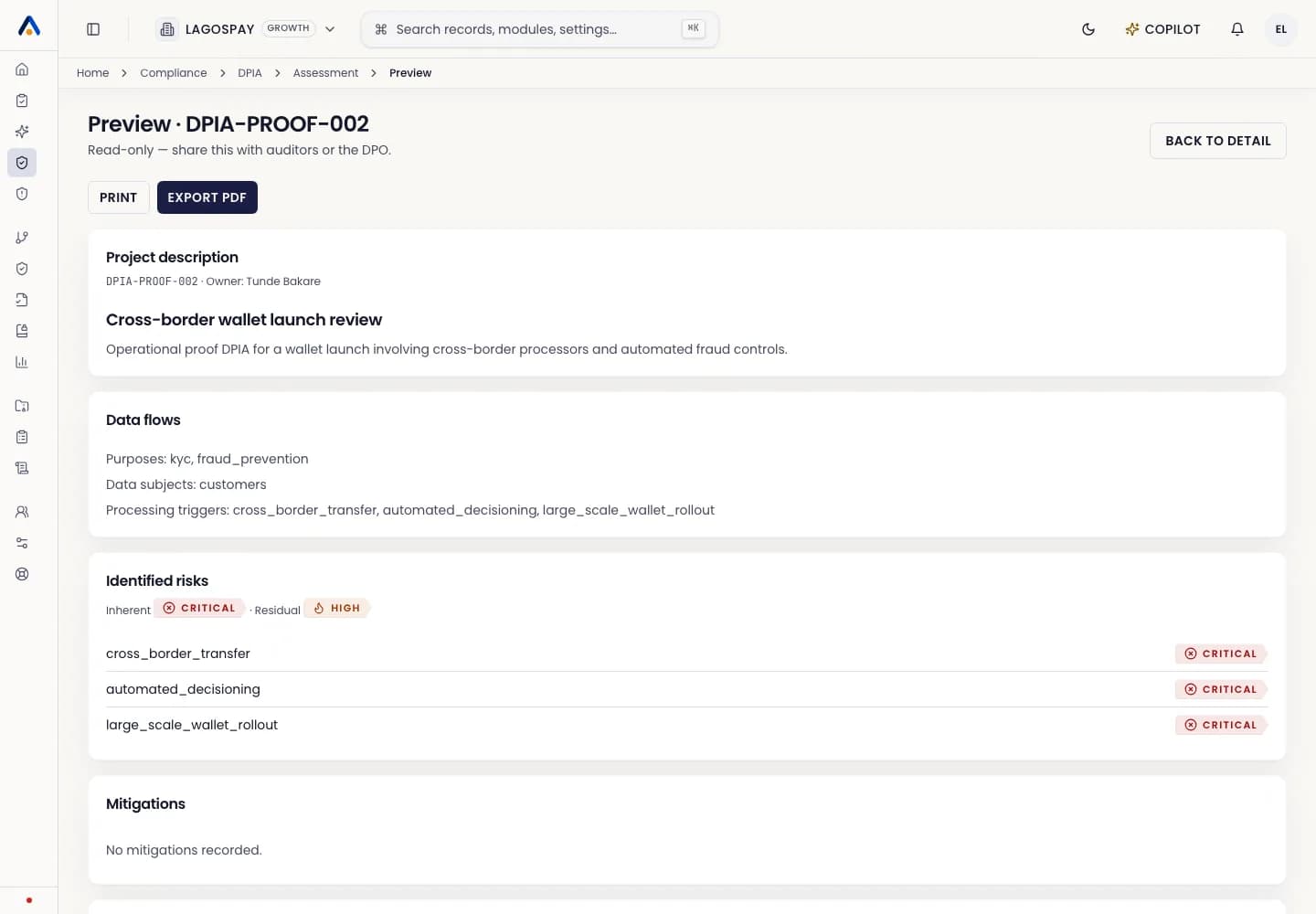
Keep the decision log, mitigation plan, reviewer notes, and final approval attached to the assessment.