
Workspace administration4 min readUpdated May 2026Settings > General
Access needed
OwnerAdmin
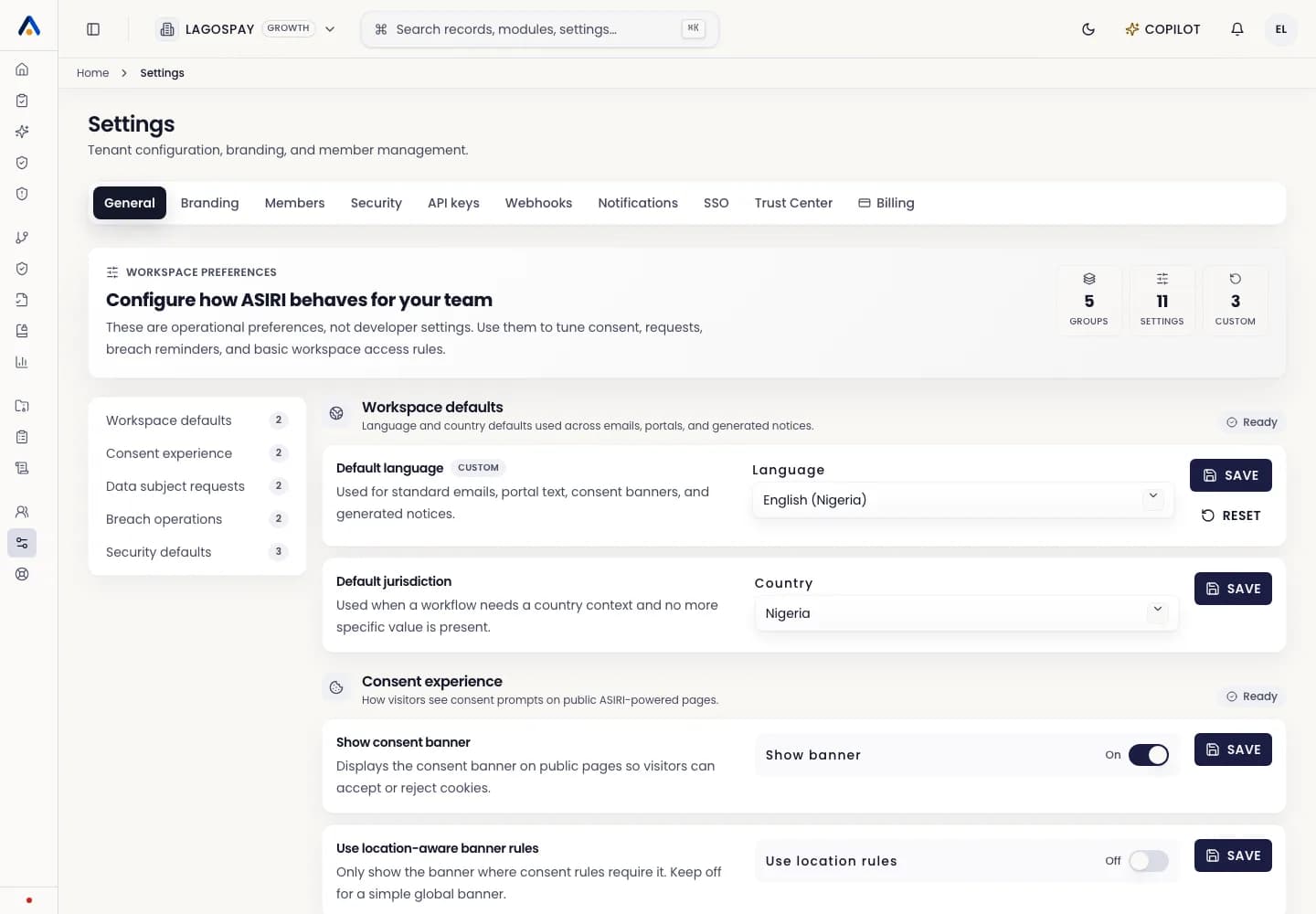
Where to edit
- 1Open Settings.
- 2Go to Tenant settings.
- 3Update the company name, slug, sector, registration fields, and support contacts.
- 4Save changes and refresh the page if another user needs to see the update immediately.
What changes affect
Tenant profile details appear in internal headers, exported records, evidence packs, invitations, and trust-center views.