
Workspace administration3 min readUpdated May 2026Profile > Avatar and Settings > Branding tab
Access needed
Any user for avatarAdmin for company logo
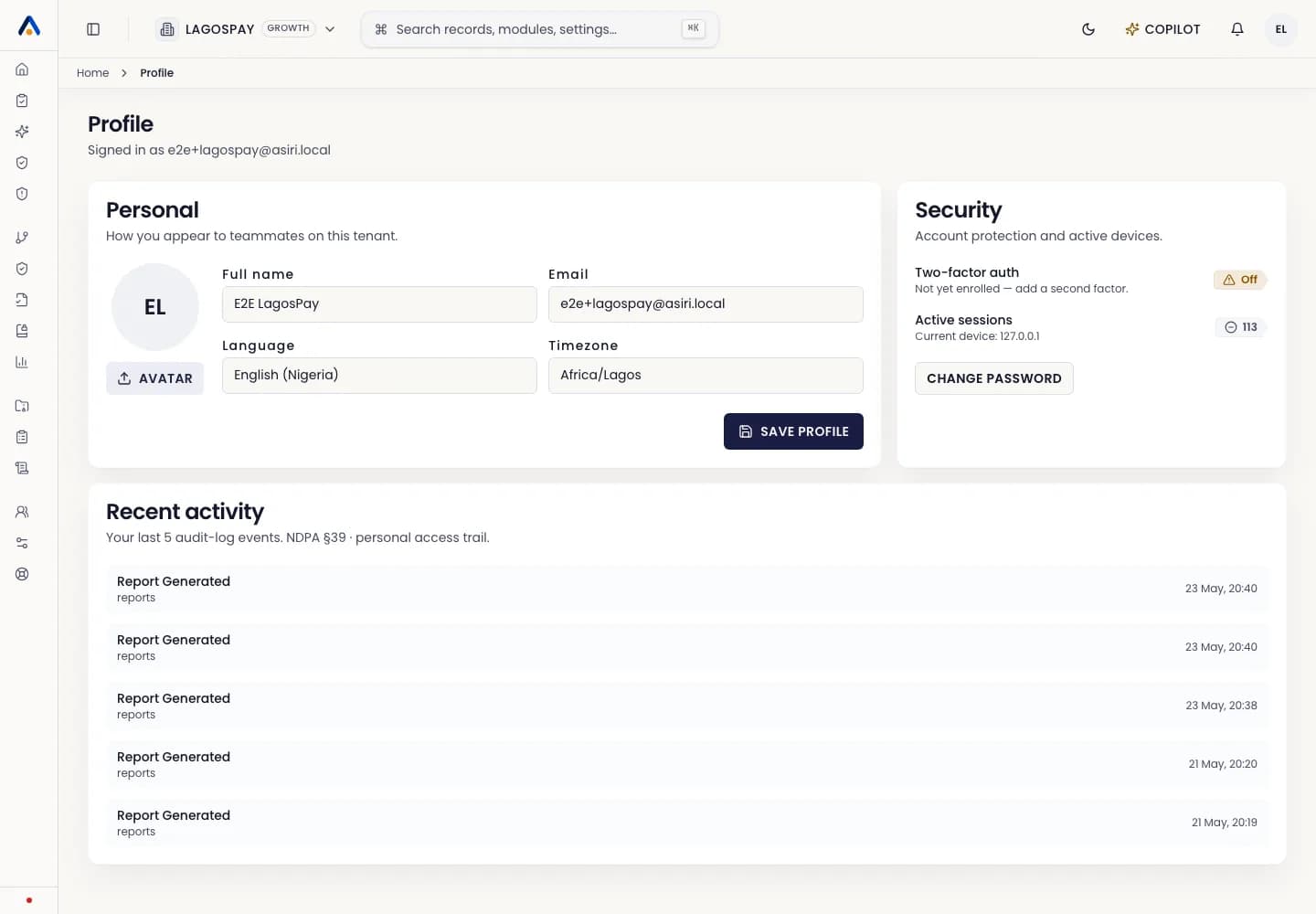
Personal avatar
- 1Open Profile settings.
- 2Upload a square PNG, JPG, or WebP image.
- 3Crop if needed and save.
- 4Reload the app if another tab still shows initials.
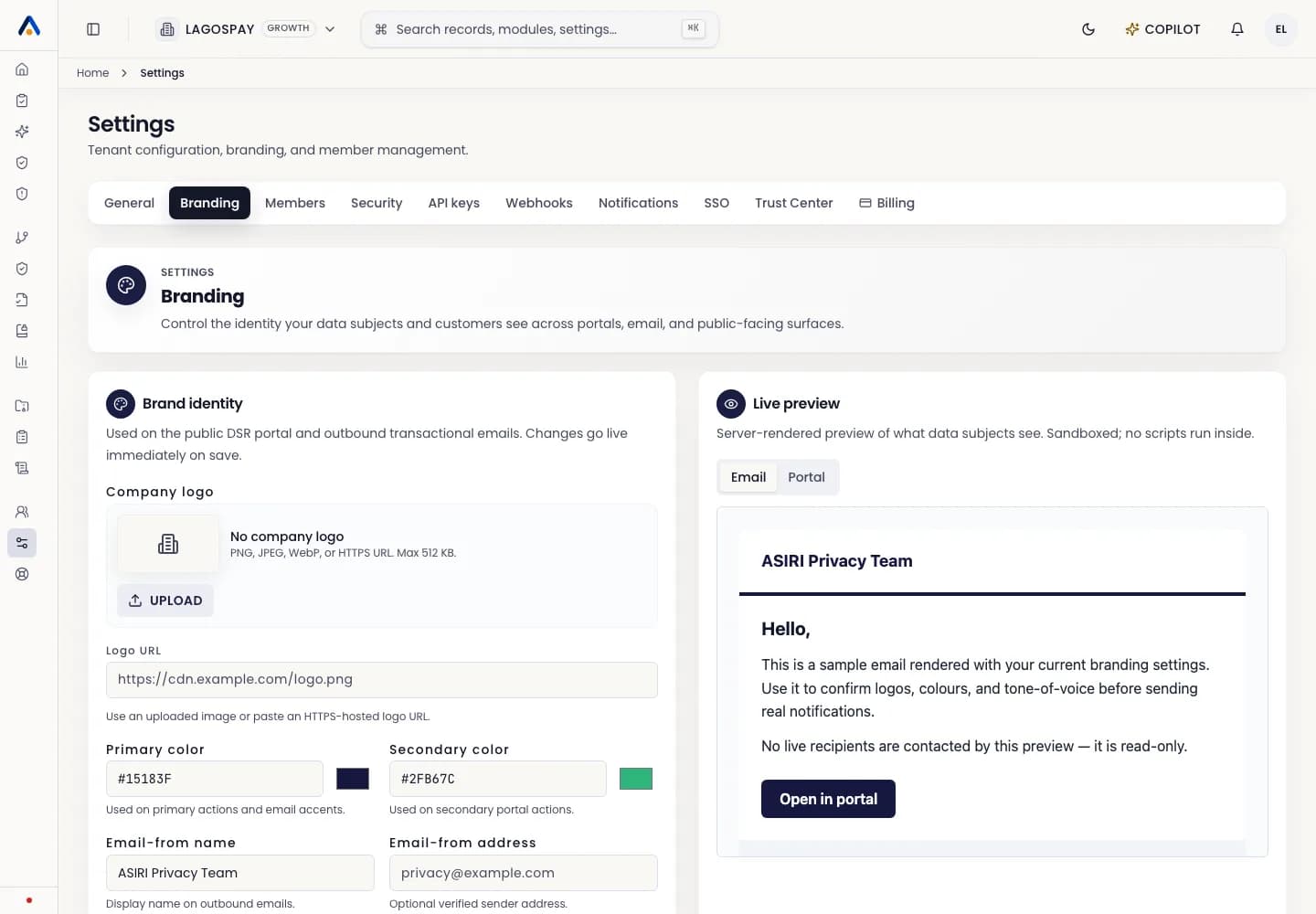
Company logo
- 1Open Settings.
- 2Select the Branding tab.
- 3Use Company logo to upload a file or paste an HTTPS logo URL.
- 4Check the Email and Portal previews on the right.
- 5Select Save branding.
Recommended files
Use a transparent logo for dark backgrounds and a square mark for compact menus.