
Getting started4 min readUpdated May 2026Invite email > Accept invitation
Access needed
Invited user

Before you start
Asiri accounts are created from approved tenant invitations. If you do not have an invitation, ask an admin in your organization to invite you.
Use the same work email that received the invitation. The invite is tied to that email address and cannot be transferred.
Accept the invitation
- 1Open the invitation email and select Accept invitation.
- 2Verify the invited email address if prompted.
- 3Enter your name and choose a password.
- 4Continue into the tenant that invited you.
If the link is expired
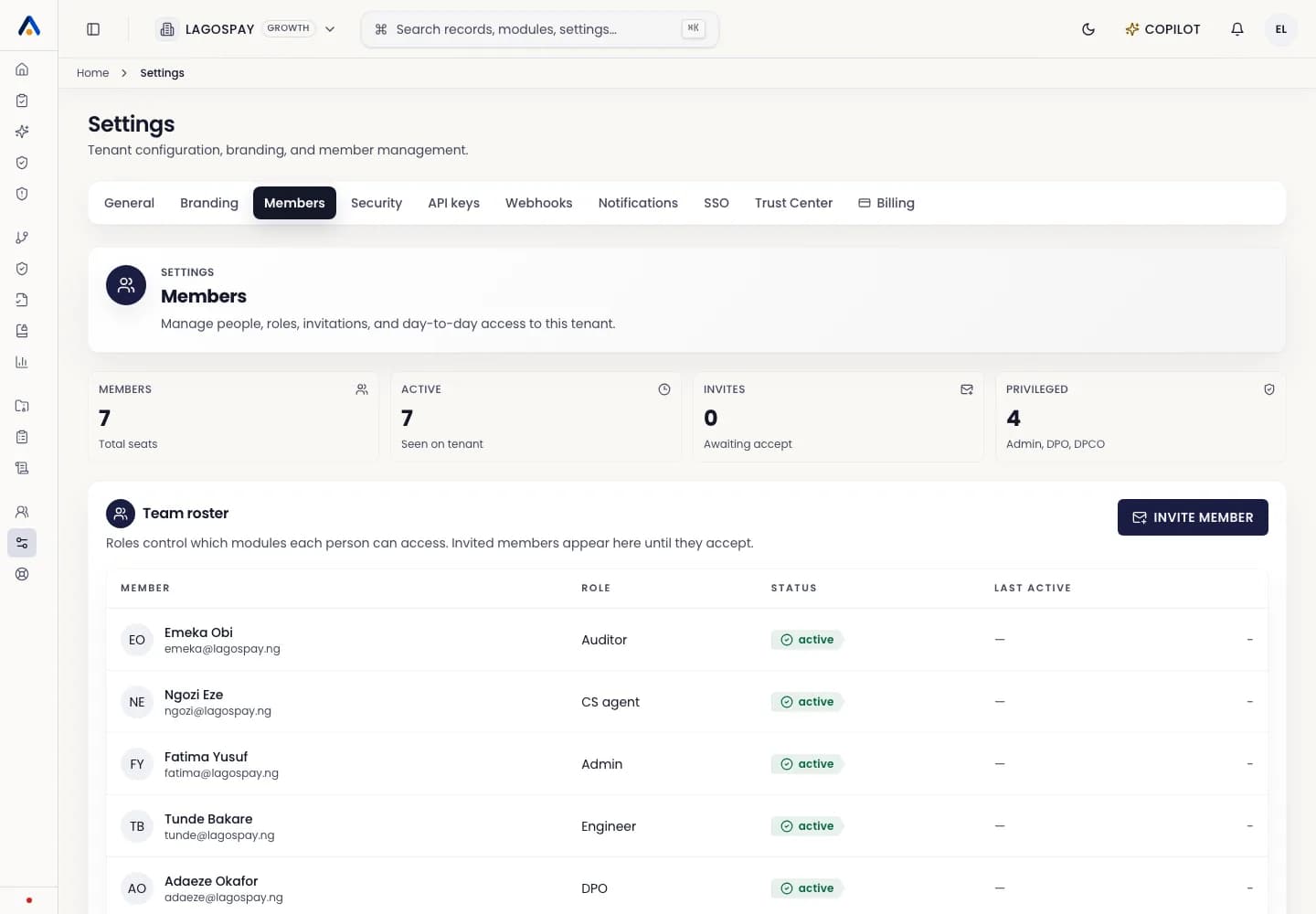
Invitation links are time-limited. Ask a tenant admin to resend the invitation from Settings > Members.