
Getting started2 min readUpdated May 2026Sign in > Magic link or SSO
Access needed
Approved user
Recover access
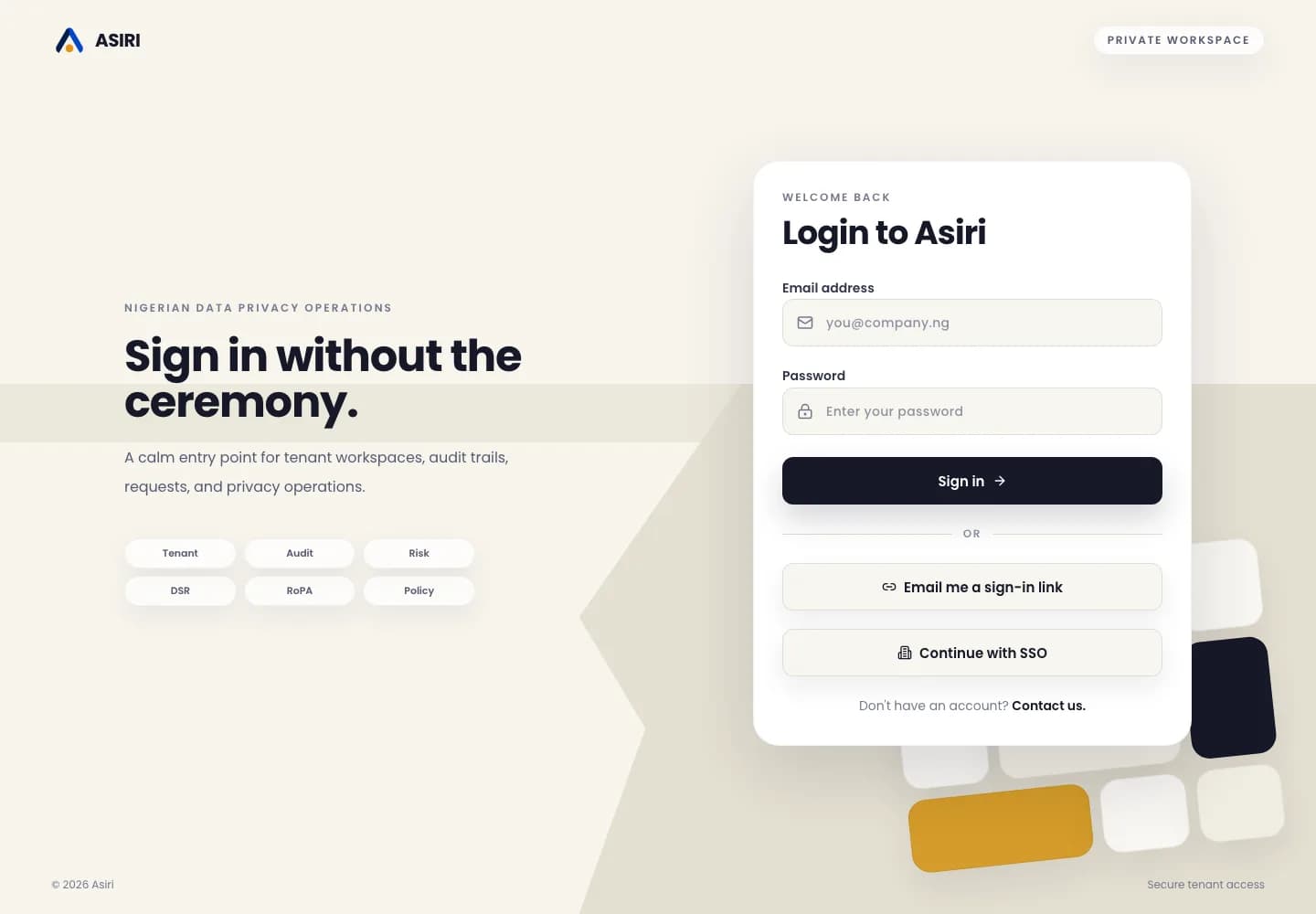
- 1Open the sign-in page.
- 2Try password sign-in with the same work email used for the tenant invitation.
- 3Select Email me a sign-in link if you need passwordless access.
- 4Select Continue with SSO if your tenant uses an identity provider.
- 5Contact support or your tenant admin if neither option works.
Password changes
If you are already signed in, open Profile and use the security area when password change is enabled for your account.
Use a unique password that is not shared with any other service. If your organization uses a password manager, save the new password there.