
Getting started3 min readUpdated May 2026Top navigation > Tenant switcher
Access needed
Multi-tenant user
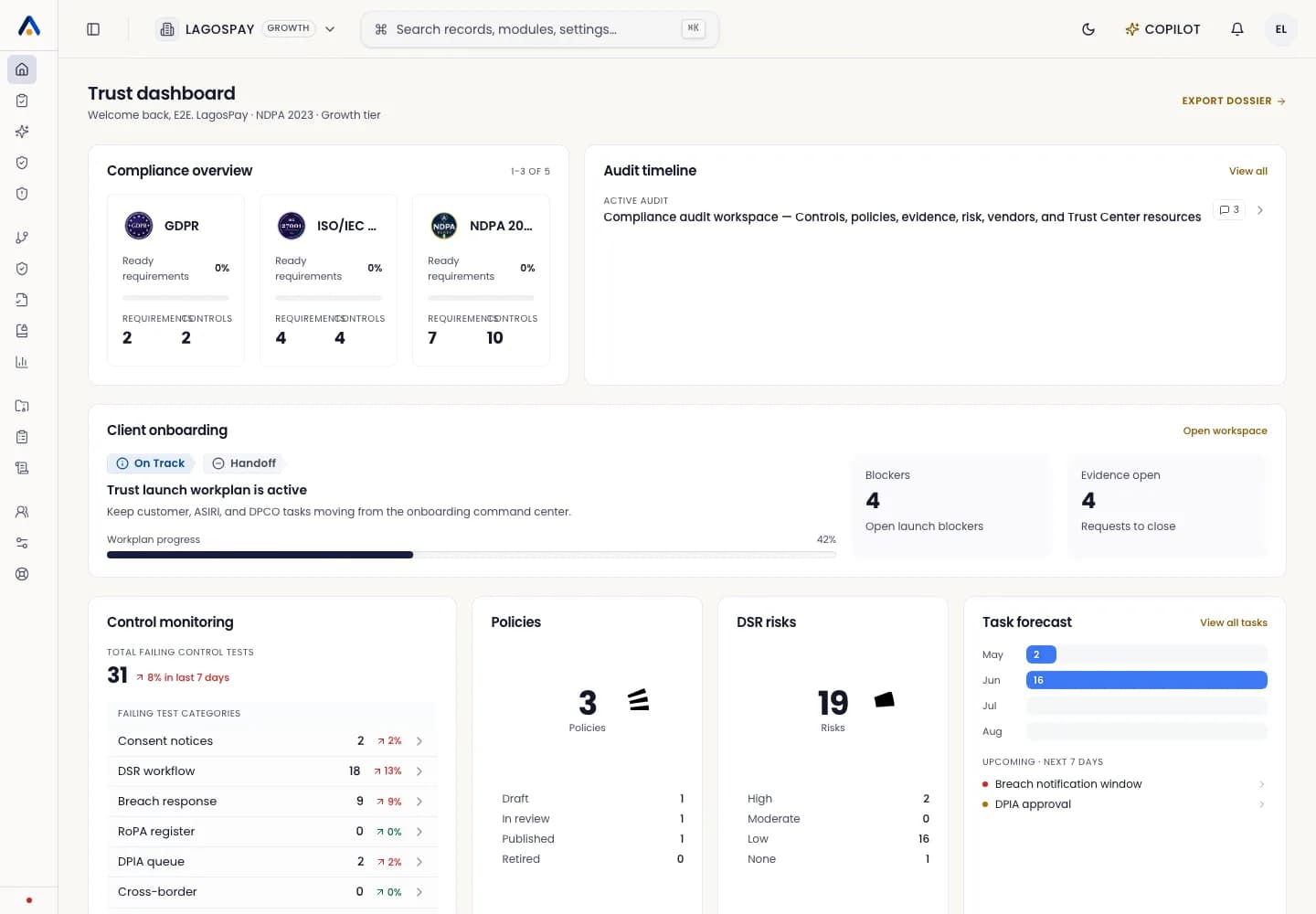
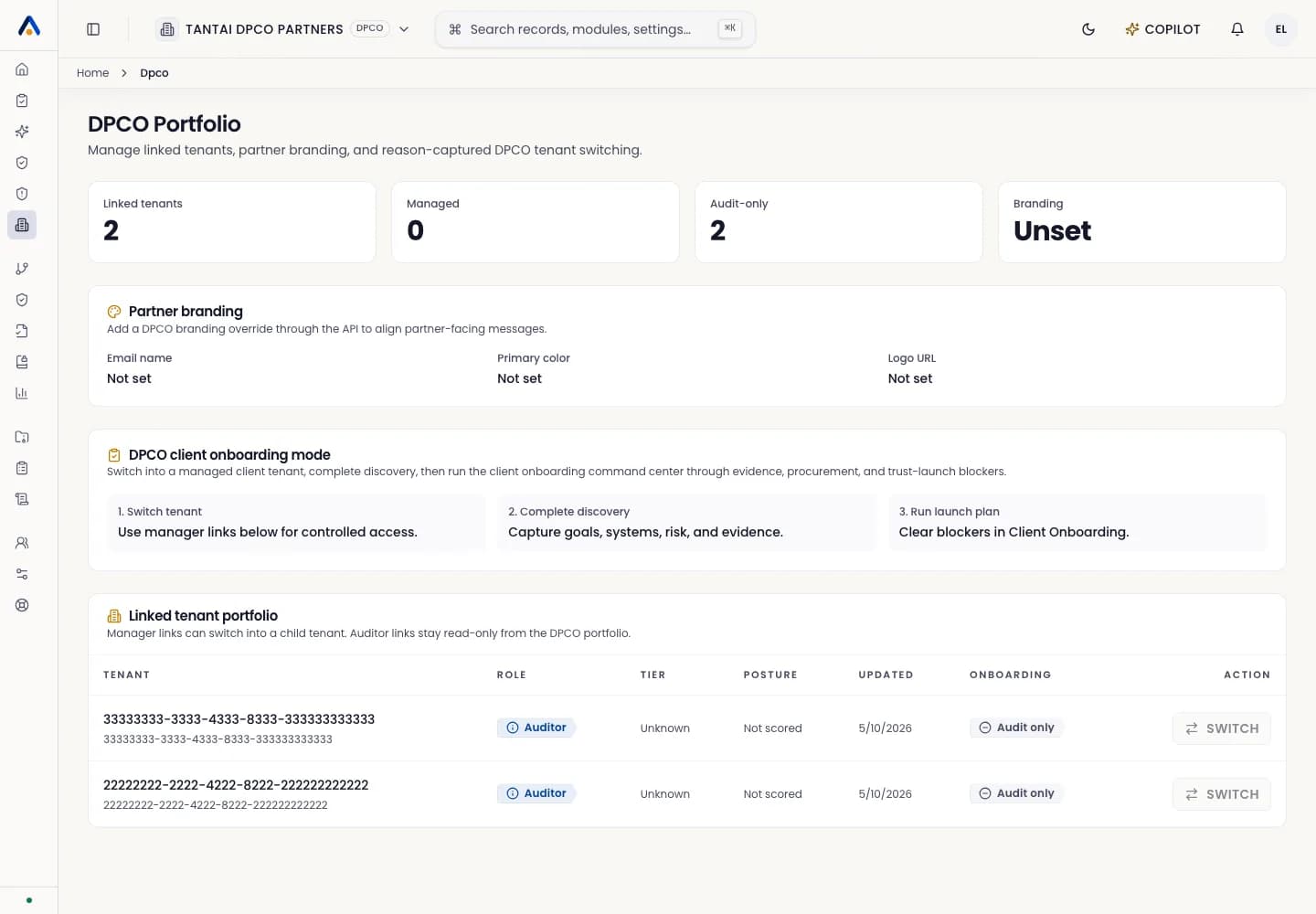
Who can switch tenants
You can switch tenants when the same account has accepted invitations from more than one organization.
Each tenant keeps its own members, branding, records, uploads, audit events, and billing context.
Switch tenant
- 1Open the tenant switcher in the top navigation.
- 2Select the tenant you want to work in.
- 3Confirm the header, logo, and tenant name changed before making updates.