
Getting started3 min readUpdated May 2026Sign in > Verify email
Access needed
Approved user
Email verification
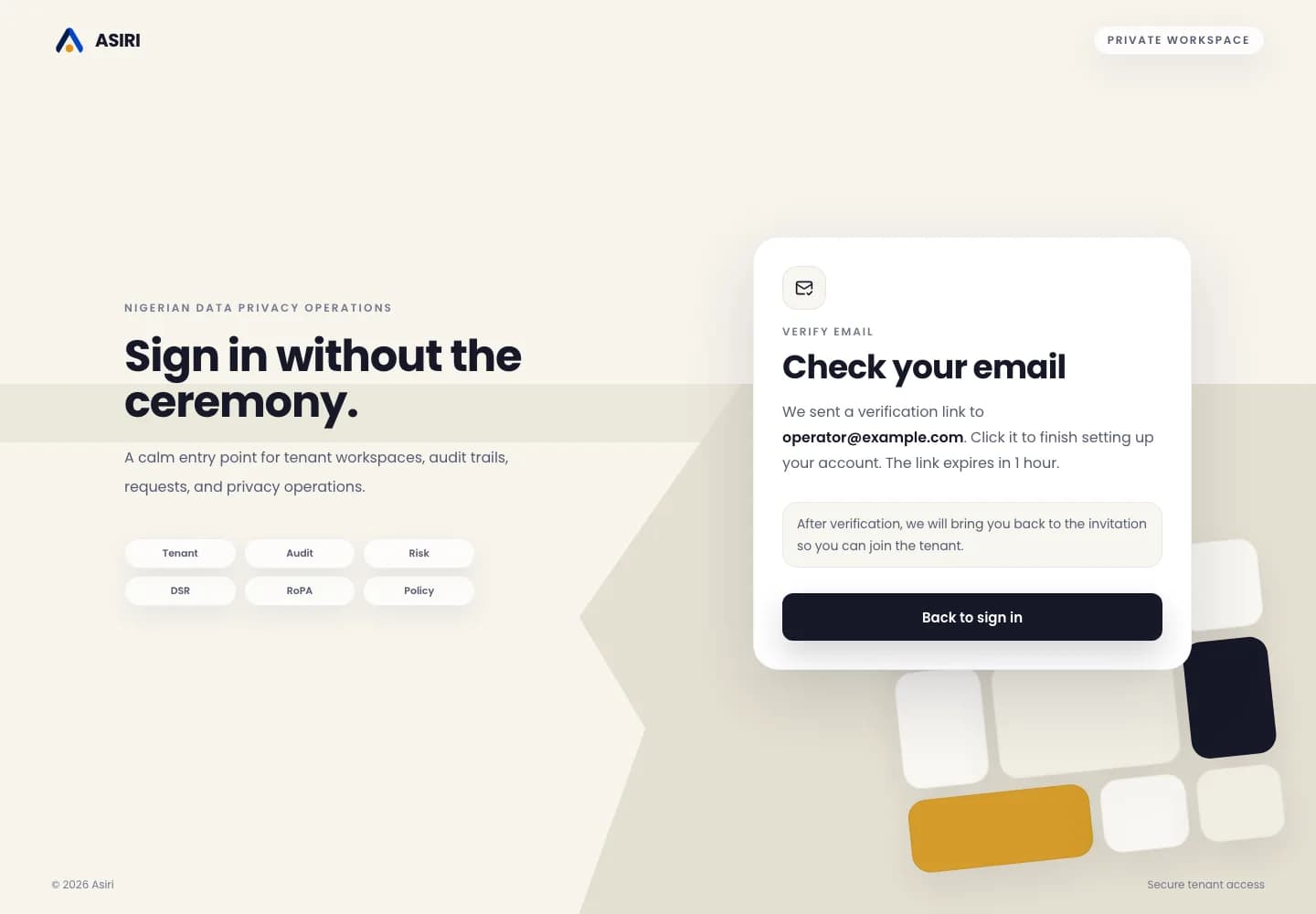
Email verification confirms that the invited user controls the mailbox linked to the tenant membership.
The verification email may arrive before or after the invitation flow depending on whether your account already exists.
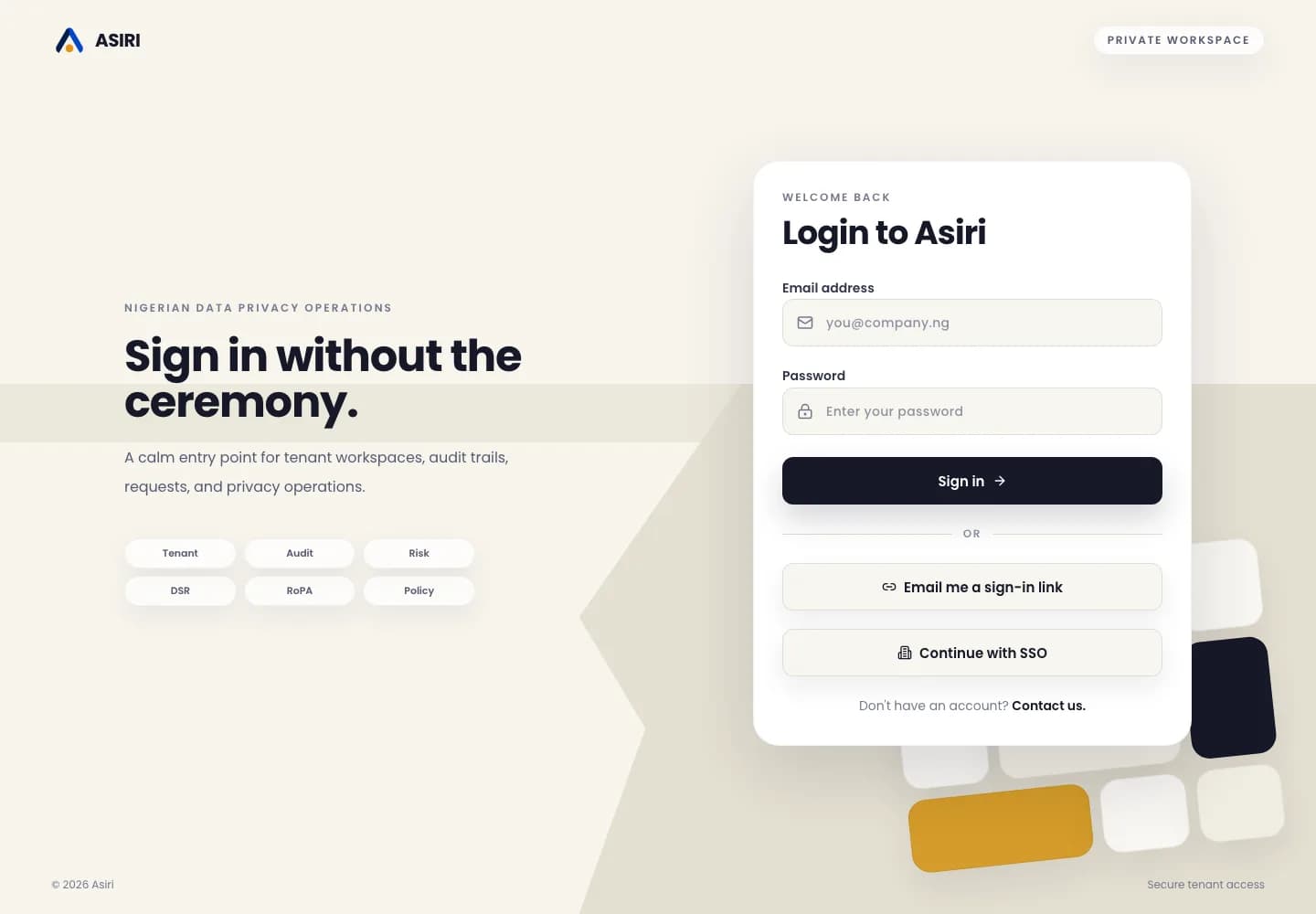
Sign in
- 1Go to the web app sign-in page.
- 2Enter your verified work email and password.
- 3Select the tenant you want to open if you belong to more than one tenant.
Common blockers
If verification redirects you to sign in, sign in with the same email address and open the invitation again.
If your tenant does not appear, ask an admin to confirm that your invitation was accepted under the same email.