
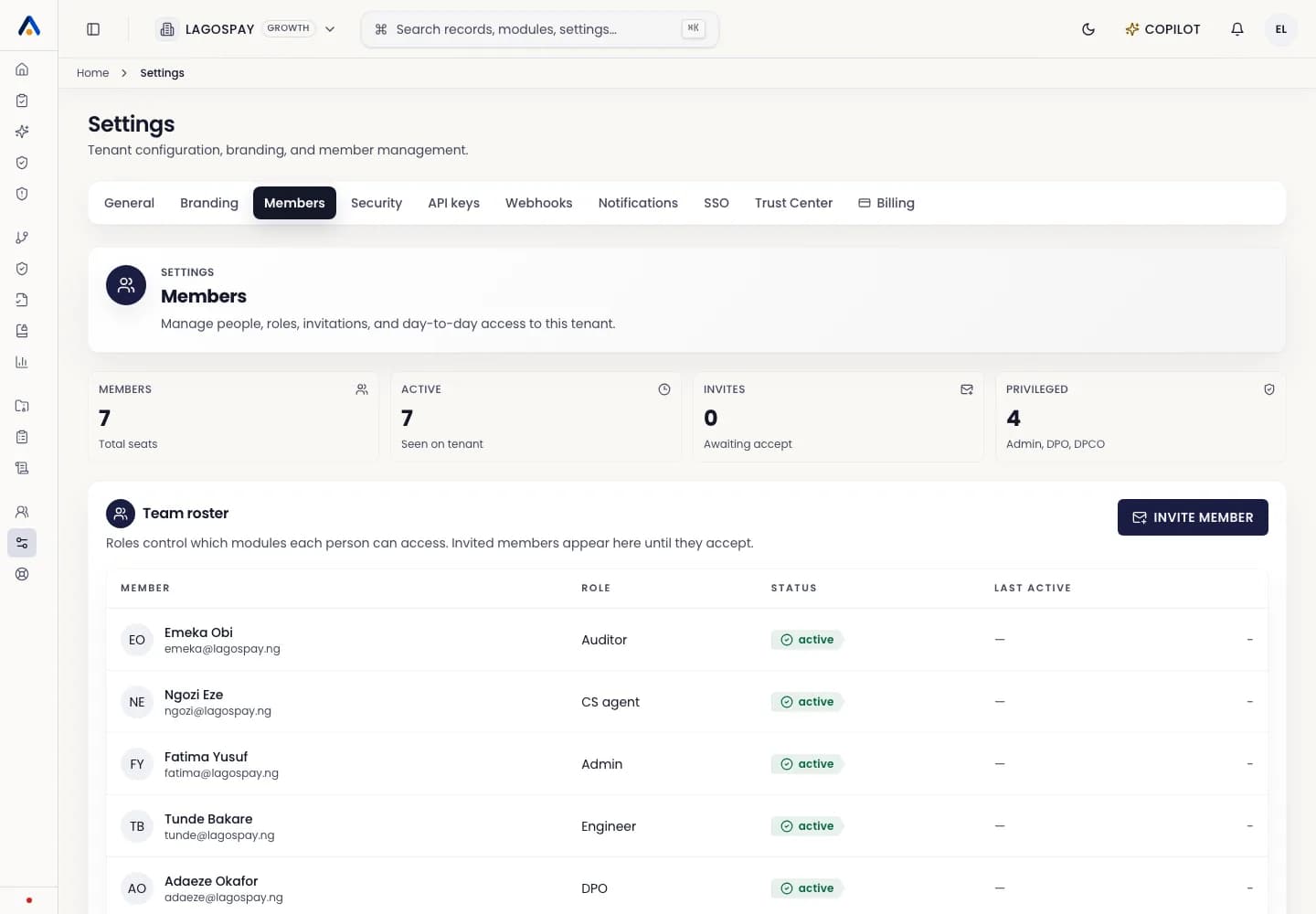
Users and permissions4 min readUpdated May 2026Settings > Members > Role
Access needed
OwnerAdmin
Role guidance
Use owner or admin roles for people who manage tenant settings, members, billing, and branding.
Use operator roles for people who create and update compliance records.
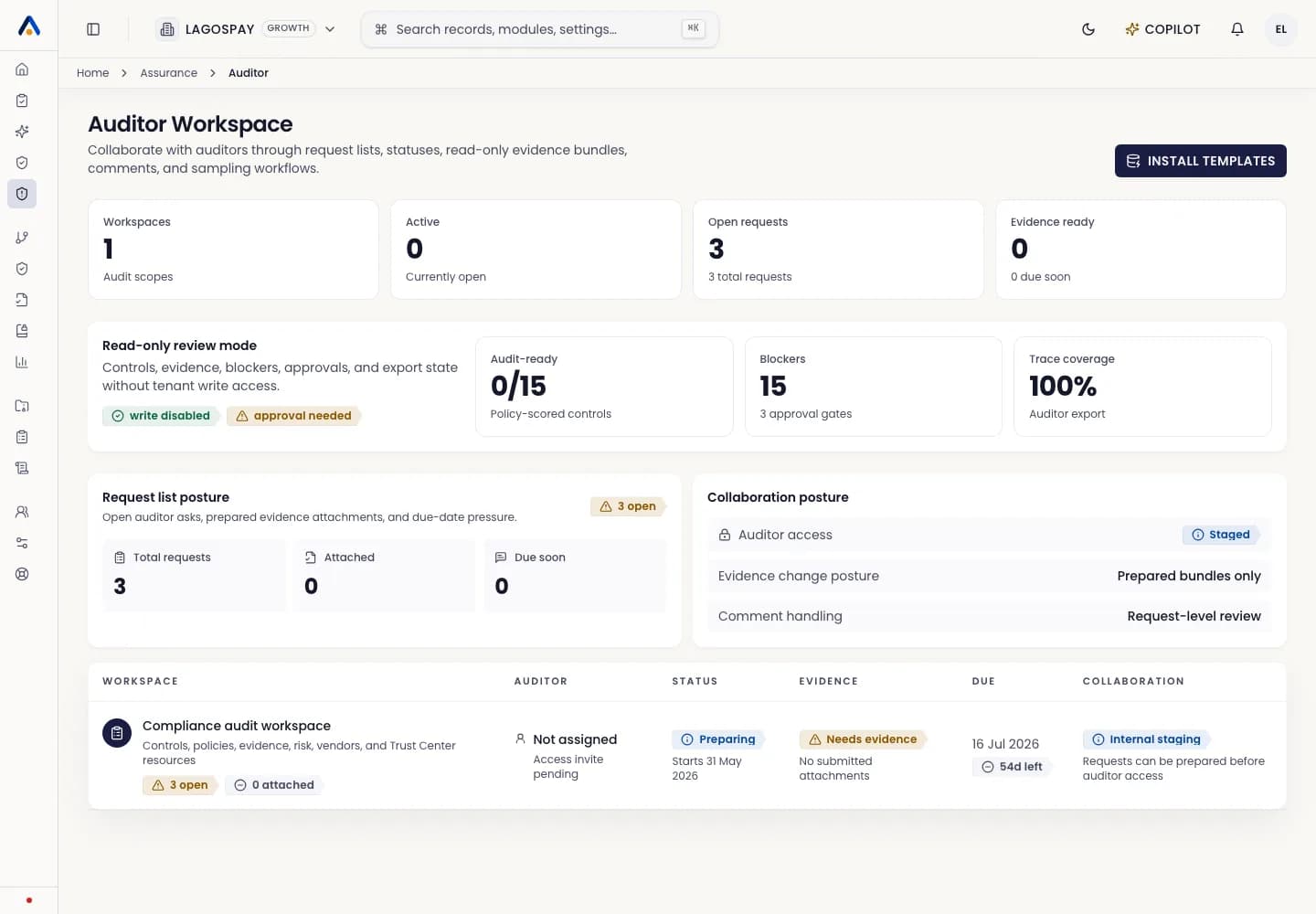
Use auditor or reviewer roles for people who need evidence access without tenant administration.
Review regularly
- 1Review member access monthly.
- 2Remove users who changed teams.
- 3Downgrade broad access when a project ends.
- 4Keep at least two admins active in each tenant.