
Users and permissions4 min readUpdated May 2026Settings > Members > Invite member
Access needed
OwnerAdmin
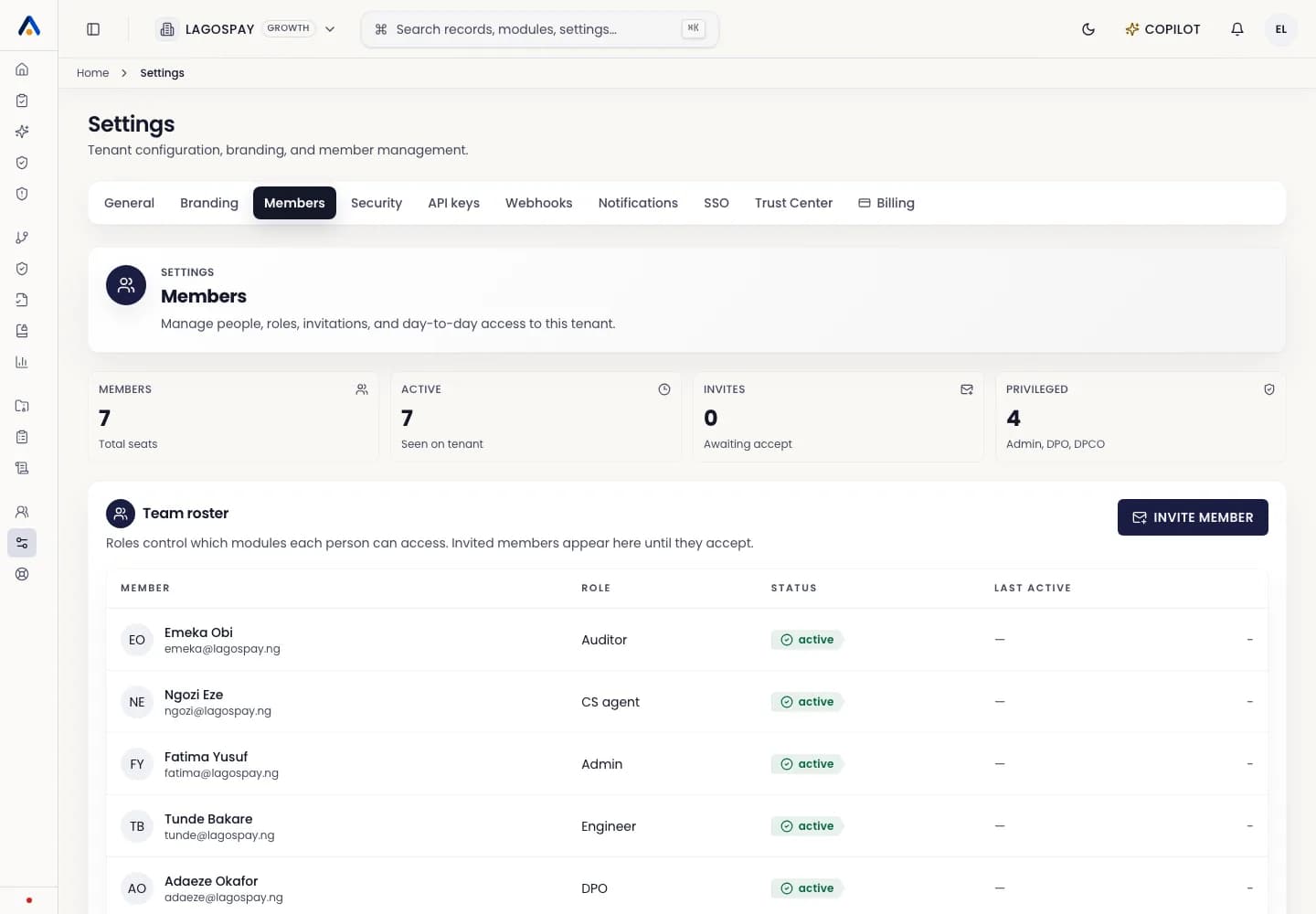
Who can invite members
Admins and owners can invite new members. Some roles may be limited to viewing records or reviewing evidence.
Send the invite
- 1Open Settings > Members.
- 2Select Invite member.
- 3Enter the person's work email.
- 4Choose the role.
- 5Send the invitation.
What the invitee sees
The invitee receives an email with the tenant name, role, inviter, and expiration date. They can accept and create an account using the invited email.