
Users and permissions3 min readUpdated May 2026Settings > Members > Pending invitations
Access needed
OwnerAdmin
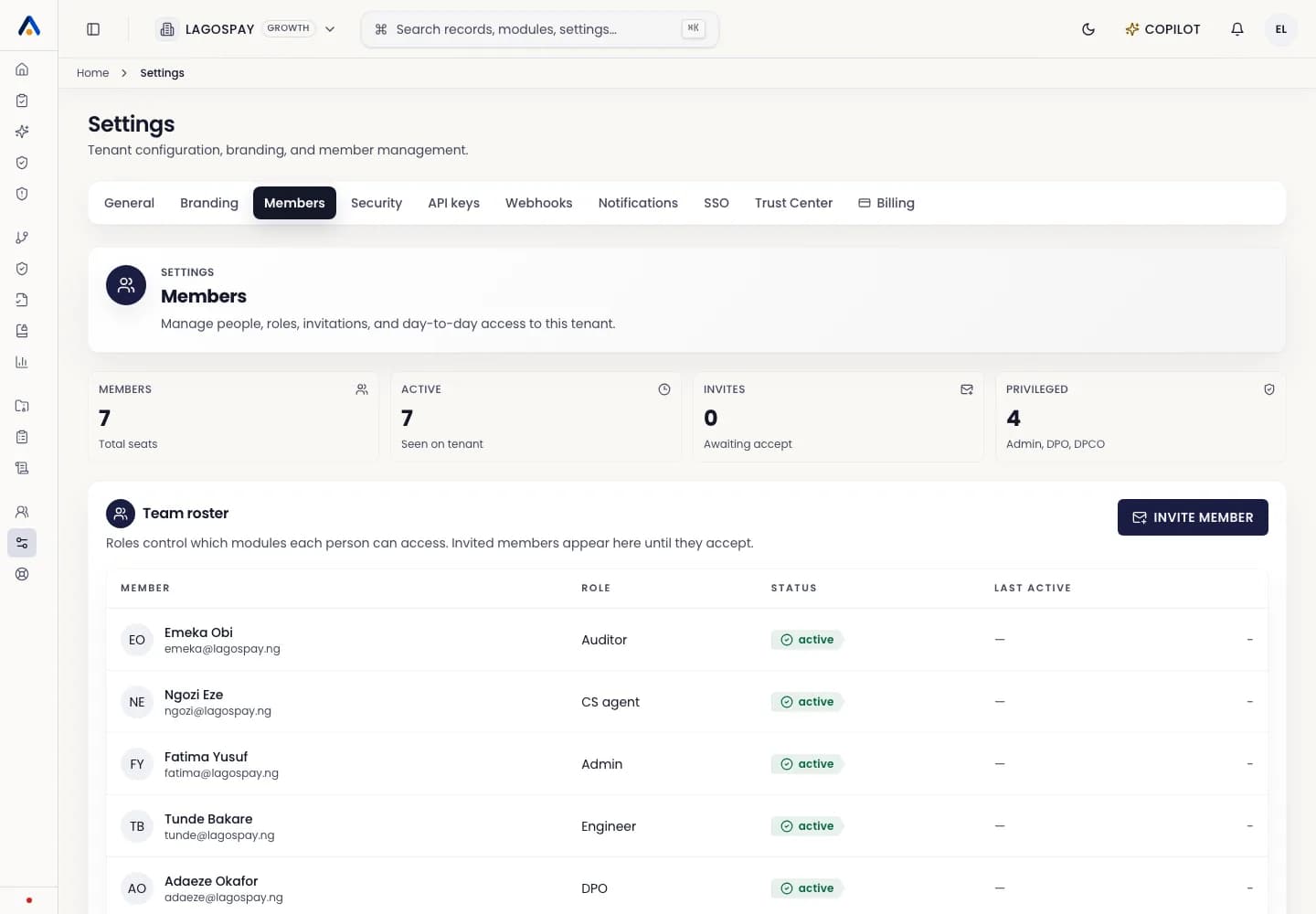
Resend an invitation
- 1Open Settings > Members.
- 2Find the pending invitation.
- 3Select Resend invitation.
- 4Ask the invitee to use the latest email.
Cancel an invitation
Cancel an invite when the wrong email or role was used. After cancellation, the old link should no longer grant access.
Expired links
If an invite expires, resend it from the same pending invitation when available, or create a new invitation with the correct role.