
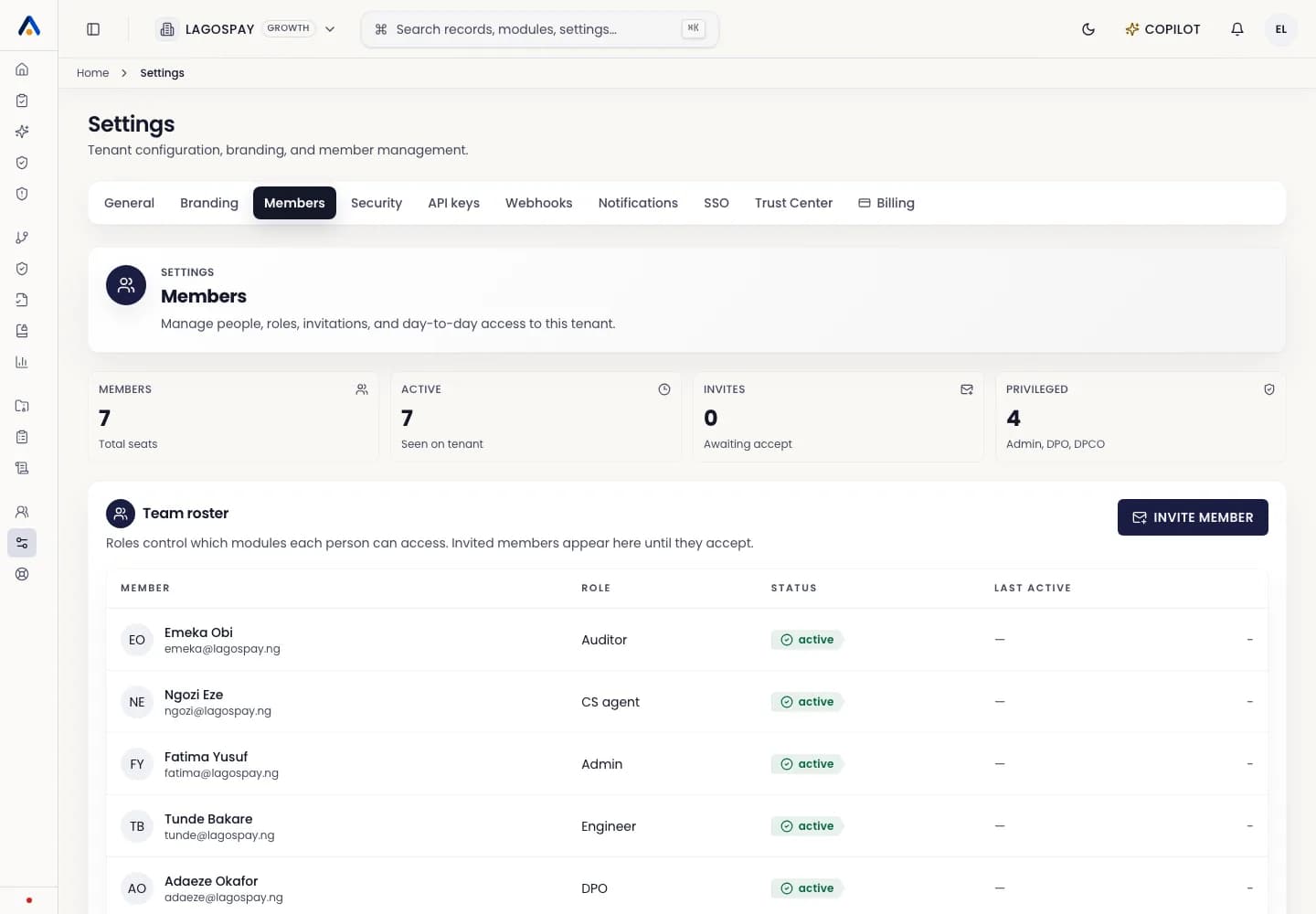
Users and permissions3 min readUpdated May 2026Settings > Members > Remove member
Access needed
OwnerAdmin
Remove access
- 1Open Settings > Members.
- 2Find the member.
- 3Select Remove or Deactivate.
- 4Confirm the action.
What remains
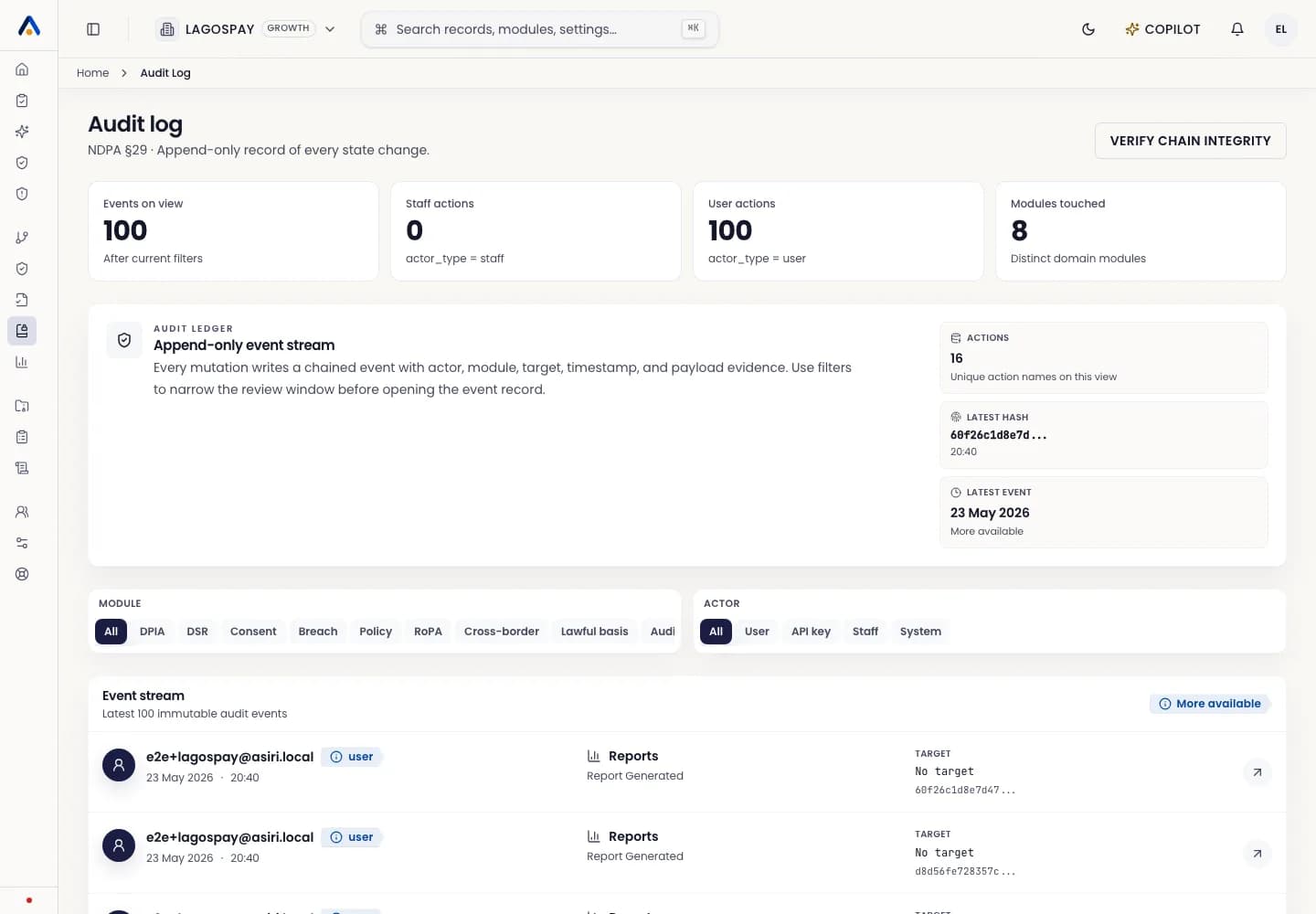
Records created or edited by the user stay in the tenant. Audit events continue to show who performed each action for historical traceability.